User’s Manual of WNRT-627
-41-
To build a successful connection by WPS, you should also do the corresponding
configuration of the new device for WPS function.
I. By Push Button Configuration (PBC)
If the wireless adapter supports Wi-Fi Protected Setup and the Push Button Configuration (PBC)
method, you can add it to the network by PBC with the following two methods.
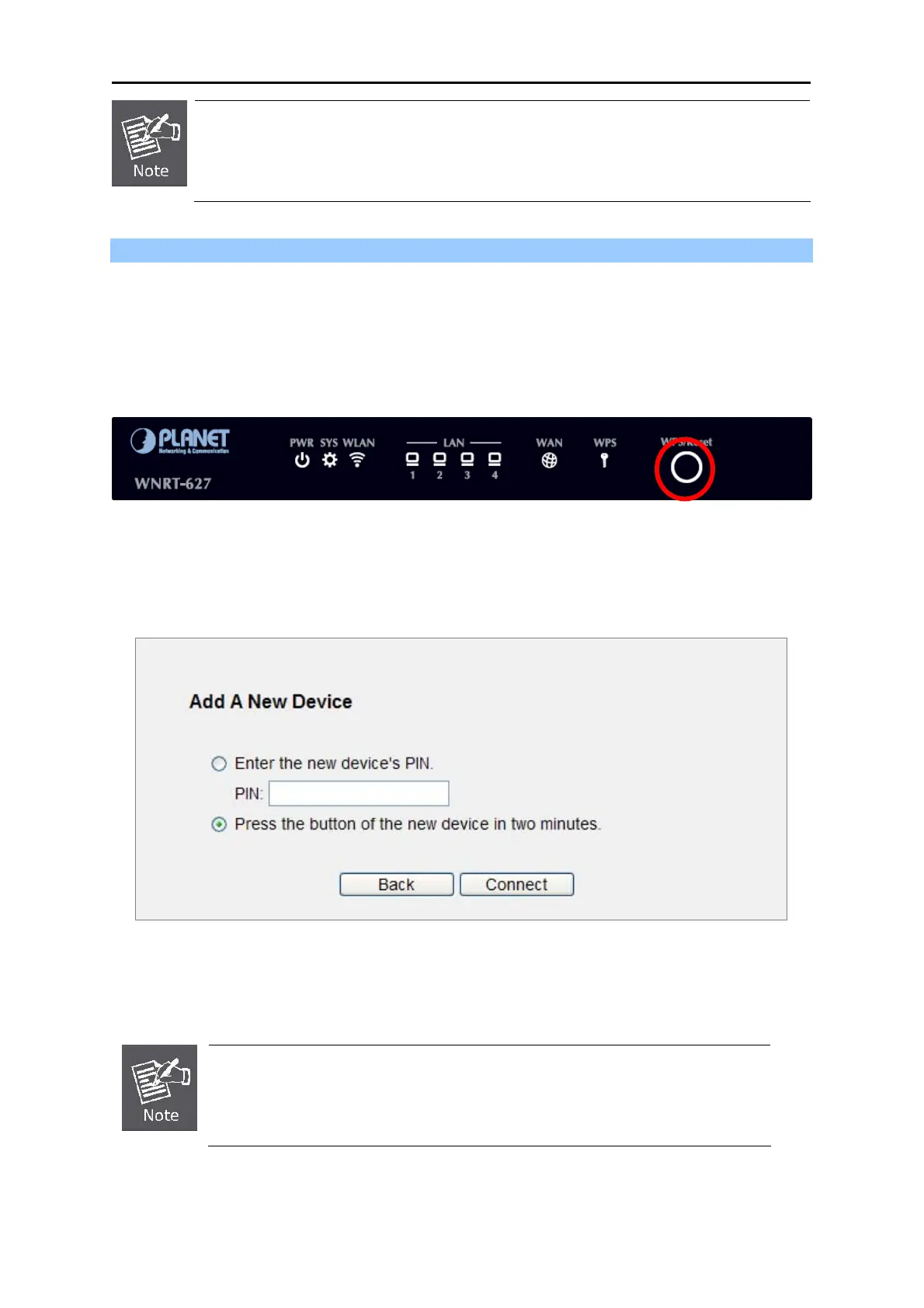
Step 1: Press the WPS/Reset Button on the front panel of the Router.
Figure 5-4 Hardware WPS/Reset Button
Or you can keep the default WPS Status as Enabled and click the Add device button in Figure 5-5,
then the following
screen will appear.
Figure 5-5 Software WPS/Reset Button
Cho
ose Press the button of the new device in two minutes, and click Connect.
When pressing and holding the WPS/Reset Button on the router for more than 5
seconds, you will reset the router.



 To Next Page