User’s Manual of WNRT-627
-78-
The page includes the following fields:
Object Description
The virtual IP address can connect to Internet through NAT function.
Enable
Only uses physical IP address to link Internet.
Disable
5.9 Forwarding
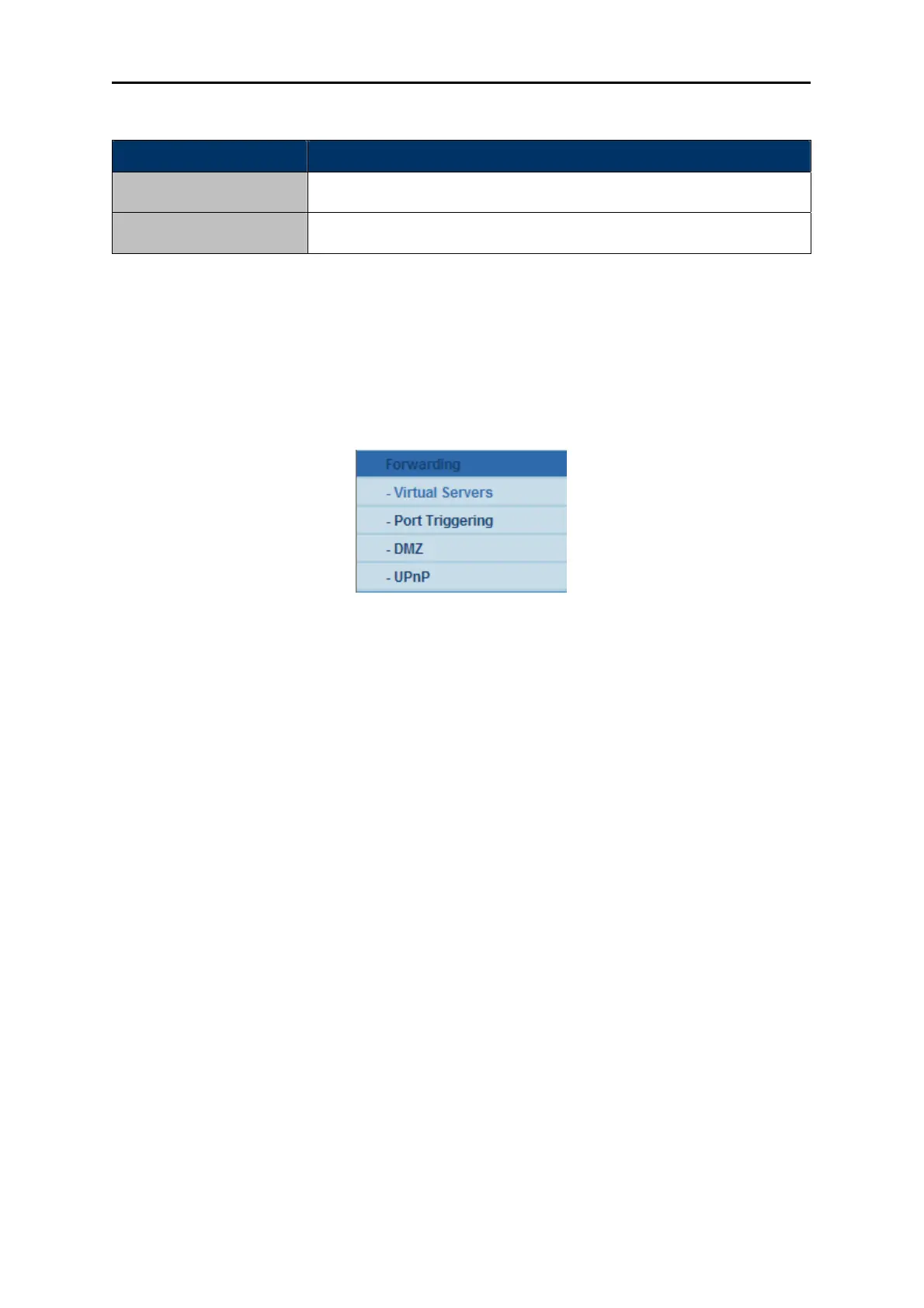
There are four submenus under the Forwarding menu (shown in Figure 5-36): Virtual Servers, Port
Triggering, DMZ and UPnP. Click any of them, and you will be able to configure the corresponding
function.
Figure 5-36 The Forwar
ding menu
5.9.1 Virtual Servers
Choose menu “Forwarding→Virtual Servers”, and you can view and add virtual servers in the next
screen (shown in
Figure 5-37). Virtual servers can be used for setting up public services on your LAN,
such as DNS, Email and FTP. A virtual server is defined as a service port, and all requests from the
Internet to this service port will be redirected to the computer specified by the server IP. Any PC that
was used for a virtual server must have a static or reserved IP Address because its IP Address may
be changed when using the DHCP function.



 To Next Page