User’s Manual of WNRT-627
-26-
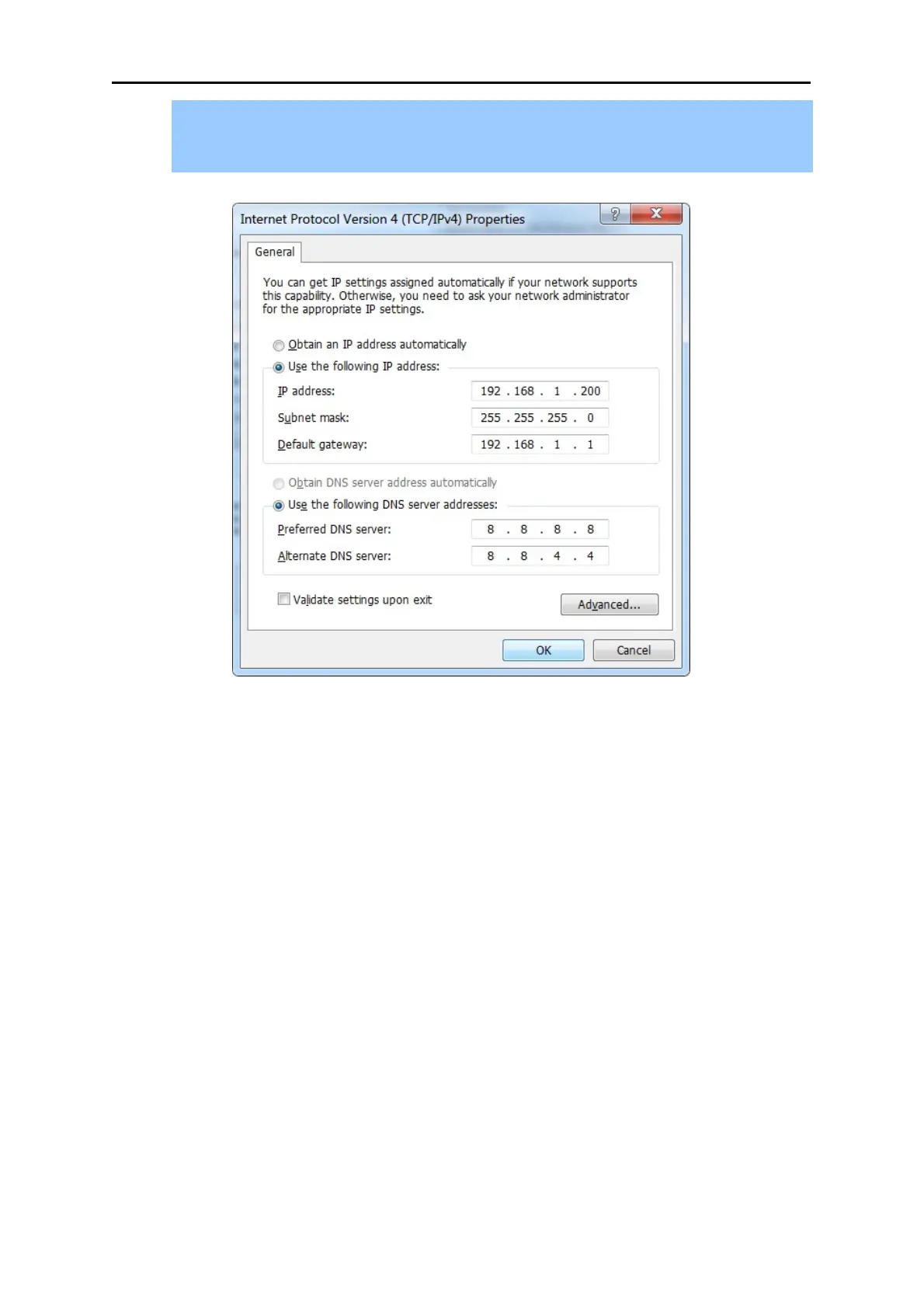
4) Select Use the following DNS server addresses radio button. In the Preferred DNS
Server field, you can enter the DNS server IP address provided by your local ISP. Then
click OK to save your settings.
Figure 4-5 Use Static IP address
Now, you can run the Ping command in the command prompt to verify the network connection
between your PC and the Router. The following example is in Windows 7 OS. Please follow the steps
below:
1. Click on Start
2. Type “cmd” in the Search box.



 To Next Page