User’s Manual of WNRT-627
-27-
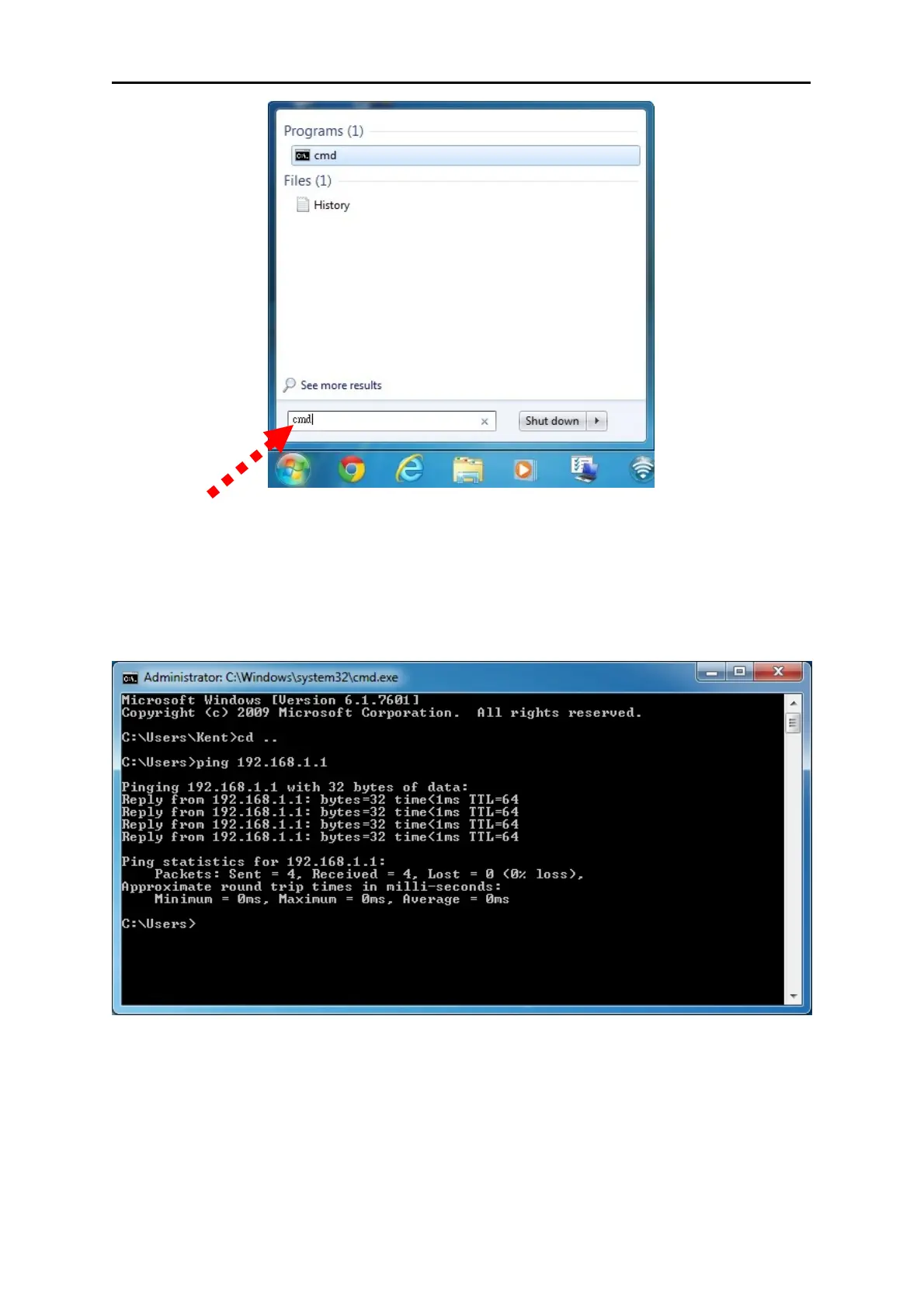
Figure 4-6 Windows 7 - Search box
3. Open a
command prompt, and type ping 192.168.1.1, and then press Enter.
If the result displayed is similar to Figure 4-7, it means the connection between your PC and
the Router
has been established well.
Figure 4-7 Successful re
sult of Ping command
If the result displayed is similar to Figure 4-8, it means the connection between your PC and
the Router
has failed.



 To Next Page