User’s Manual of WNRT-627
-85-
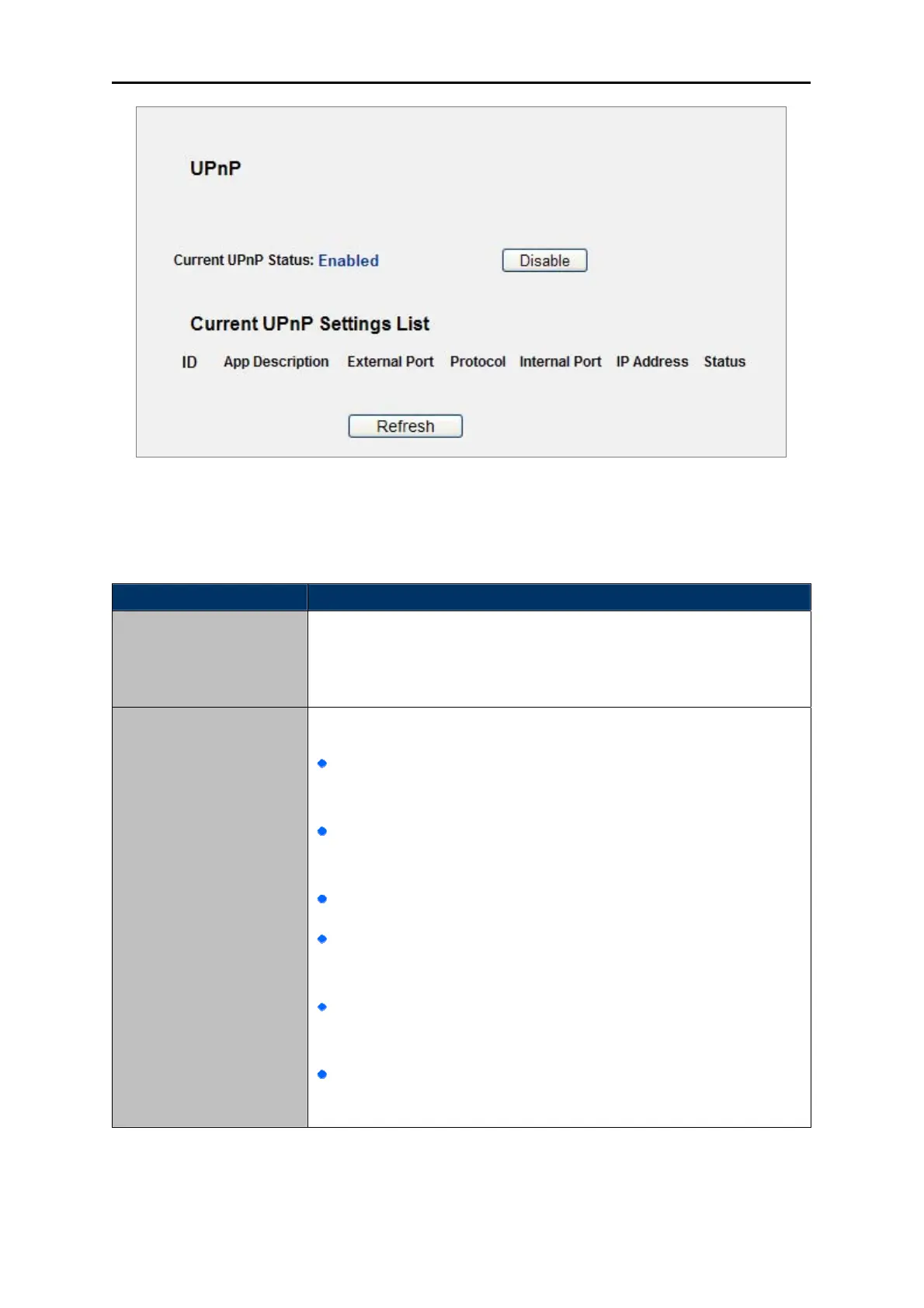
Figure 5-42 UPnP Setting
The p
age includes the following fields:
Object Description
UPnP can
be enabled or disabled by clicking the Enable or Disable
button. As allowing this may present a risk to security, this feature is
enabled by default.
Current UPnP Status
Current UPnP Settings
List
This table displays the current UPnP information.
App Description -The description provided by the application
in the UPnP request
External Port - External port, which the router opened for the
application.
Protocol - Shows which type of protocol is opened.
Internal Port - Internal port, which the router opened for local
host.
IP Address - The UPnP device that is currently accessing the
router.
Status - The port’s status displayed here. “Enabled” means that
port is still active. Otherwise, the port is inactive.
Table 5-26



 To Next Page