User’s Manual of WNRT-627
-116-
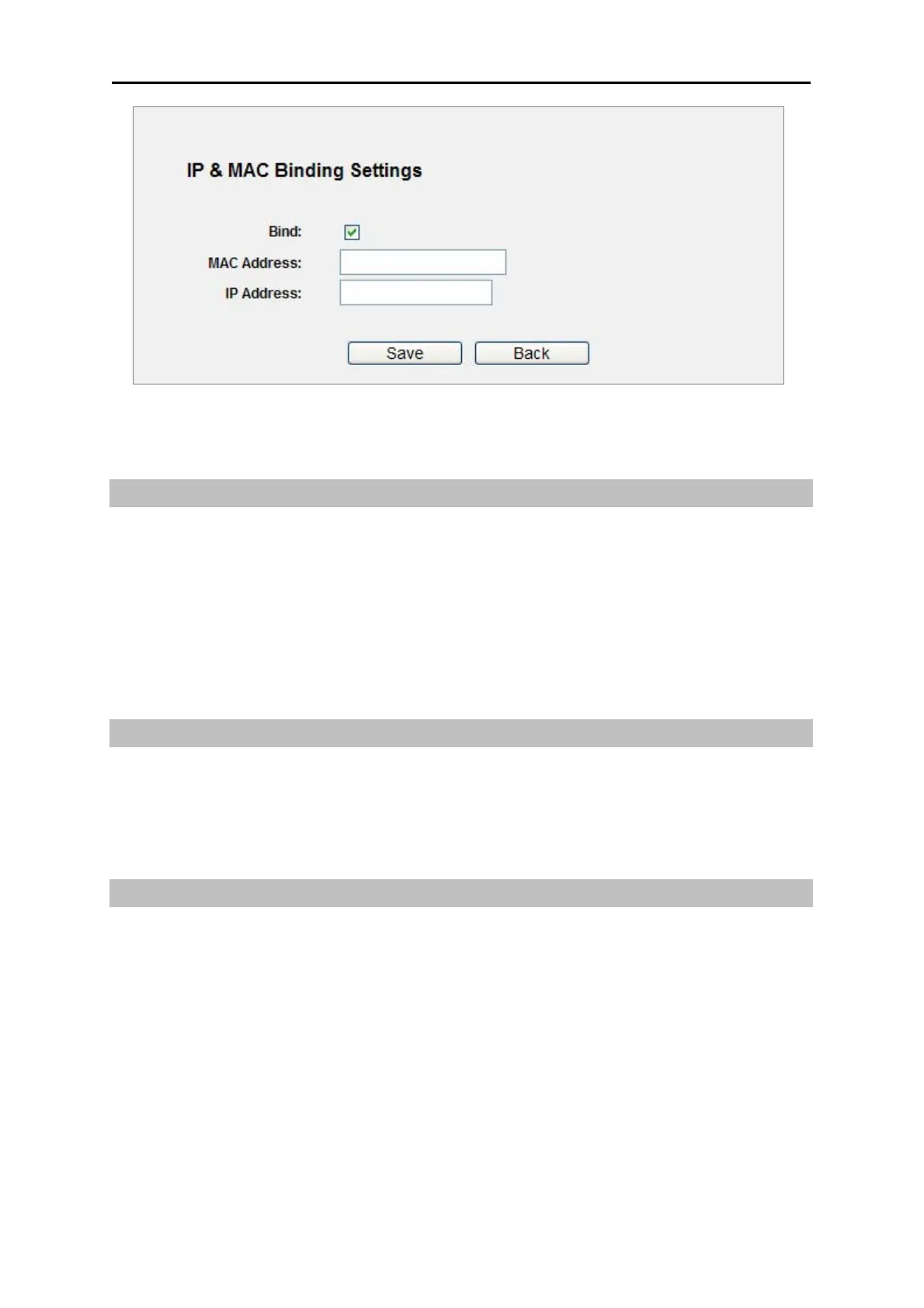
Figure 5-76 IP & MAC Binding Setting (Add & Modify)
To add IP & MAC Binding entries, follow the steps below.
Step 1. Click the Add New... button as shown in Figure 5-75.
Step 2. Enter the MAC Address an
d IP Address.
Step 3. Select the Bind checkbox.
Step 4. Click the Save button to save it.
To modify or delete an existing entry, follow the steps below.
Step 1. Find the desired entry in the table.
Step 2. Click Modify or Delete as desired on the Modify column.
To find an existing entry, follow the steps below.
Step 1. Click the Find button as shown in Figure 5-75.
Step 2. Enter the MAC Address or
IP Address.
Step 3. Click the Find button in the page as shown in Figure 5-77.



 To Next Page