User’s Manual of WNRT-627
-43-
Method Two: Enter the PIN of the Router into the configuration utility of your Wireless adapter
Step 1: Get the Current PIN code of the Router in Figure 5-3 (each Router has its unique PIN code).
Step 2: For the configuration of the wireless adapter, please choose the option that you want to
enter the PIN of the Router in the configuration utility of the Wireless adapter, and enter it
into the field. Then cli
ck Next.
The default PIN code of the Router can be found in WPS configuration screen as shown
in Figure 5-3.
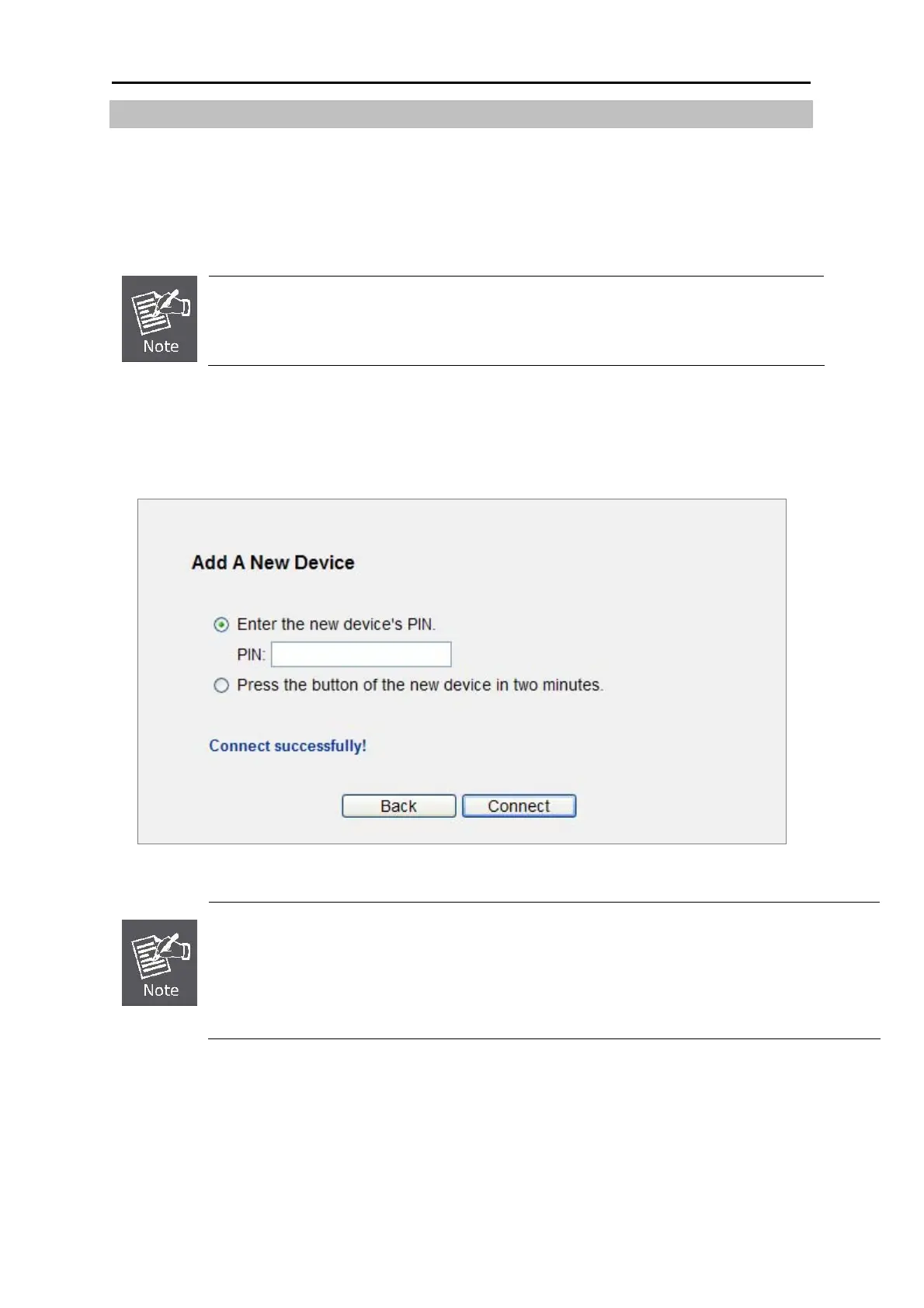
Step 3. You will see the following screen when the new device has successfully connected to the
network.
Figure 5-7 New device connect successfully
1) The WPS LED on the Router will light green for about 5 minutes if the device has been
successfully added to the network.
2) The WPS function cannot be configured if the Wireless Function of the Router is disabled.
Please make sure the Wireless Function is enabled before configuring the WPS.



 To Next Page