Software error notifications
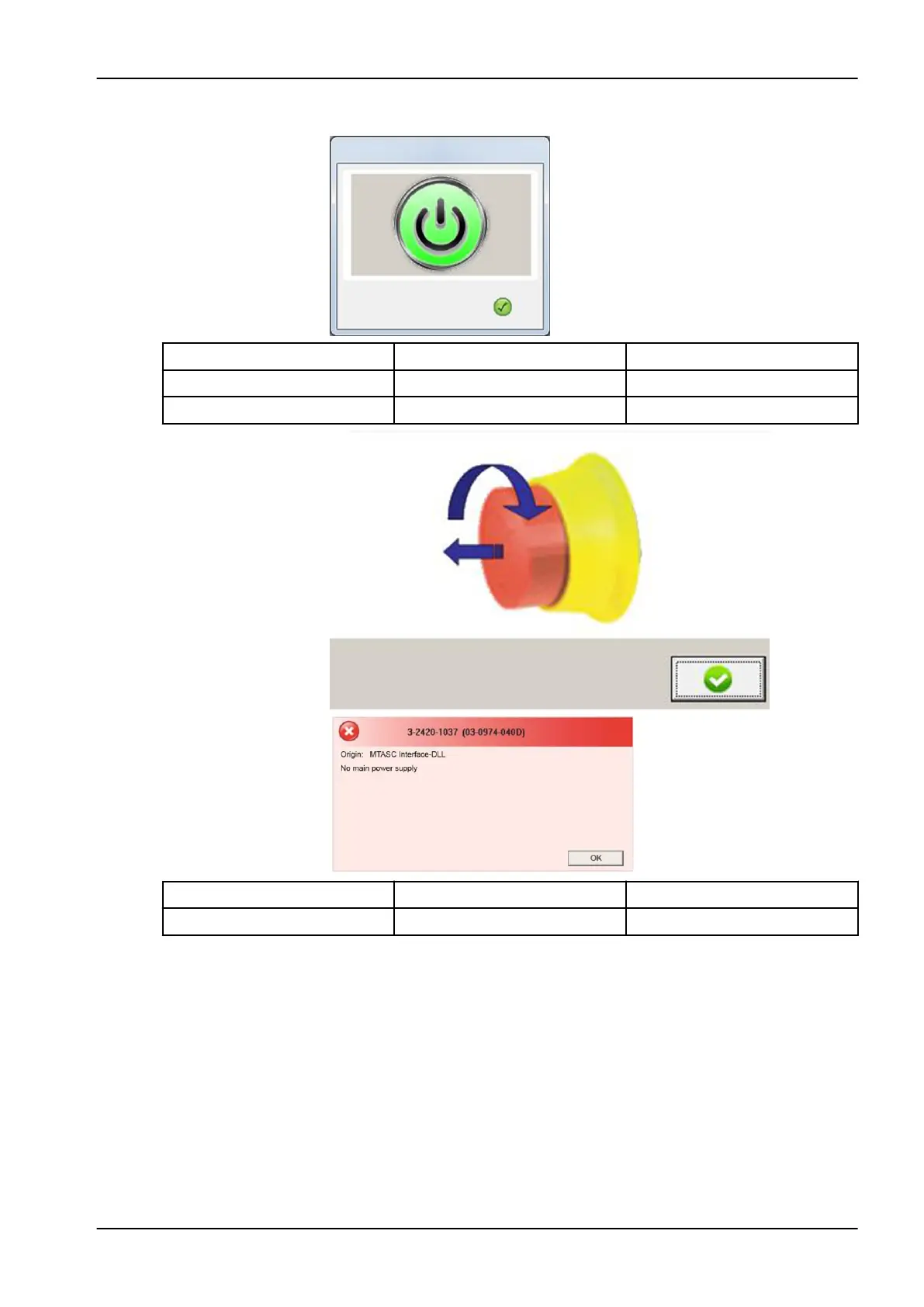
Possible cause Solution Contact personnel
Power button not pressed Press the power button User
Machine switched off Switch the machine on User
Possible cause Solution Contact personnel
Emergency stop not released Release the emergency stop User
12 Troubleshooting
User's manual Planmeca PlanMill 50 S 99


 To Next Page
 Loading...










