◊ Channel Copy
1. In channel mode, turn the selector knob to choose the channel.
2. Hold key until the transceiver prompt a Du and channel
number display ashes.
3. Turn selector knob to choose channel number for storage. If
the storage has data , the LCD will display the frequency,
otherwise will display ”----------”.
4. Press key, the LCD displays MEN-IN, channel copy
completed.
◊ Channel Delete
1. In standby, hold key until
the transceiver prompt DU, and
channel number ashes.
2. Turn selector knob to choose channel number for delete. (If
the storage has data, the LCD will display the frequency,
otherwise will display”----------”).
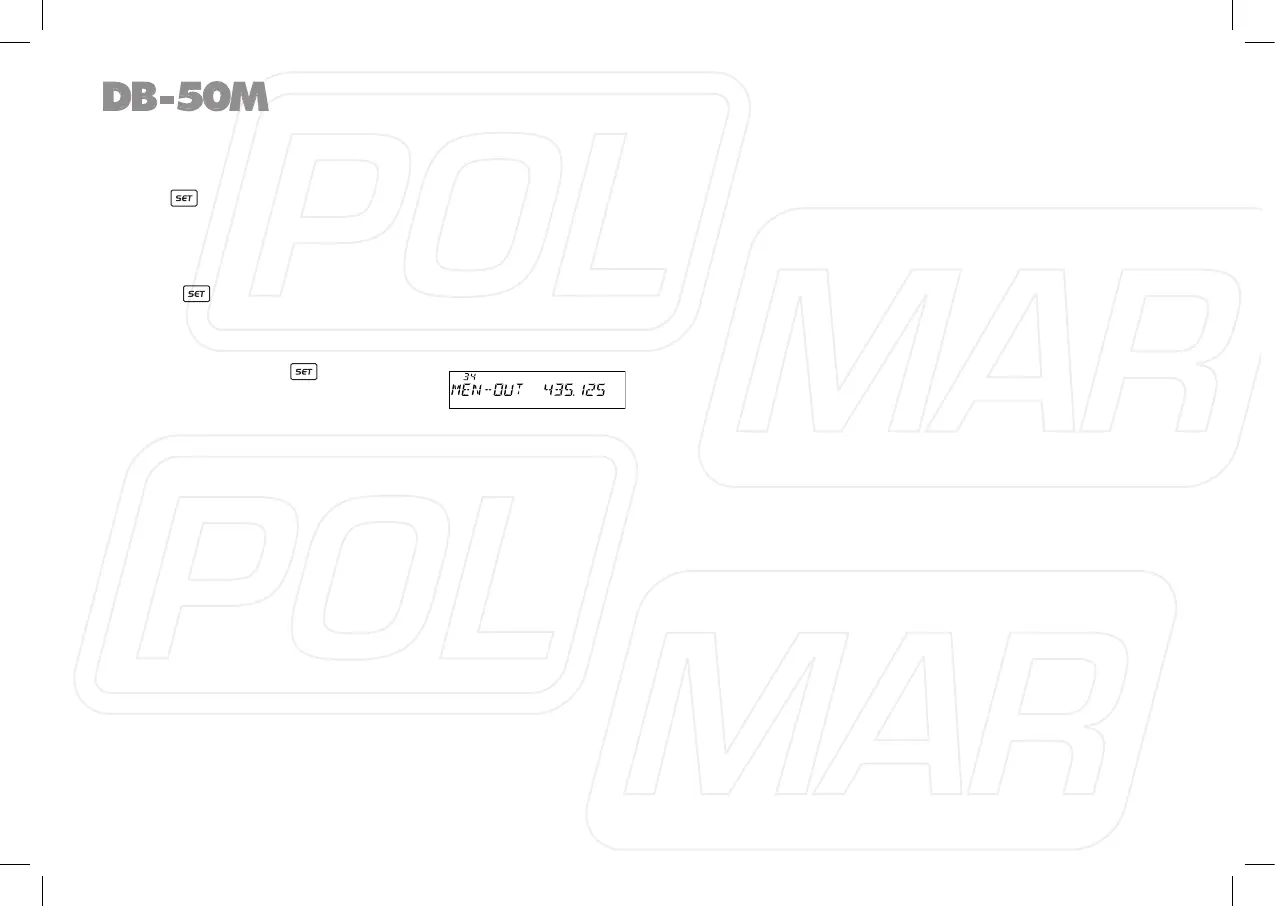
3. Hold Main band volume knob, until the transceiver emit DU
DU prompt and LCD displays MEN-OUT, the channel delete
completed.
18



 To Next Page