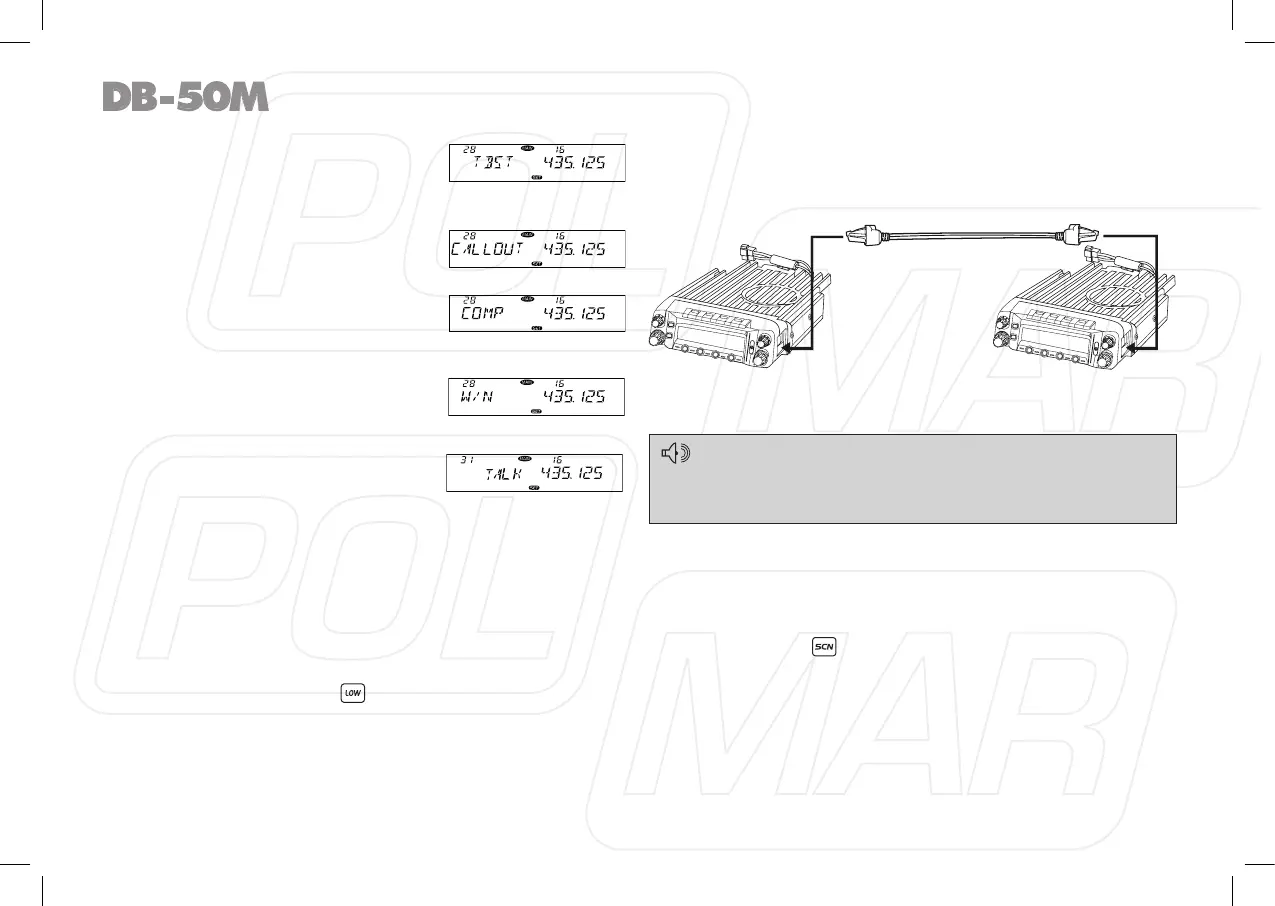
TBST: Transmit tone burst, in standby;
press the key programmed as “TBST”
function to transmit selected tone
burst. This function is use to wake sleeping repeater.
CALL OUT: Calling, in standby, press
the key programmed as “CALL OUT”
function to transmit pre-programmed
DTMF code.
COMP: Compander function in standby,
press the key programmed as “COMP”
to turn on or turn off Compander function.
W/N: Wide or narrow band setup, in
standby, press the key programmed
as “W/N” function to choose Wide
band, middle and narrow band.
TALK: In standby, press “TALK” to turn
on/off talk around function
OFF: No function.
Cable Clone
This feature will copy the programmed data and parameters
from the master unit to slave units. It copies the parameters
and memory program settings.
1. Use optional CP51 cloning cable, connect the cable between
the data jacks on both master and slave.
2. Press and hold right band
key to power on, then hold this
key until the LCD displays “CLONE”.
3. Hold the Main band [SQL] key. The Master unit and Slave unit
both display “CLONE XX”, “XX” stands for the data amount
being cloned, when the Master unit displays “CLONE” again,
the Slave unit re-powered on, means the clone completed.
Turn off the Slave unit, and change another slave unit.
Then repeat step 3 to clone next radio.
When the Master unit enter clone mode, repeater step 3 will be
able to clone multi radios.
If the data is not successfully transmitted, turn off both units,
make sure the cable connection is correct and repeat the entire
operation from the beginning.
◊ RESUME FACTORY DEFAULT
If your radio seems to be malfunctioning because of wrong
operation or setup, this function will be able to resume all setup
and channels to factory default.
Hold the right band
while power on the radio, all channel and
function setup will resume to factory default.
36
Clone Cable
V
/
M
H
M
SC
N
L
O
W
LOW
V
/
M
H
M
S
C
N
S
E
T
T
V/S
O
L
V
/
M
H
M
S
C
N
L
O
W
L
OW
V
/
M
H
M
S
C
N
S
E
T
T
V/SO
L



 To Next Page