5. Press the Main band selector knob or key to store value
and back to function menu. Press [SQL] key or hold selector
knob for over 0.5 second to store setup and exit.
◊ Priority channel scan
1. Press key to enter function menu.
2. Turn the Main band selector knob
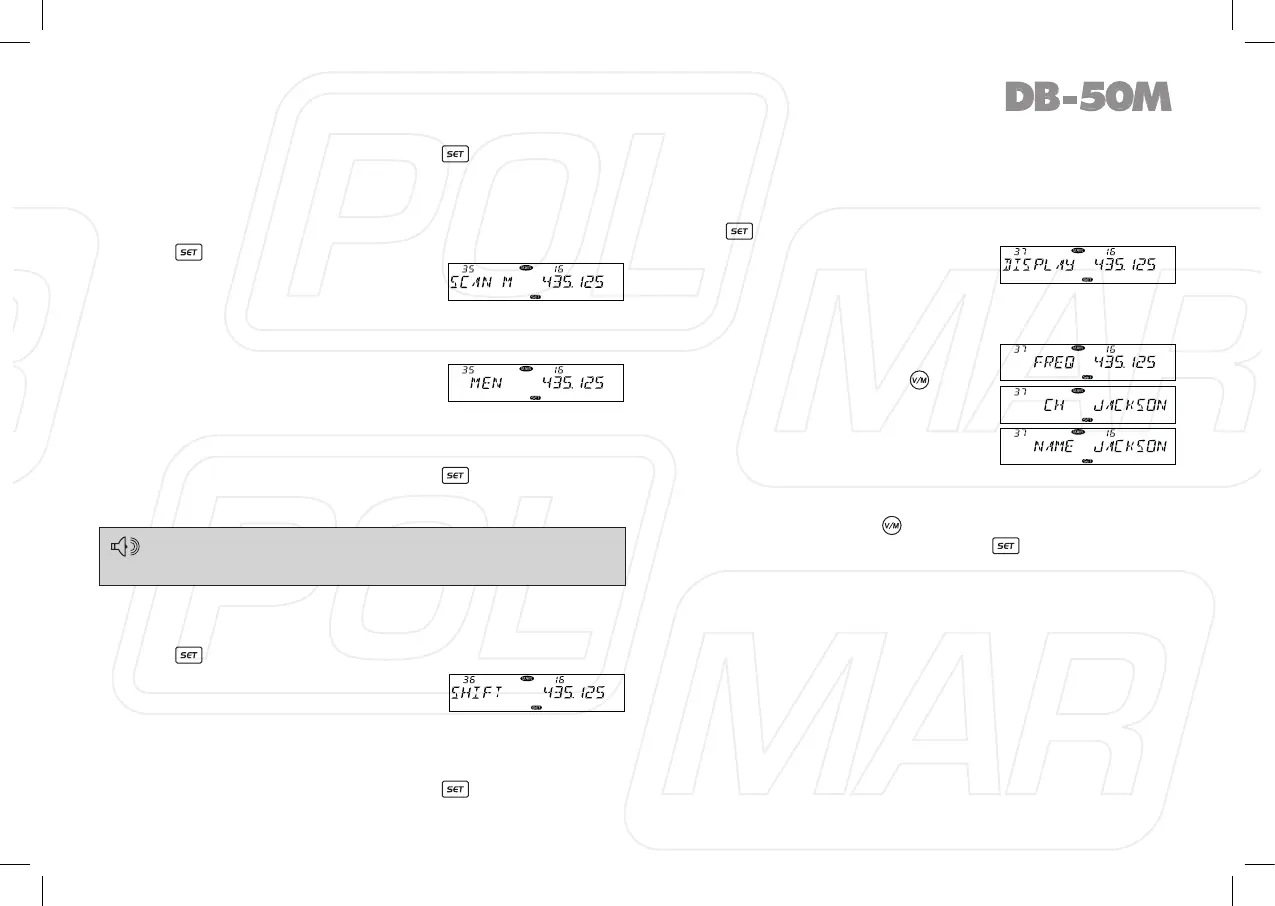
to choose No 35 menu. The LCD
displays “SCAN M”.
3. Press the Main band selector knob to enter function setup.
4. Switch the Main band selector knob to choose wanted value.
MEN: Channel Scan, the transceiver
will scan all the channels after enter
channel scan.
MSN: Priority Channel Scan, the
transceiver will only scan the priority channel after enter
channel scan.
5. Press the Main band selector knob or key to store value
and back to function menu. Press [SQL] key or hold selector
knob for over 0.5 second to store setup and exit.
◊ Offset frequency Setup
1. Press key to enter function menu.
2. Turn the Main band selector knob
to choose No 36 menu. The LCD
displays “SHIFT”
3. Press the Main band selector knob to enter function setup.
4. Switch the Main band selector knob to choose wanted value.
Available Offset frequency for this transceiver is 0-100 MHz.
5. Press the Main band selector knob or key to store value
and back to function menu. Press [SQL] key or hold selector
knob for over 0.5 second to store setup and exit.
◊ Display mode Setup
1. Press key to enter function menu.
2. Turn the Main band selector knob
to choose No 37 menu. The LCD
displays “DISPLAY”.
3. Press the Main band selector knob to enter function setup.
4. Switch the Main band selector knob to choose wanted value.
FREQ: The radio displays channel
number + frequency in
channel mode, if press
key, it will change to VFO
mode.
CH: Displays only channel number.
NAME: In channel mode, It displays
the channel number and
channel name if the current channel is programmed with
a name. Otherwise, it display the channel number and
frequency. If press
key, it will change to VFO mode.
5. Press the Main band selector knob or key to store value
and back to function menu. Press [SQL] key or hold selector
knob for over 0.5 second to store setup and exit.
29
Before using Priority channel scan function the edited channel
shall be programmed as “P SCAN” or refer to the PRI instruction in
page 29 to add or delete priority channel.



 To Next Page