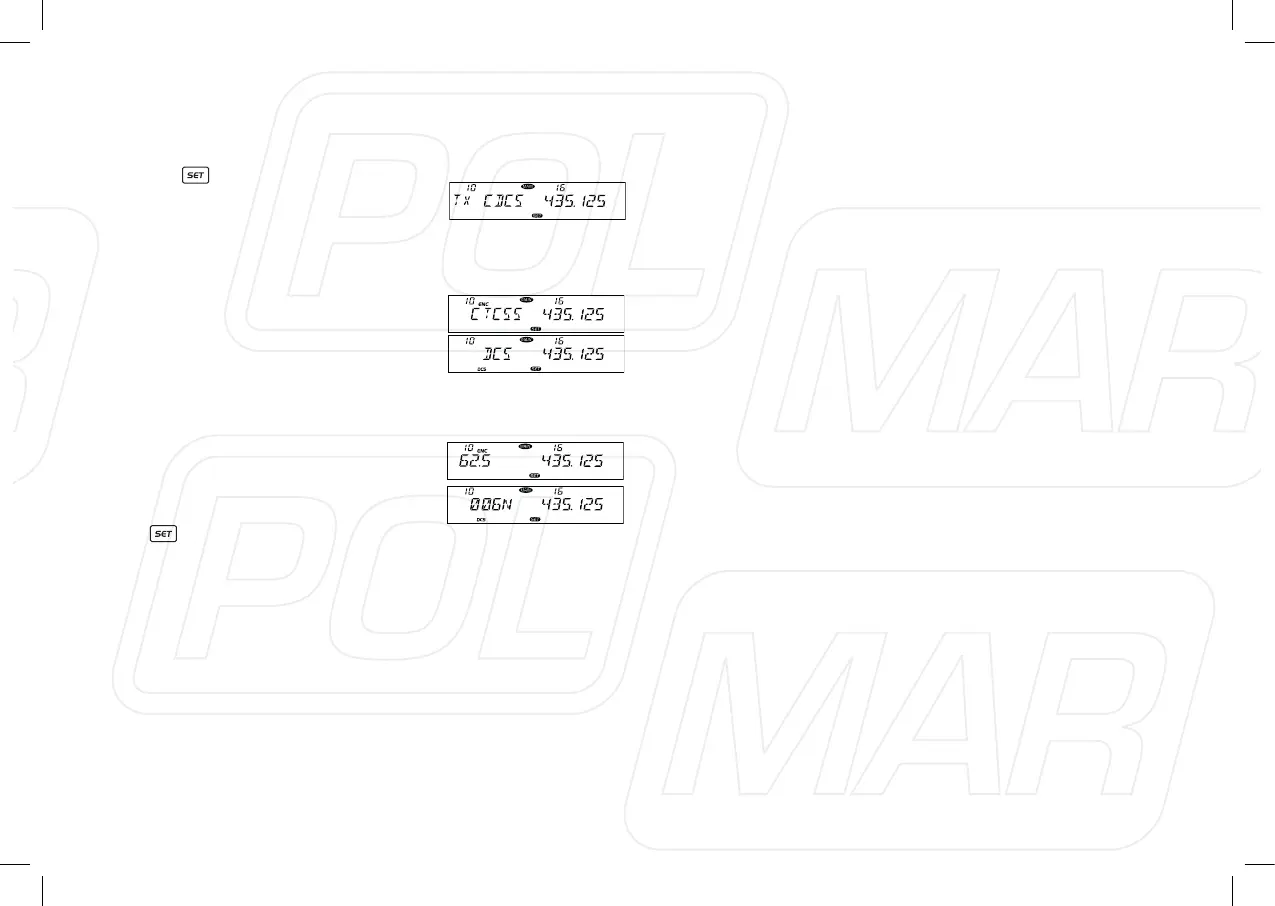
◊ CTCSS/DCS ENCODE SETUP
1. Press key to enter function
menu.
2. Switch the Main band selector knob
to choose No 10 menu, the LCD
displays “TX CDCS”.
3. Press the Main band selector knob to enter function setup.
4. Switch the Main band selector knob
to choose wanted value
OFF: Turn off CTCSS/DCS encode.
CTCSS: Choose CTCSS encode.
DCS: Choose DCS encode.
5. Press the Main band selector knob
to enter the menu.
6. Switch the Main band selector knob to choose wanted CTCSS,
DCS code.
CTCSS: 62.5-254.1 Hz, and one
self-dene group, total 52 groups.
DCS: 000N-777I, total 1024 groups.
7. Press the Main band selector knob
or
key to store value and back
to function menu. Press [SQL] key or hold selector knob for
over 0.5 second to store setup and exit.
21



 To Next Page