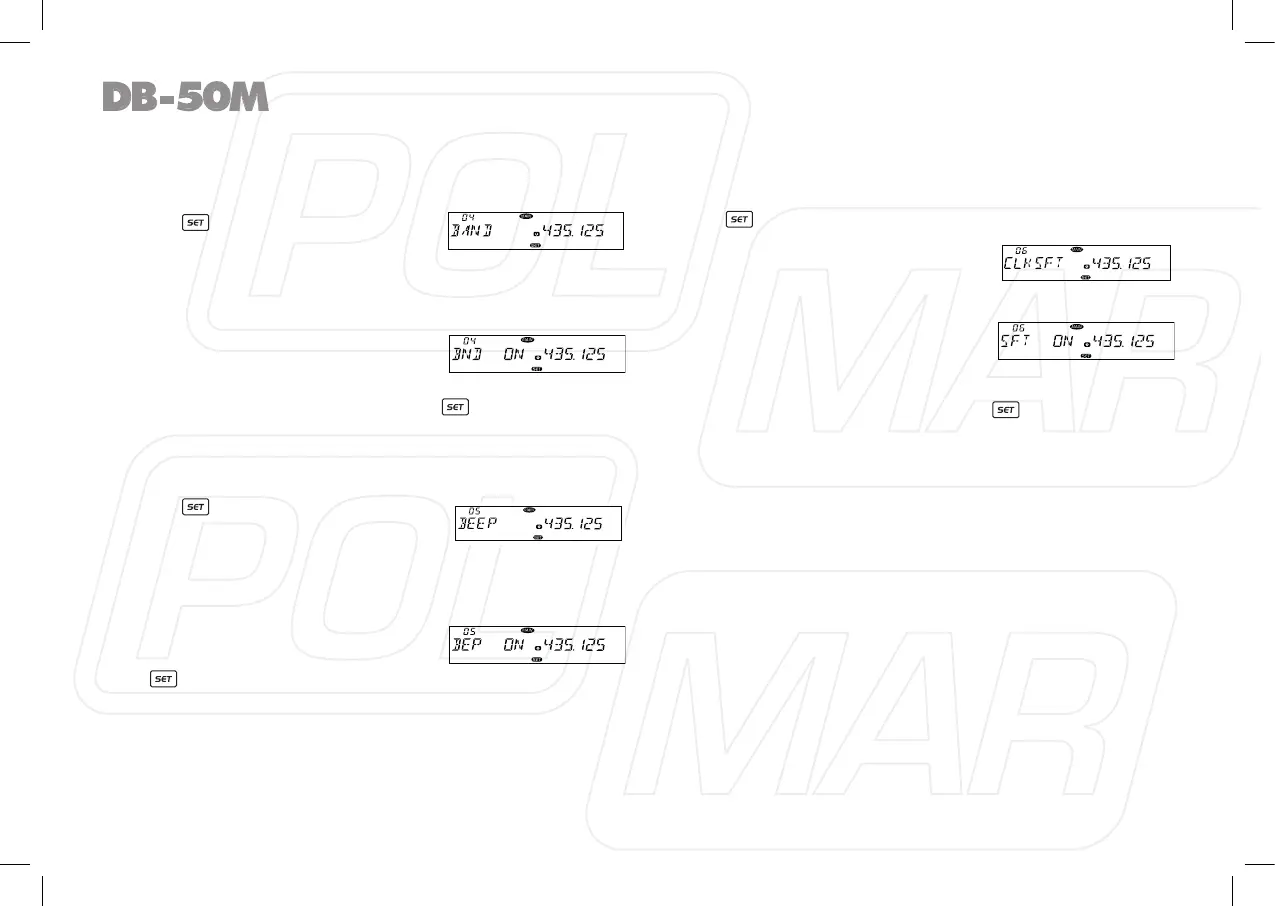
◊ VFO Band lockout
In VFO mode, when this function is on, the scanning or input of
frequency will restricted within the current VFO frequency band.
1. Press
key to enter function
menu.
2. Turn the Main band selector knob
to choose No. 04 menu. The LCD displays “BAND”
3. Press the Main band selector knob to enter function setup.
4. Switch the Main band selector knob to choose wanted value.
ON: Turn on VFO band lockout
function
OFF: Turn off VFO band lockout
function
5. Press the Main band selector knob or key to store value
and back to function menu. Press [SQL] key or hold selector
knob for over 0.5 second to store setup and exit.
◊ Beep Function
1. Press key to enter function
menu.
2. Turn the Main band selector knob
to choose No. 05 menu. The LCD displays “BEEP”.
3. Press the Main band selector knob to enter function setup.
4. Switch the Main band selector knob to choose wanted value.
ON: Turn on Beep function.
OFF: Turn off Beep function.
5. Press the Main band selector knob
or key to store value and back
to function menu.
Press
[SQL]
key or hold selector knob for over 0.5 second to
store setup and exit.
◊ CPU Clock frequency Change
When any harmonic or image frequency in the CPU clock disturbs
the working frequency, turn on this function will cut the disturbing.
1. Press key to enter function menu.
2. Turn the Main band selector knob
to choose No. 06 menu. The LCD
displays “CLK.SFT”.
3. Press the Main band selector knob
to enter function setup.
4. Switch the Main band selector
knob to choose wanted value.
ON: Turn on CPU Clock frequency Change.
OFF: Turn off CPU Clock frequency Change.
5. Press the Main band selector knob or key to store value
and back to function menu. Press [SQL] key or hold selector
knob for over 0.5 second to store setup and exit.
20



 To Next Page