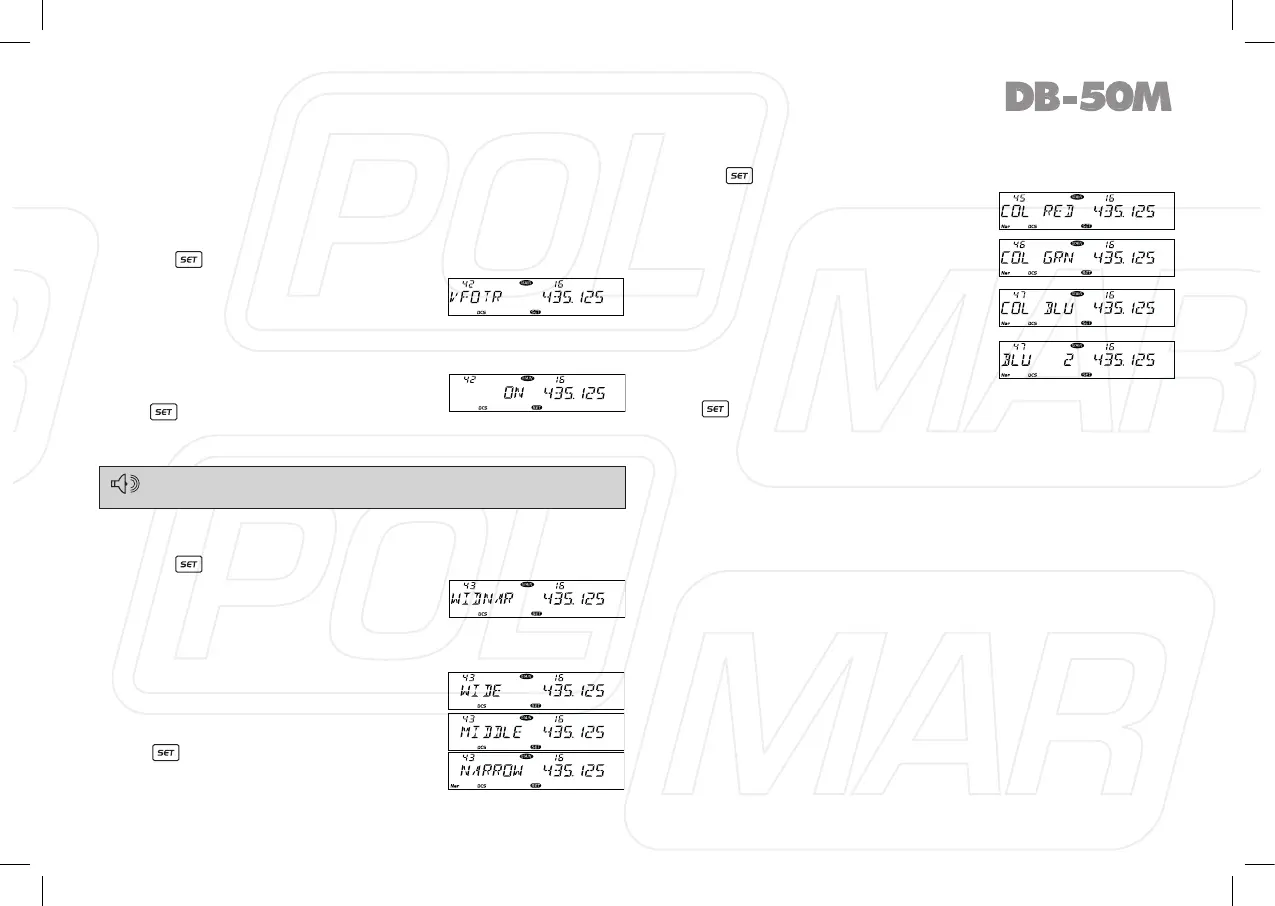
◊ VFO Frequency Linkage
Enable this function, the adjustment for any band of VFO
frequency, will bring same frequency change to both bands.
Adjust one gear, the frequency for both bands will increase or
decrease one step size value.
1. Press
key to enter function menu.
2. Turn the Main band selector knob
to choose No 42 menu. The LCD
displays “VFOTR”.
3. Press the Main band selector knob to enter function setup.
4. Switch the Main band selector knob to choose wanted value.
Available Values: ON, OFF.
5. Press the Main band selector knob
or key to store value and back
to function menu. Press [SQL] key or
hold selector knob for over 0.5 second to store setup and exit.
This function is only valid when both bands work on VFO mode.
◊ Wide/Narrow band
1. Press key to enter function menu.
2. Turn the Main band selector knob to
choose No 43 menu. The LCD displays
“WIDNAR”.
3. Press the Main band selector knob to enter function setup.
4. Switch the Main band selector knob to choose wanted value.
WIDE: Wide band (25 KHz).
MIDDLE: Middle band (20 KHz)*.
NARROW: Narrow band (12.5 KHz).
5. Press the Main band selector knob
or key to store value and back
to function menu. Press [SQL] key
or hold selector knob for over 0.5
second to store setup and exit.
◊ LCD backlight
1. Press key to enter function menu.
2. Turn the Main band selector knob
to choose No. 45-47 menu. The
LCD displays “COL RED”, ”COL
GRN”, ”COL BLU”.
3. Press the Main band selector knob
to enter function setup.
4. Switch the Main band selector
knob to choose wanted value. Each
colour (Red, blue, Green) with 32
brightness levels.
5. Press the Main band selector knob
or key to store value and back to function menu. Press
[SQL]
key or hold selector knob for over 0.5 second to store
setup and exit.
31
*Not in Italy



 To Next Page