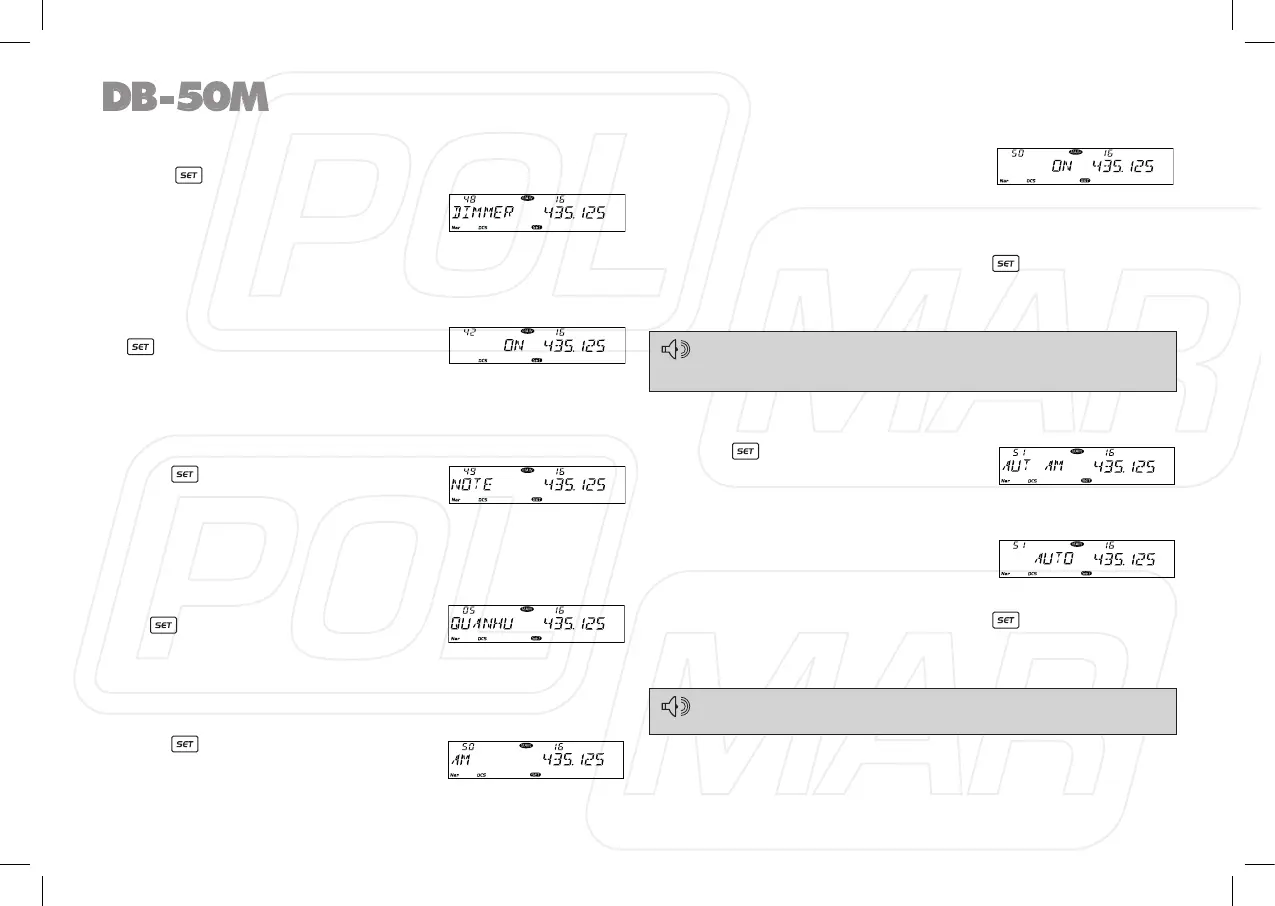
◊ Keypad backlight brightness
1. Press key to enter function menu.
2. Turn the Main band selector knob
to choose No. 48 menu. The LCD
displays “DIMMER”
3. Press the Main band selector knob
to enter function setup.
4. Switch the Main band selector knob to choose wanted value.
Available value: 32 brightness levels.
5. Press the Main band selector knob or
key to store value and back to
function menu. Press [SQL] key or
hold selector knob for over 0.5 second to store setup and exit.
◊ Calling Record
The transceiver offers enquiry of calling record.
1. Press
key to enter function menu.
2. Turn the Main band selector knob
to choose No. 49 menu. The LCD
displays “NOTE”.
3. Press the Main band selector knob to enter function setup.
4. Switch the Main band selector knob to choose wanted value.
This transceiver is able to record 16 calling at most.
5. Press the Main band selector knob
or key to store value and back
to function menu. Press [SQL] key
or hold selector knob for over 0.5
second to store setup and exit.
◊ AM Function
1. Press key to enter function menu.
2. Turn the Main band selector knob
to choose No. 50 menu. The LCD
displays “AM”.
3. Press the Main band selector knob
to enter function setup.
4. Switch the Main band selector
knob to choose wanted value.
ON: turn on AM function.
OFF: turn off AM function.
5. Press the Main band selector knob or key to store value
and back to function menu. Press [SQL] key or hold selector
knob for over 0.5 second to store setup and exit.
This function is only valid when the Main band frequency is VHF,
the function is invalid when the right band is set as Main band.
NOTE
◊ Automatic AM function
1. Press key to enter function
menu.
2. Turn the Main band selector knob
to choose No. 51 menu. The LCD displays “AUT AM”
3. Press the Main band selector knob to enter function setup.
4. Switch the Main band selector
knob to choose wanted value.
ON: turn on auto AM function.
OFF: turn off auto AM function.
5. Press the Main band selector knob or key to store value
and back to function menu. Press [SQL] key or hold selector
knob for over 0.5 second to store setup and exit.
To enable Automatic AM function, the AM function shall be turned
on rst.
32



 To Next Page