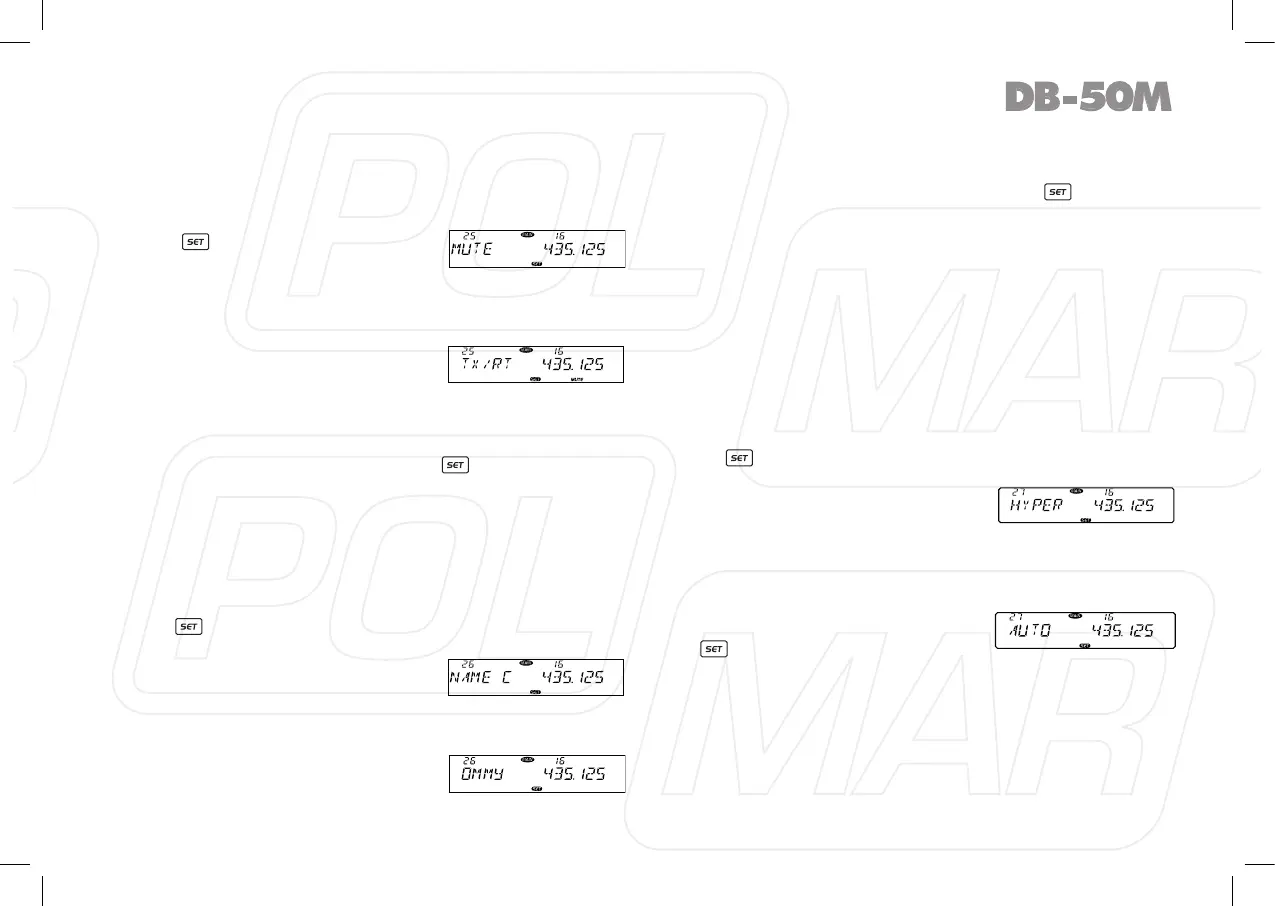
◊ Sub band mute setup
To avoid the receiving of sub band disturbing the communication
of the main band, you can turn on this function. The RX of the
sub band will be mute during the RX or TX of the main band.
1. Press
key to enter function
menu.
2. Turn the Main band selector knob
to choose No 25 menu. The LCD displays “MUTE”
3. Press the Main band selector knob to enter function setup.
4. Switch the Main band selector knob to choose wanted value.
TX: When the Main band is
transmitting, the sub band receiving
will be mute.
RX: When the Main band is receiving, the sub band receiving
will be mute.
RX/TX: the sub band receiving always mute.
5. Press the Main band selector knob or key to store value
and back to function menu. Press [SQL] key or hold selector
knob for over 0.5 second to store setup and exit.
◊ Editing Channel Name
After edit a name for a channel, if the display mode is channel
name, the will display the name edited in this menu. Otherwise
it will display the frequency.
1. Press
key to enter function menu.
2. Switch the selector knob to choose NO 26 function menu, the
LCD displays “NAME C”.
3. Press the Main band selector knob
to enter function setup.
4. Switch the selector knob to choose
wanted character.
5. Press the selector knob to conrm
current character and start edit
next character, after editing all 7
characters, press the selector knob to conrm and back to
function menu.
6. If the editing not reach 7 characters, press
key back to
function menu, then press [SQL] key or hold selector knob for
over 0.5 second to store setup and exit.
◊ Channel Function Auto STORAGE
This function is used to store latest setup for each single
channel.
When this function is on, all the latest temporary operation for
present channel will be stored no matter change channel or
power off radio.
When this function is off, the temporary setup will not be stored,
the channel information will resume to the last stored value after
change channel or power off radio.
1. Press
to enter function menu.
2. Turn the Main band selector knob to choose NO 27 menu, The
LCD displays “HYPER”.
3. Press the Main band selector knob
to enter function setup.
4. Switch the Main band selector knob
to choose wanted value.
MANUAL: Auto storage is turn off.
AUTO: Auto storage is turn on.
5. Press the Main band selector knob
or key to store value and back
to function menu. Press [SQL] key
or hold selector knob for over 0.5 second to sore setup and
exit.
27



 To Next Page