2 - 1
2
Customizing Your Phone
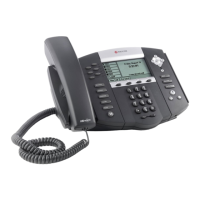
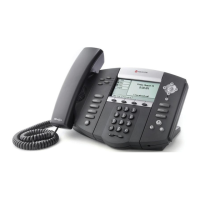
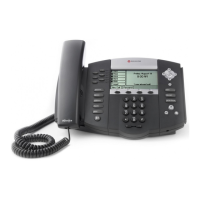
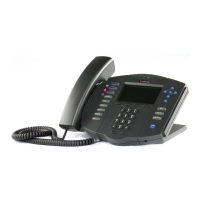
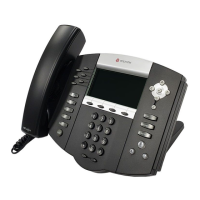
You can customize your SoundPoint IP 670 desktop phone by adjusting the
setting for time and date, display contrast, and ring type, for example. You can
add contacts to the phone’s directory manually or from call lists. You can
handle incoming calls from different contacts in different ways.
This chapter provides basic operating instructions for customizing your
SoundPoint IP 670 phone. This chapter contains:
• Configuring Basic Settings
• Managing Call Lists
• Managing Contacts
• Managing Incoming Calls
Some customizations of your SoundPoint IP 670 phone are performed by your
system administrator. These include:
• Supporting Multiple Lines
• Supporting Multiple Line Keys Per Line
• Supporting Shared Lines
To read about the phone’s basic features, refer to Using the Basic Features of
Your Phone on page 3-1. To read about the phone’s advanced features, refer to
Using the Advanced Features of Your Phone on page 4-1. To add a SoundPoint
IP Color Expansion Module to your SoundPoint IP 670 phone, refer to Using
the SoundPoint IP Color Expansion Module on page 5-1.
If you require additional information or assistance with your new phone,
contact your system administrator.



 To Next Page