44
POSEIDON M28 USER MANUAL
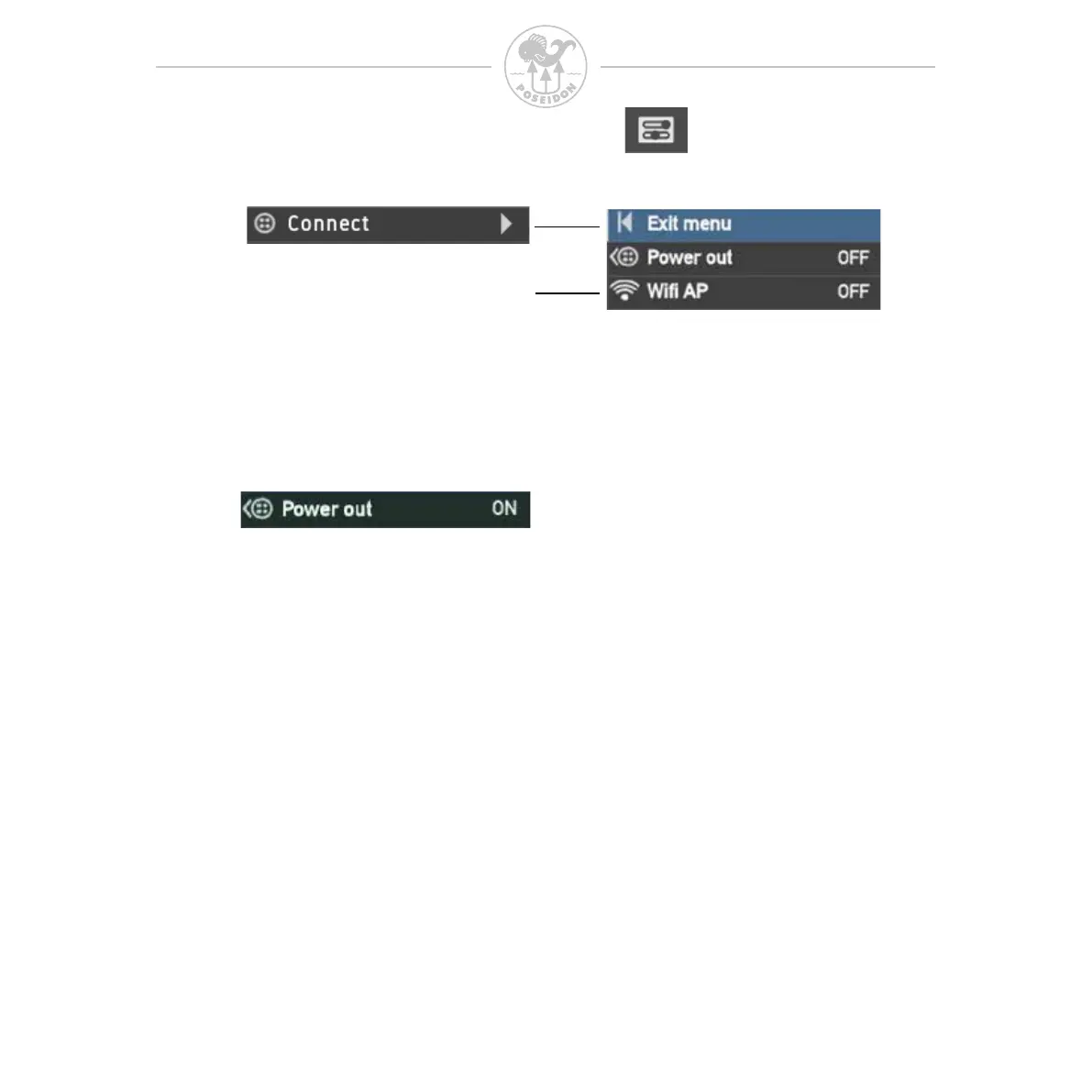
The connect menu is used to connect to external sources such as external
sensors, HUD, CPODs and others.
When you connect the M28 to an external sensor or any other device that lacks
its own power supply, you need to activate the power output from the M28 to
provide power to such a device. Pressing both buttons on this menu item will
toggle this feature between OFF (default) and ON. When set to ON, the power
icon will appear in the upper bar of the Display. Remember that this will affect
the battery life.
This option is not
available in dive mode



 To Next Page