45
POSEIDON M28 USER MANUAL
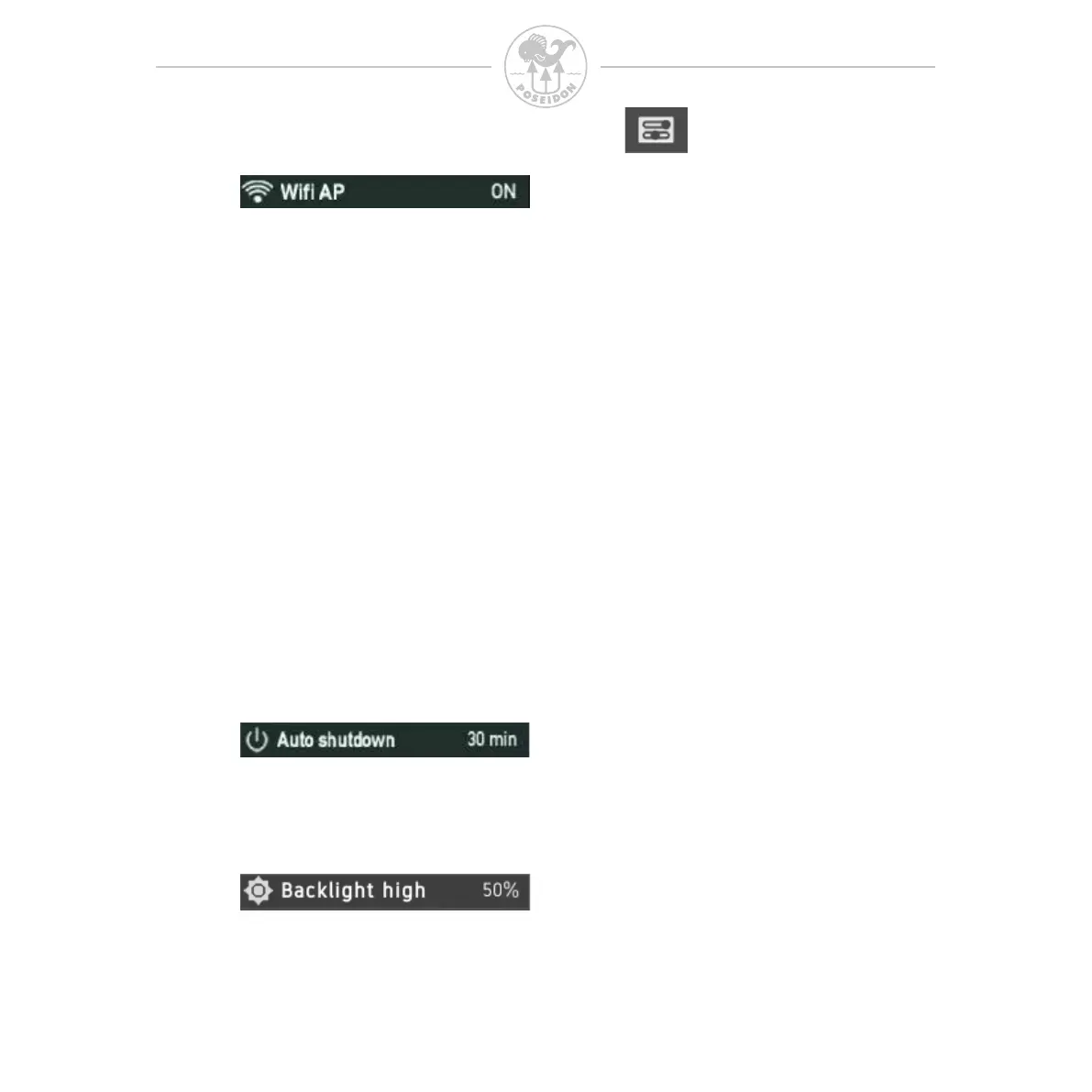
To communicate via WLAN to another device, such as a computer or mobile
phone, you need to turn on the Wi-Fi AP (Access Point). This function is
primarily used when you need to update rmware or when you upload or
download data to or from the M28. Pressing both buttons on this menu item
will toggle this feature between OFF (default) and ON. When set to ON, the
Wi-Fi icon will ash in the upper bar of the Display.
To connect to the M28 through the access point, use your PC/Mac or handheld
device and connect to the Wi-Fi network “M28-XXX” where XXX is the unique
serial number of your M28. If you are uncertain about your serial number check
the backside of the M28 or open the “System” app. The password to the
network is “matterhorn”, once connected open a web browser on your PC/Mac
or device and type in “http://192.168.7.1” in the browser and you will enter a
welcome page from the M28. The browser functionality is discussed in section
REF.
Remember that activation of Wi-Fi results in increased power consumption,
which causes the battery to discharge quicker (when not connected to a charger).
In case of inactivity, the M28 powers down after the set time to save power.
Range 0, 5 .. 60 min where 0 min equals to OFF.
The highest backlight brightness to be used at the highest ambient light level.
Remember that a high backlight level results in increased power consumption,
which causes the battery to discharge quicker (when not connected to charger).



 To Next Page