46
POSEIDON M28 USER MANUAL
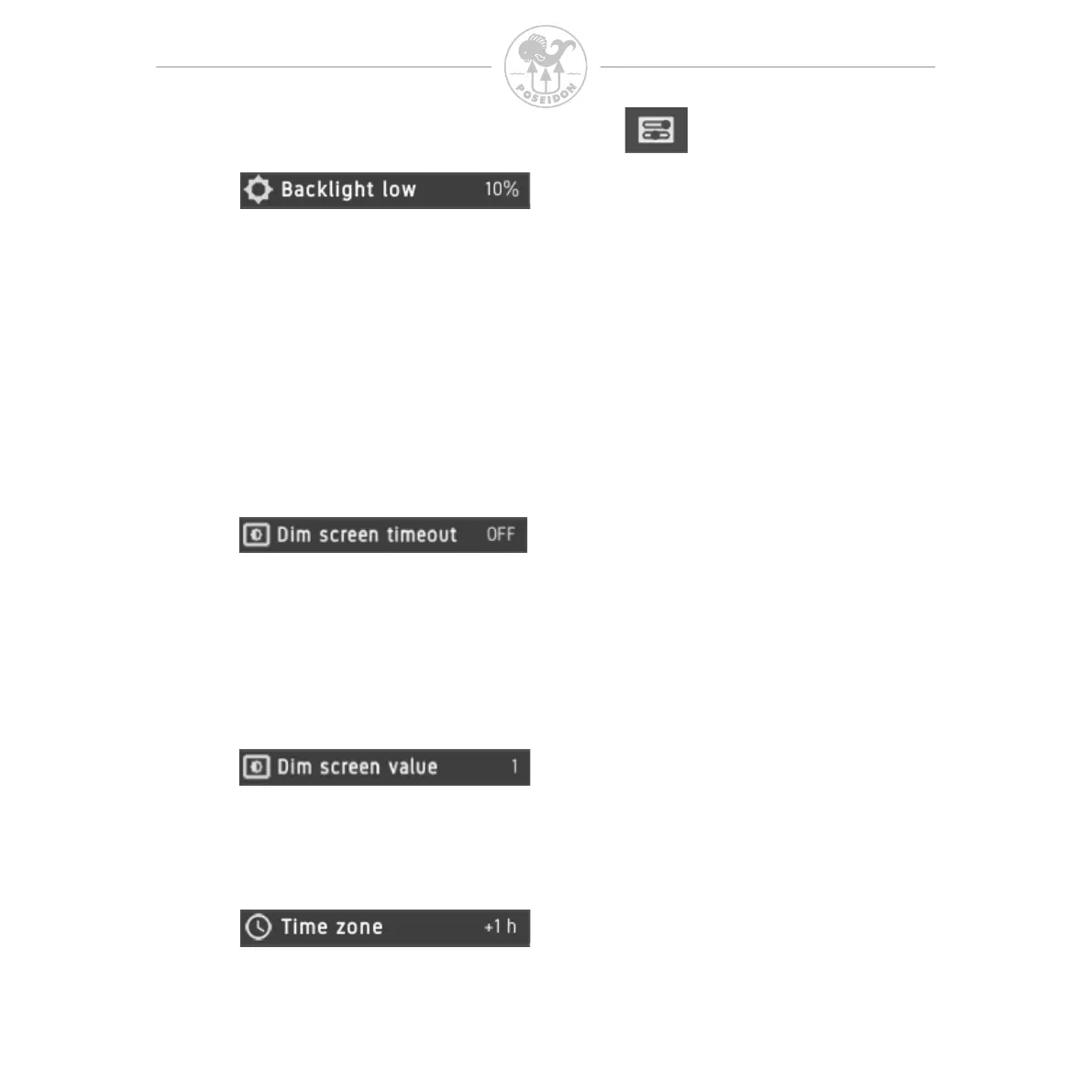
The lowest backlight brightness to be used at the lowest ambient light level.
Remember that a high backlight level results in increased power consumption,
which causes the battery to discharge quicker (when not connected to charger).
Backlight control
If backlight control is enabled the screen will automatically control the backlight
depending on the ambient light. The user can select the low and high backlight
level. The ambient light sensor will control the backlight between the High and Low
value. Remember that the backlight settings will affect the battery discharge rate.
If dim screen is enabled, the screen will dim if there is no button activity for the
duration of the number of seconds selected. Each button activity will restart the
timeout counter to selected value. When selecting the value 0, the function is
turned off. The screen will not dim during pre-dive-test view. When the screen
has been dimmed, the next button press will restore the screen brightness, but
will not otherwise affect the M28.
The user can change the timezone relative to UTC time.
This will affect the time displayed in the unit.
The backlight level that the screen will dim to when the timeout value has expired.
When dim value 0 is used, the display will turn off completely after the “Dim
screen” timeout, and the green LED will make a quick ash every 10 seconds.



 To Next Page