47
POSEIDON M28 USER MANUAL
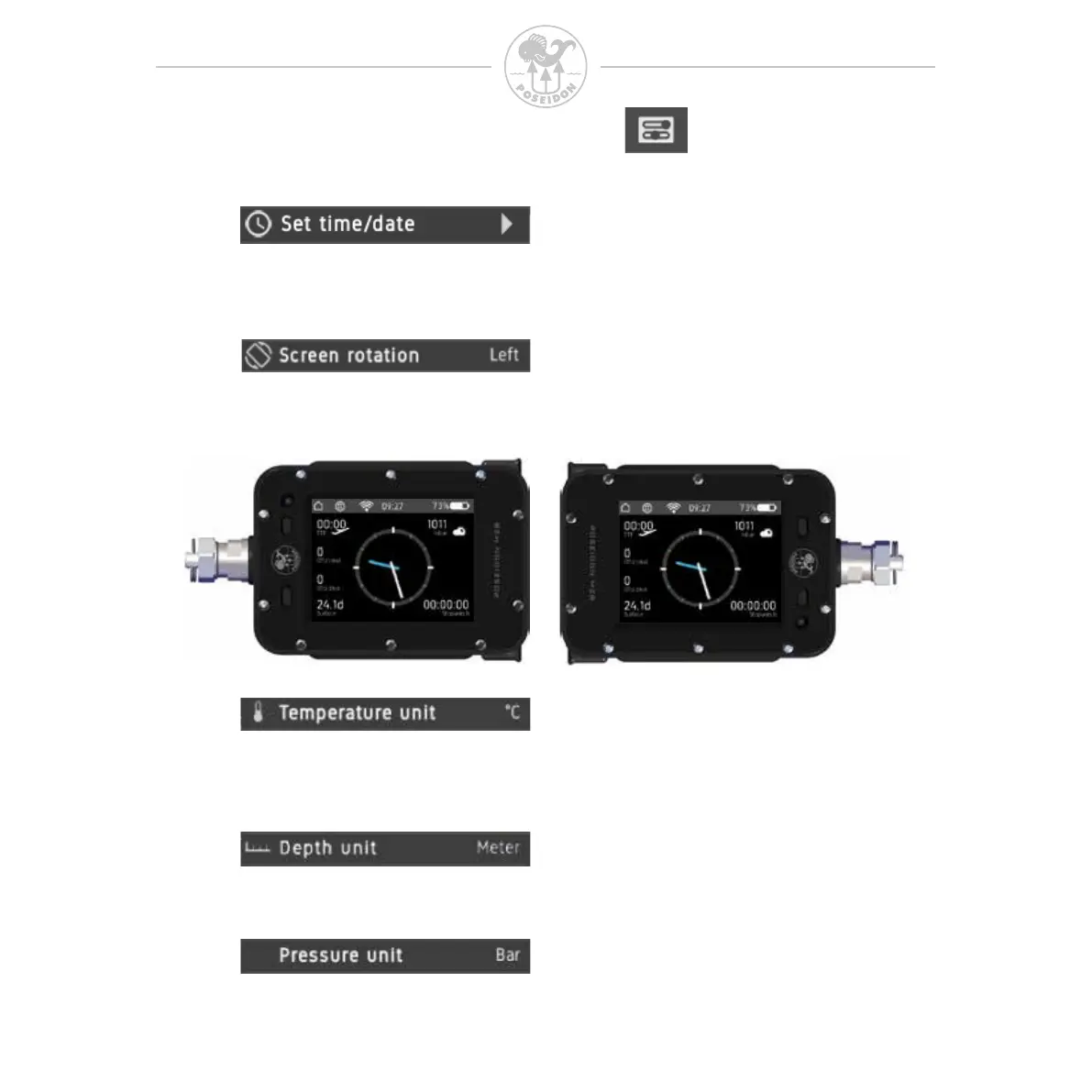
Select the layout of the device and ip the screen 180 degrees for maximum
usability. This will help the user select left- or right-handed usage.
Switch displayed temperature unit between Celsius (metric) and Fahrenheit
(imperial).
Switch displayed pressure unit between bar (metric) and PSI (imperial).
Switch displayed depth unit between meters (metric) and feet (imperial).
Set date/time in local time. Be sure to correctly set the time zone before setting
this to the local time.



 To Next Page