6 System Settings Ether232Plus User Guide
50 Precidia Technologies Inc. 02-CML000057
6.1 Unit ID Value
Unit ID Value is the hardware address of the Ether232Plus and cannot be changed. It is
assigned at the factory and printed below the barcode on the bottom of the Precidia
unit.
6.2 Web Page Download
Use Web Page Download to change or upgrade the internal static web page in the
Precidia unit. You can access this page by obtaining the IP address of the unit and
typing it in the address bar of your browser like this:
http://
IPaddressOfUnit
/.
See Section 7.3, Static Web Page‚ on page 68 and refer to the Help Guide Converting
and Downloading Static Web Pages at http://www.precidia.com/products/documenta-
tion.html for more information.
6.3 Firmware Download
CAUTION: Do not attempt a Firmware Download without first consult-
ing the instructions and obtaining the correct firmware file from Pre-
cidia. Improper downloading may render the warranty null and void!
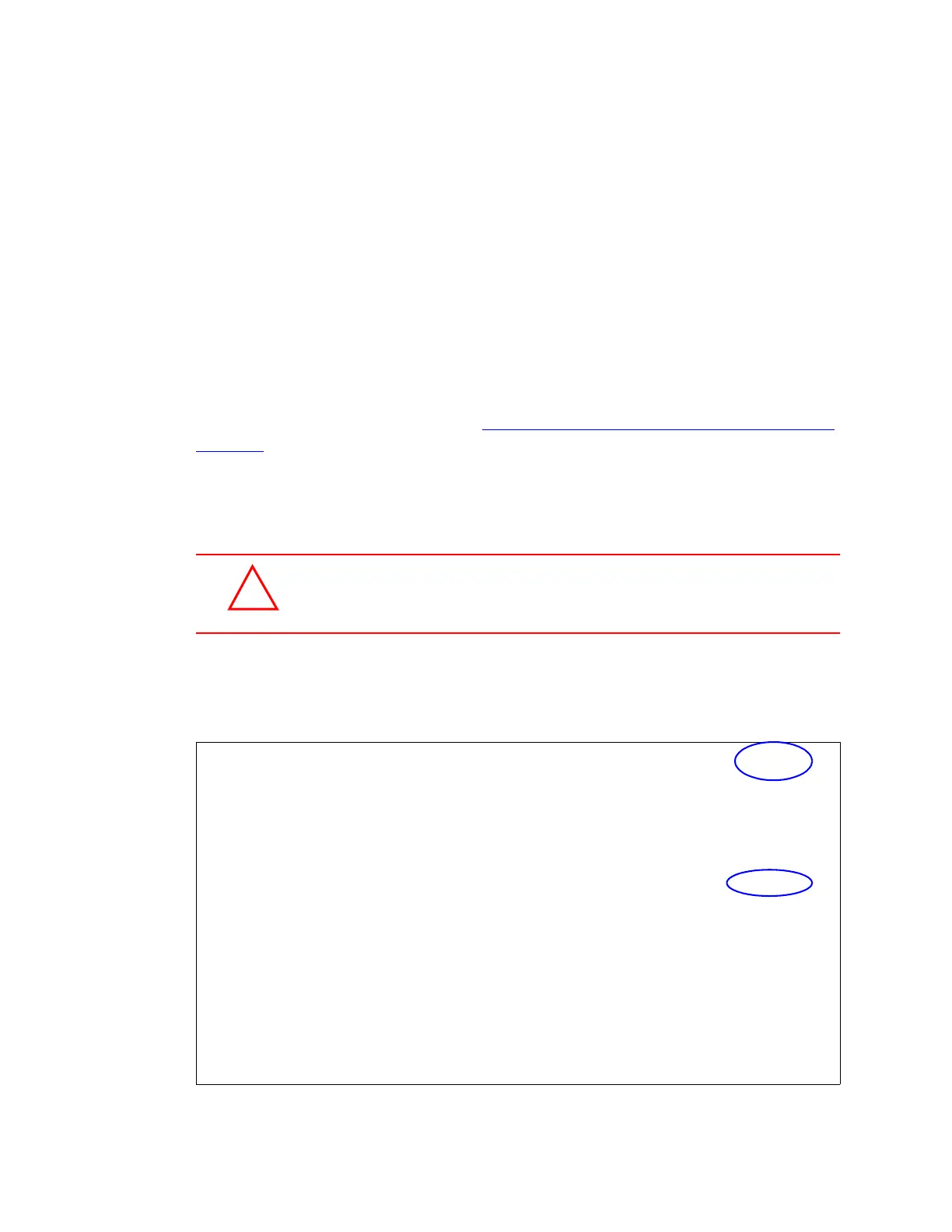
Use Firmware Download to change or upgrade the firmware. The current firmware
version number is displayed in the top right corner of the Configuration screen, and the
release date is displayed beside Firmware Download in the System Settings sub-menu.
,-----------------------------------------------------------------------------.
| Precidia Ether232Plus Configuration v4.04.00 |
|-----------------------------------------------------------------------------|
| Device Settings: | System Settings: |
| | |
| 1) Ethernet: 0.0.0.0 | A) Unit ID value: 00:01:1E:00:17:46 |
| | |
| 2) Serial Port: Transparent | B) Web Page Download: 59kB |
| | C) Firmware Download: 2004-03-05 |
| | |
| | D) Display System Status |
| | E) Dump System Log (long) |
| | F) Delete System Log |
| | |
| | G) Perform Self Test |
| *) Save Current Configuration | H) Reset Unit |
| -) Exit Configuration (no save) | |
| $) Security Settings | I) SNTP Settings |
| #) System Settings | |
| ?) Refresh this Screen | J) Disable TCP keep-alives: yes |
`-----------------------------------------------------------------------------'
Software Version and Firmware Download Date
!



 To Next Page