Ether232Plus User Guide 1 Before You Start
02-CML000057 Precidia Technologies Inc. 3
• Control and refine connection settings with options that include:
- Automatic connection in tcp(tunnel) and tcp-client modes to establish a
connection to the server as soon as the first data byte is received on the serial
port
- Connection recovery to ensure the session remains active
- COM Port Redirector Software compatibility using the Com Port Control
protocol option
- Modem Connection Control that allows the Precidia unit to appear as a Hayes-
compatible modem to your serial device
• Connect an RS-422/485 device or an RS-232 device to one of two ports
• Support the following network protocols:
1.3 Ether232Plus Layout
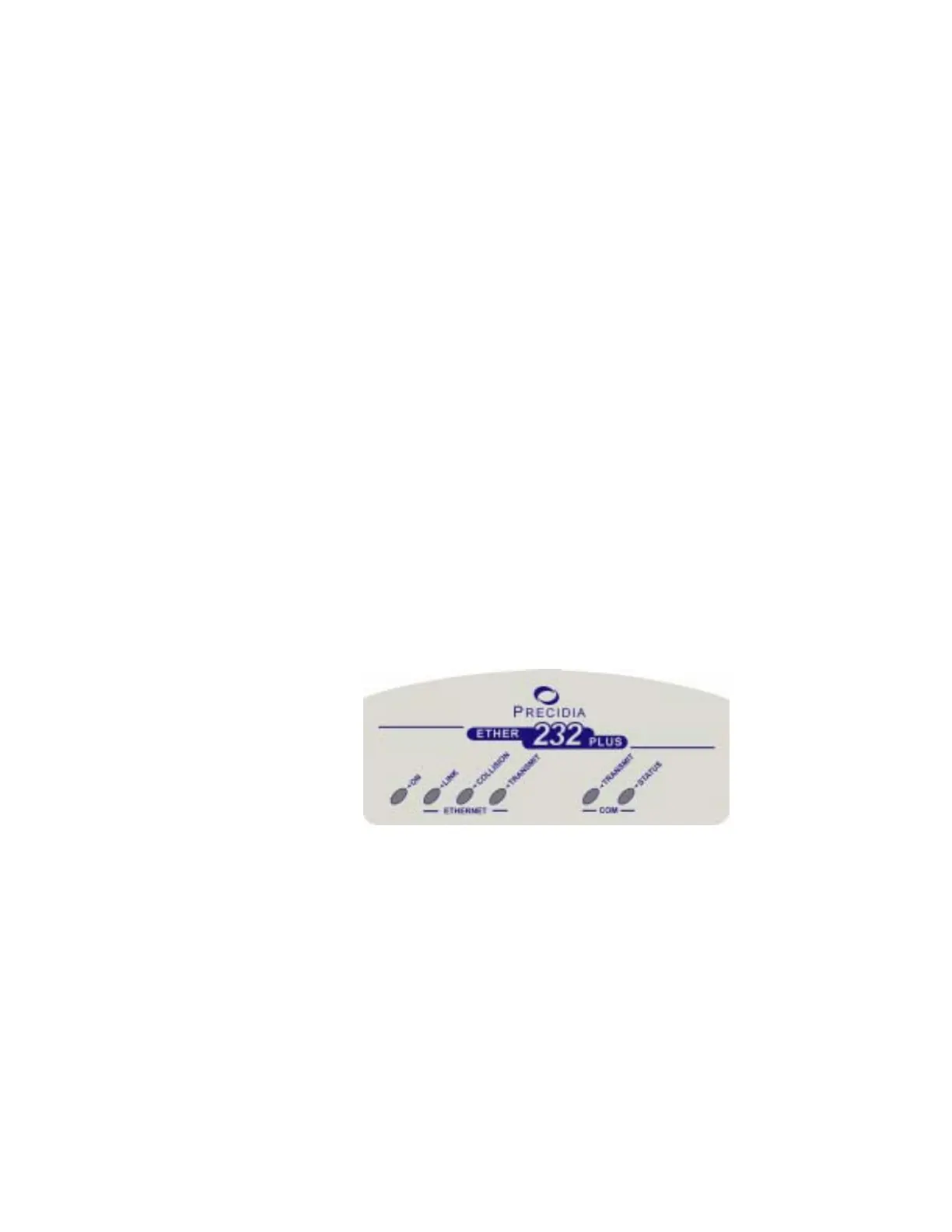
Front Panel
Ether232Plus Front Panel
Table 1.1 describes the function of each indicator lamp.
Telnet ARP DHCP
TCP HTTP SNMPv2c
UDP TFTP (download only) IPsec (manually keyed)
ICMP FTP Ethernet, IEEE 802.3
IP SNTP



 To Next Page