iPocket232 User Guide 1 Before You Start
23-CML000293 iPocket232 Inc. 4
Table 1.1: Front Panel Indicator Lamps
On (solid): when the Ethernet port has a valid
connection to a 10BaseT Ethernet network.
Flashes: when the unit has control of the line and
is sending data on the network.
Off: when receiving data.
Flashes: when the unit is sending or receiving
data through the serial port.
On (solid): while in configuration mode.
Off: Unit incorrectly configured, or the serial
port is disabled.
Slow flash: Correctly configured, in idle mode.
Fast flash: Correctly configured, terminal has
communicated.
On (solid): Correctly configured, connected.
N
OTE
: See Appendix B, Troubleshooting and Support, for descriptions of how indicator
lamps can be used for troubleshooting.
Hardware Interfaces
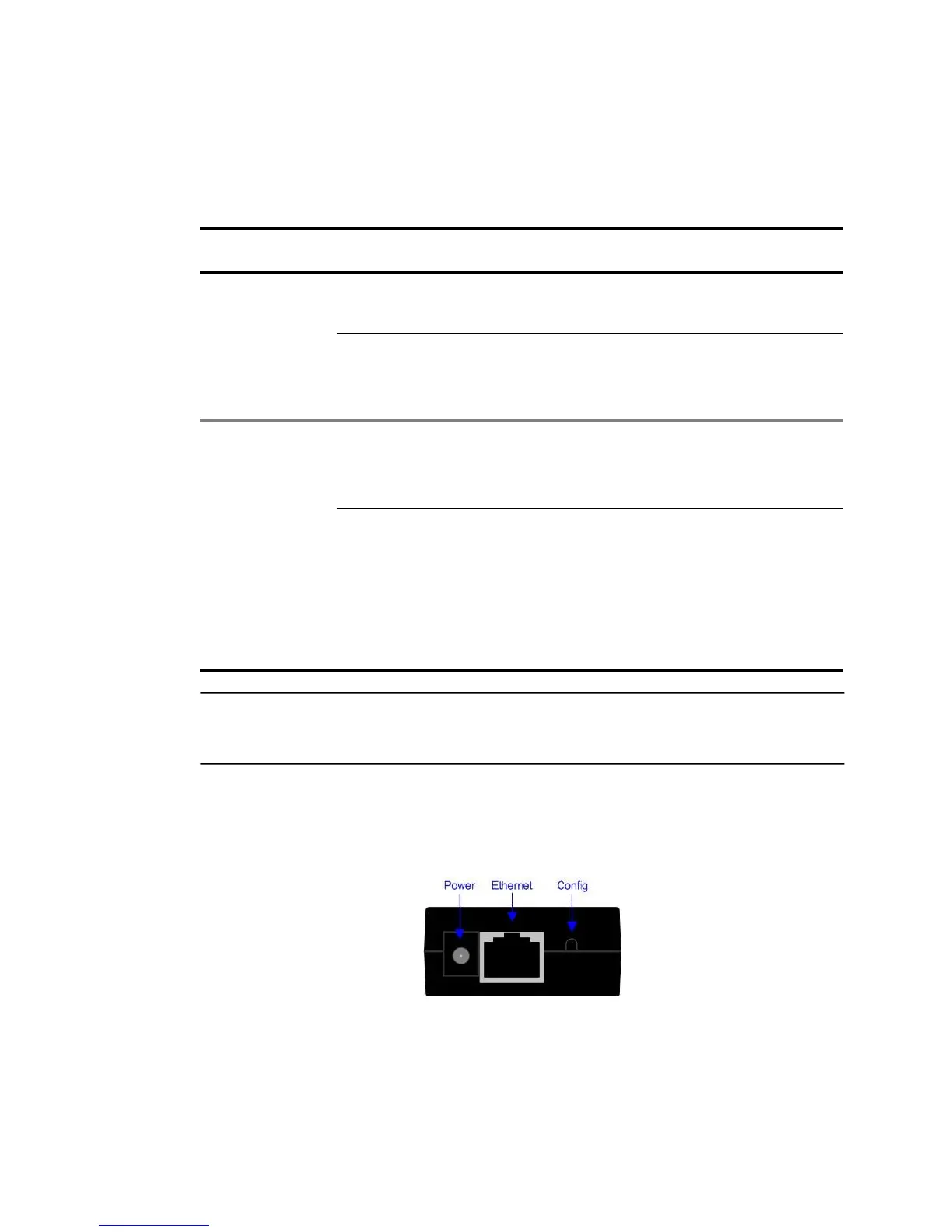
The iPocket232 has 4 interfaces, each described in Table 1.2. The figure below shows the
top view of the iPocket232.
Top View of iPocket232
.



 To Next Page