iPocket232 User Guide 1 Before You Start
23-CML000293 iPocket232 Inc. 2
1.2 Functionality and Features
How It Works
iPocket232 Inc.’s products connect serial devices and IP networks. A device sends
information to the unit through the serial port. This information is processed according
to the protocol set in the Serial Port Settings, then transferred to the Ethernet side of the
unit. The unit then converts the information to IP compatible format and sends it out the
Ethernet port to the remote server, according to the parameters set in the Ethernet
Settings. The process is reversed when information is received from the remote server.
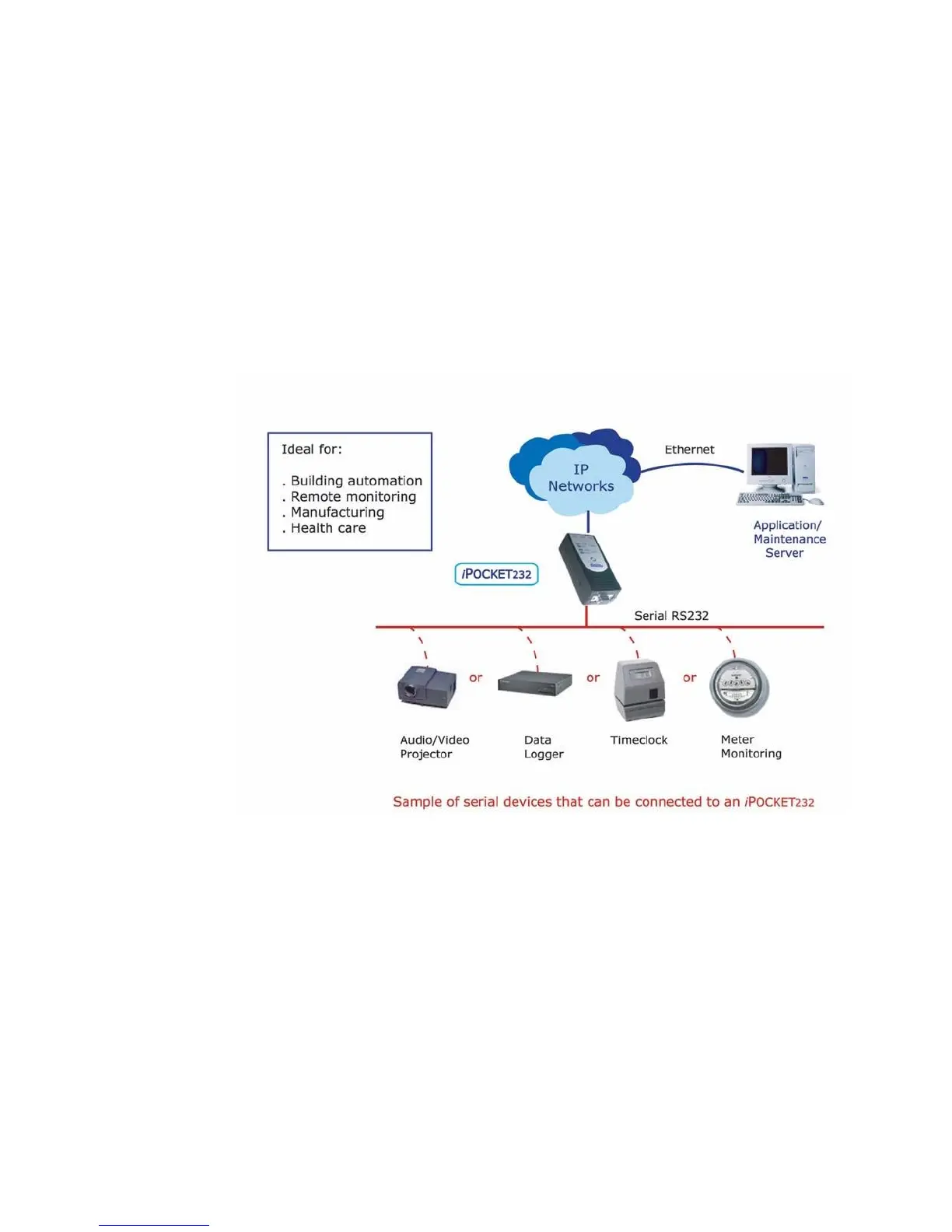
The figure below illustrates an example configuration of the iPocket232 in a network.
iPocket232 — Network Configuration
Features
The iPocket232 has many useful features, allowing you to:
• Replace an existing modem with the iPocket232 without making any other
changes to the network
• Configure settings locally via the COM port, or remotely using telnet
• Display static Web pages using a built-in Web page server
• Display dynamic System Status and System Log pages through the built-in Web
server or the Configuration screen
• Manage information with SNMPv2c (Simple Network Management Protocol)



 To Next Page