23-CML000293 iPocket232 Inc.
Appendix D:Connecting with
Telnet
Before you can access and reconfigure your products remotely, you must
configure the following settings locally:
• the IP Address and Subnet Mask (or automatically with DHCP)
• the Gateway address if necessary (or automatically with DHCP)
• the Remote Password
Refer to the User Guide for more information on configuring these settings.
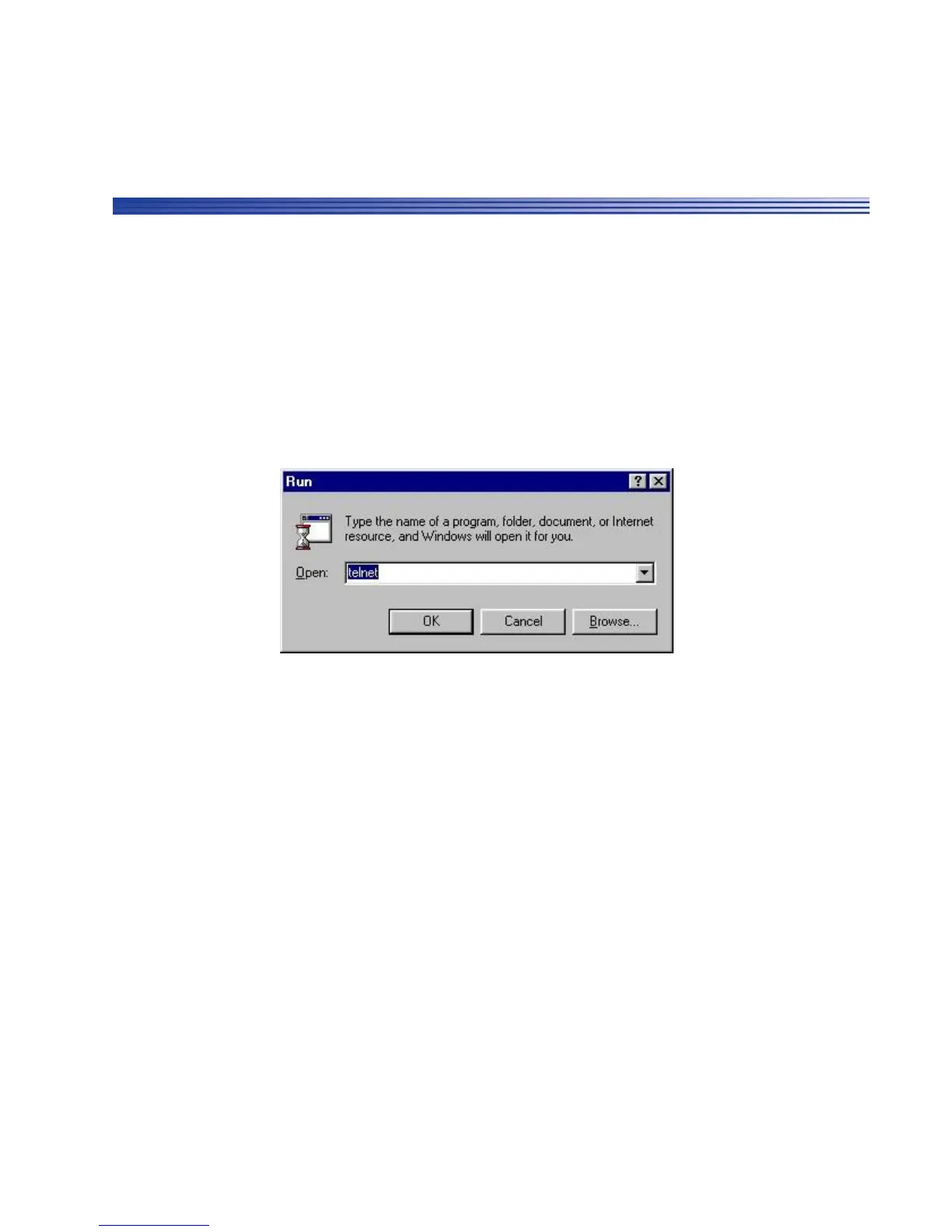
To connect to the iPocket232 remotely using Telnet:
1 From the Start menu, select Run... The Run window appears.
2 Type telnet in the Open field and click OK.
The Telnet application window appears.
D-1



 To Next Page