23-CML000293 iPocket232 Inc.
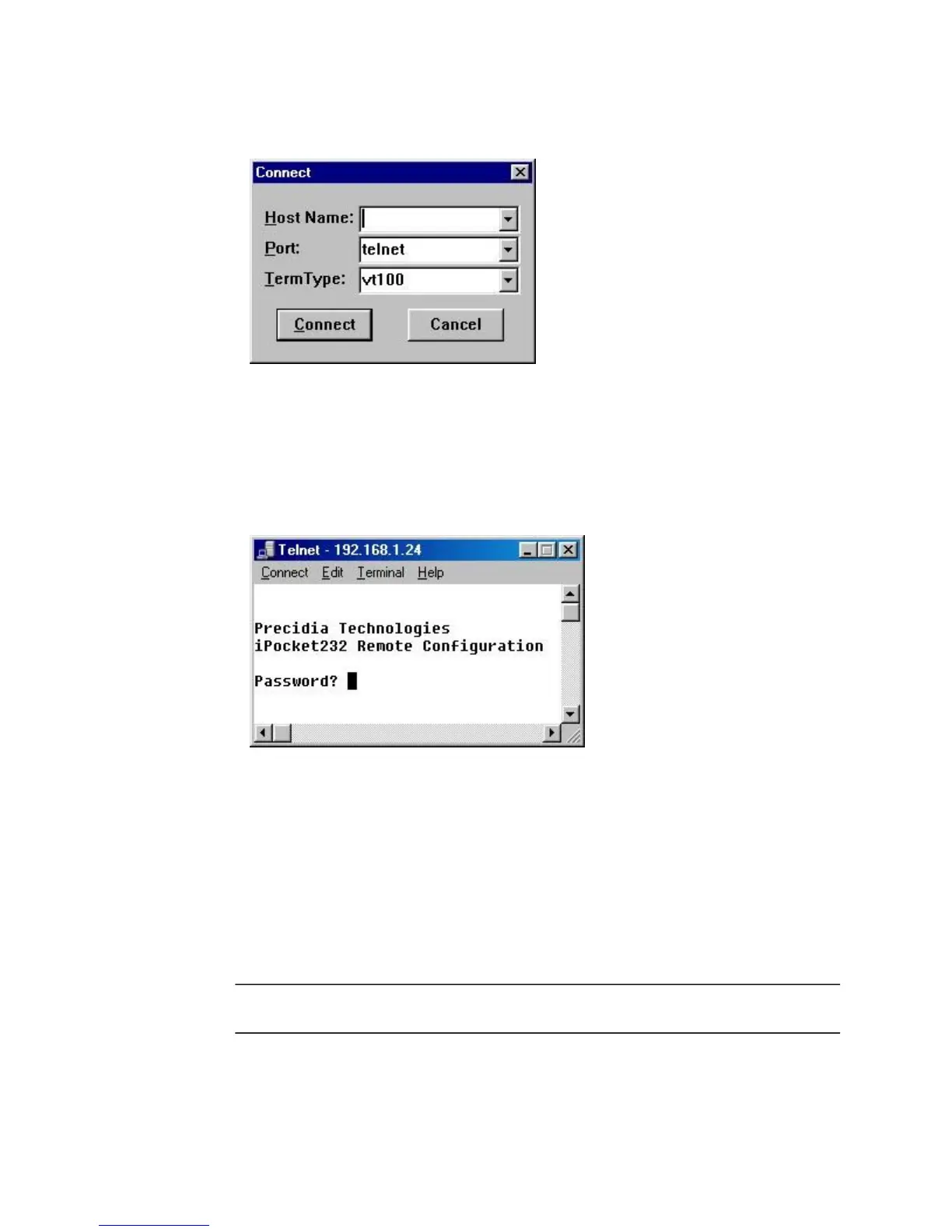
3 From the Connect menu, chose Remote Systems...
The Connect window appears.
4 Type the IP address of the unit in the
Host Name
field, and choose Telnet
in the Port field.
5 Click Connect.
You are prompted to enter your password in the Telnet window.
6 Type the Remote Password you created during local configuration, and
press Enter.
The Configuration screen appears in the Telnet window.
If you typed an invalid password, the connection to the host will be dropped.
Ensure you have the correct IP address and Remote Password, and go back to
Step 3.
N
OTE
: The Remote Password is case sensitive.



 To Next Page