5 Configuring the Security Settings iPocket232 User Guide
23-CML000293 iPocket232 Inc. 43
The IPocket232 SNMP agent supports MIB-II, and allows GET (read) commands for
gathering information, SET (write) commands for managing how the information is
gathered, and trap (notification) generation for alerting the Network Manager when
selected or unusual events occur.
To access the SNMP Settings, choose SNMP Settings from the Security Settings sub-
menu.
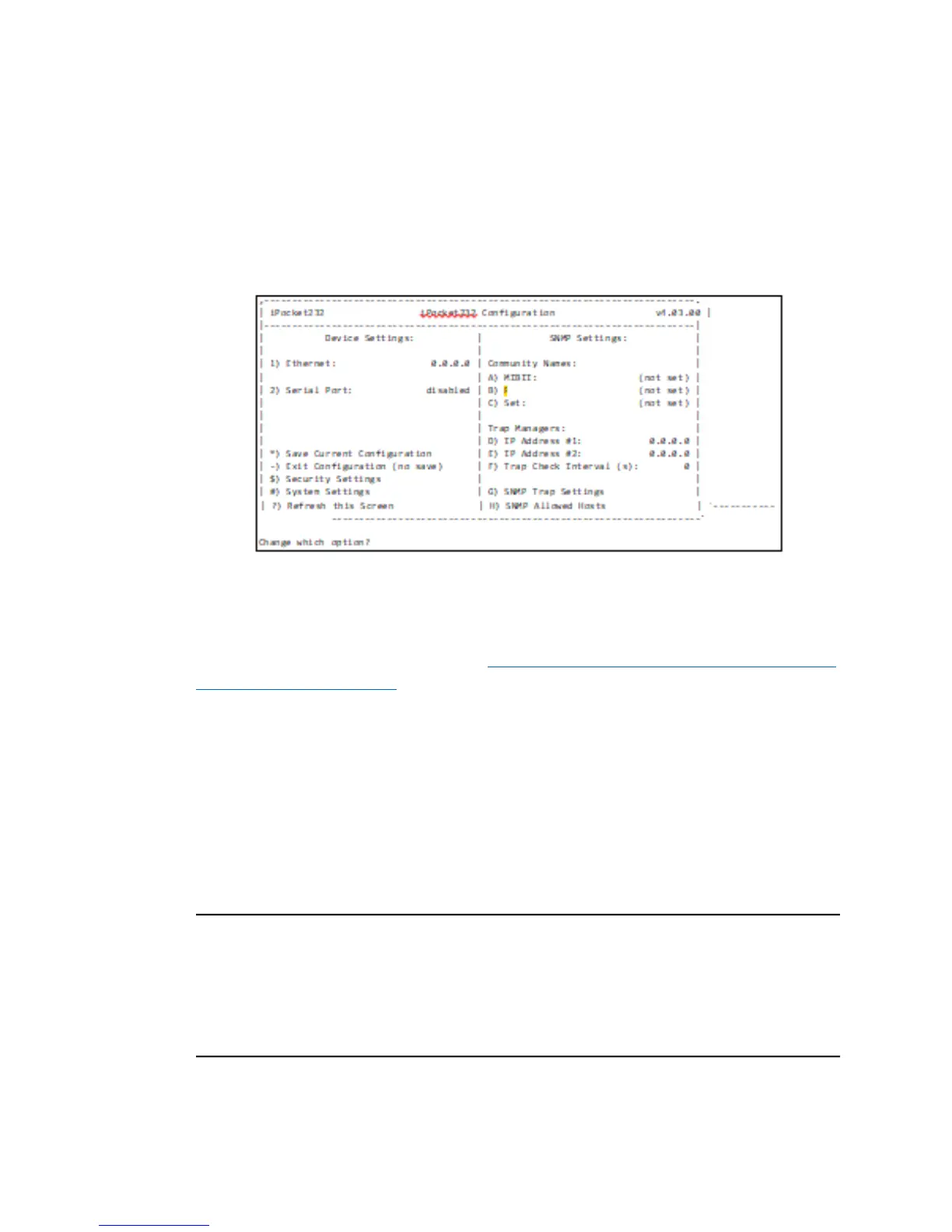
The SNMP Settings sub-menu appears, as shown below.
SNMP Settings Sub-menu
For details on configuring the SNMP feature refer to the SNMP Settings and
Compliance Help Guide, available at http://www.ipocket232.com/index.php/device-
networking/documentation.
5.8 IPsec Tunnels #1 and #2
IPsec (Internet Protocol security) refers to a set of specifications for security at the IP
layer of TCP/IP networks. IPsec tunnels are special secure channels of communication
encapsulated within IP protocol that encrypt both the payload data and the packet header.
Encapsulated Secure Payload (ESP) for IP is defined in RFC1827. You can define up to
two tunnels to securely connect the iPocket232 to two separate networks.
I
MPORTANT
! IPsec contains computationally intensive algorithms. Enabling IPsec may
cause a significant decrease in the speed/performance of the iPocket232. If your
application has performance or latency requirements, please ensure that this decrease in
performance does not break the timing requirements. Full baud rates may not be
achievable when IPsec is enabled.



 To Next Page