2.2.5 Internal MIDI Clock Tempo
MIDI Clock Tempo
TAP
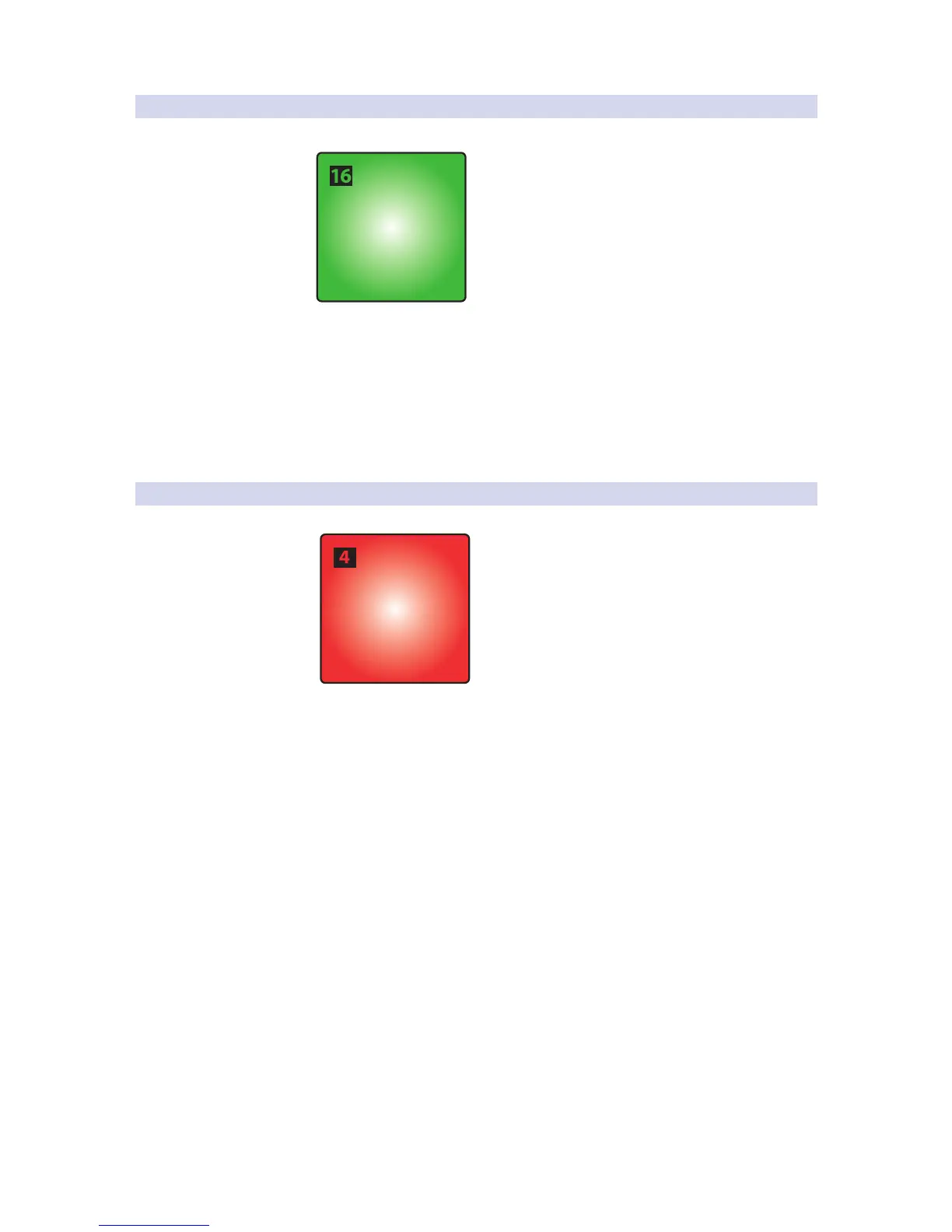
While in Quick Setup Mode, Pad 16 will flash in sync with the
Internal MIDI Clock tempo. By default, this is set to 120 BPM. To
adjust the Tempo, use this pad to tap the desired BPM.
This pad is disabled if External MIDI Clock is available and the
DAW transport playback is active. External MIDI Clock is enabled
automatically when Studio One Native control is active.
Power User Tip: Your MIDI Clock Tempo can also be adjusted by turning Knob 4 while in
Quick Setup Mode.
2.2.6 Panic
Panic
All Notes Off
To disable all MIDI signals, press Pad 4 while holding the Setup button.


 To Next Page