3.4 Instrument Quick Controls
While in normal operation, ATOM provides quick access
to the Instrument plug-in Editor and presets.
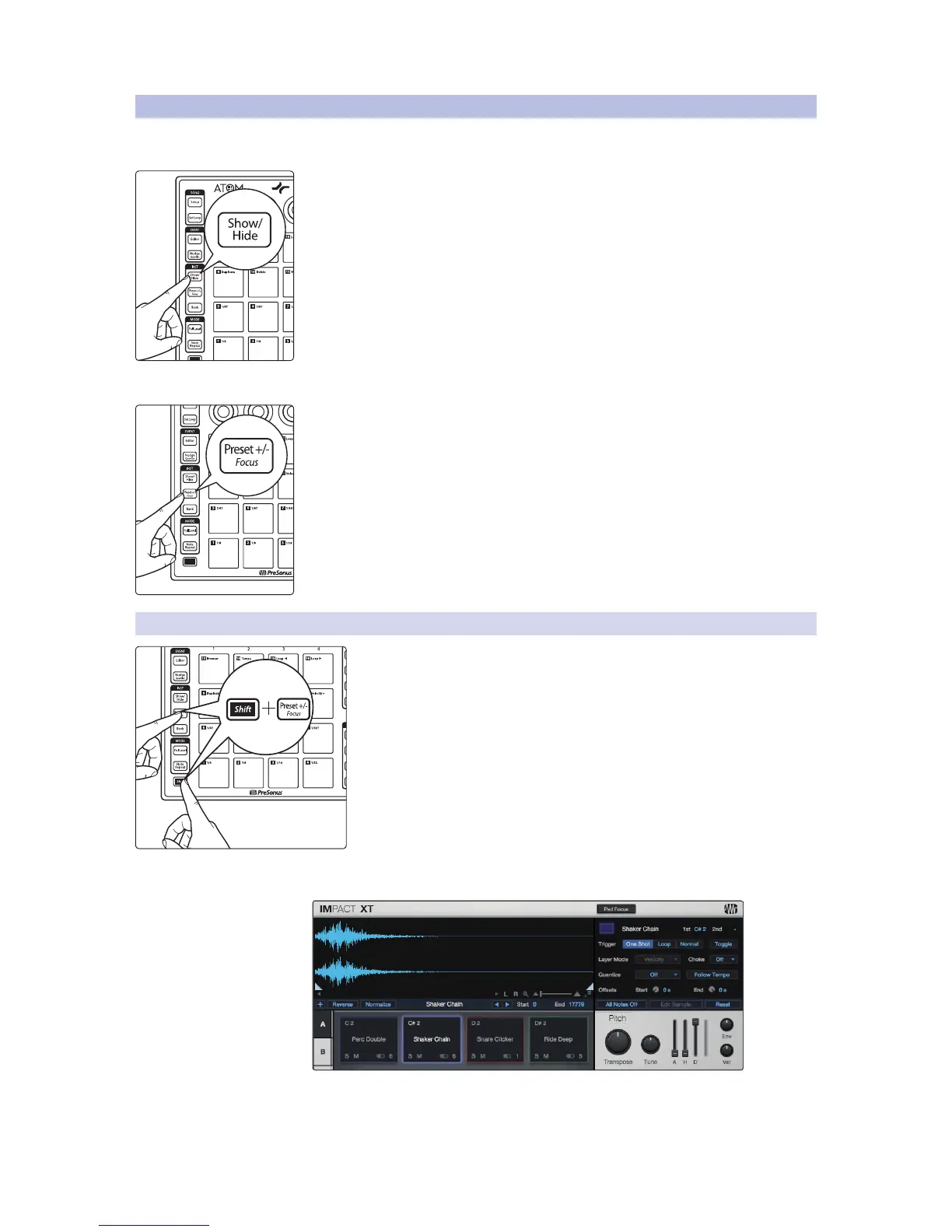
Press the Show/Hide button to open or close the currently selected track’s
Instrument Editor window.
Changing Presets
When the Instrument plug-in window is open, you can quickly change presets by
pressing Preset +/- button. Press and hold for momentary. Press and release to latch.
While holding the Preset +/- button, use the Up and Down buttons to audition
presets. To select the current preset, simply disengage the Preset +/- button.
3.4.1 Impact XT Pad Focus
To change the currently focused pad in Impact, press the Shift and Preset
+/- button.
Pressing any pad on the ATOM will bring the corresponding
pad in Impact XT into focus to edit the sample.


 To Next Page