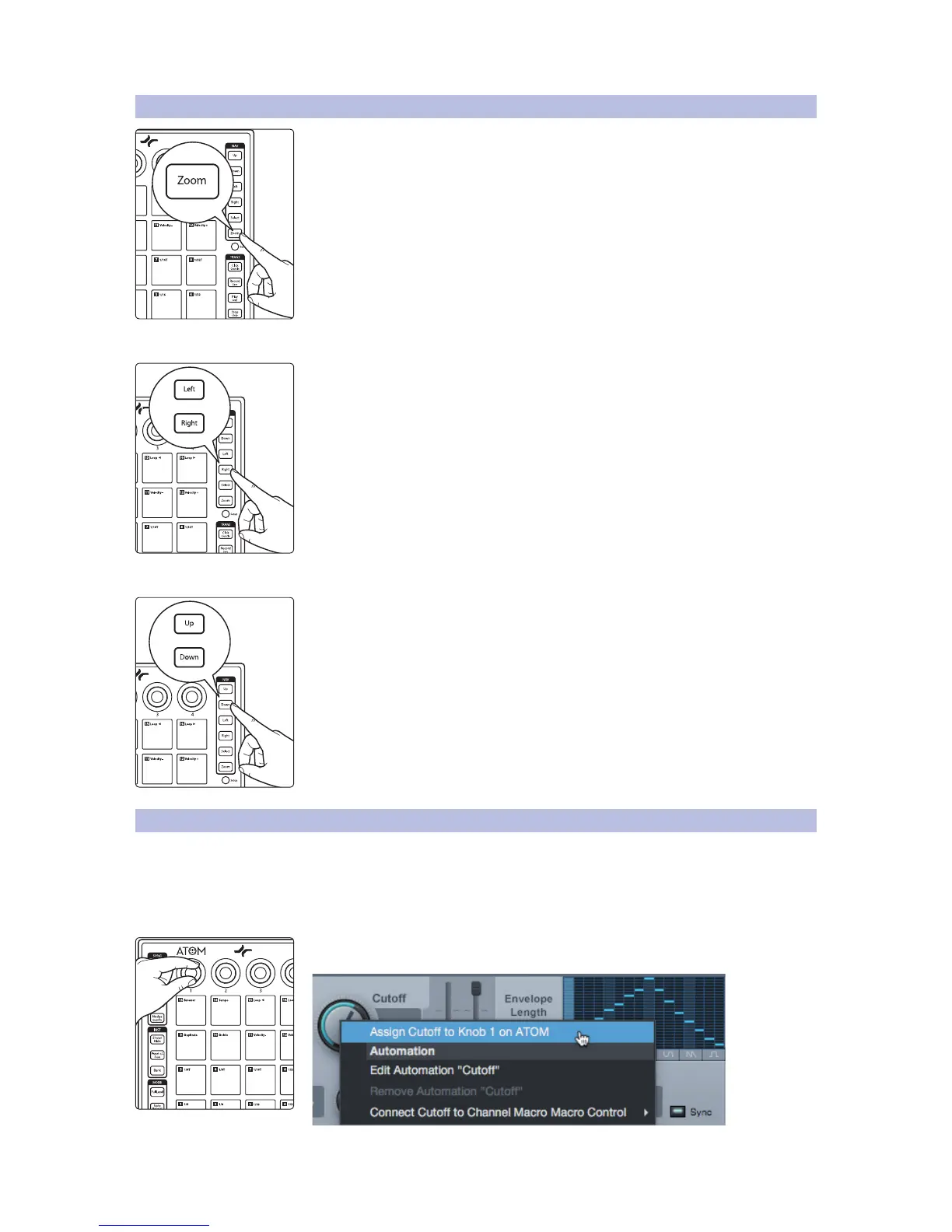
3.7 Zooming
While holding the Zoom button, the Navigation buttons allow you to adjust the
current view.
Horizontal Zoom
Pressing Zoom with either the Left or Right buttons simultaneously will zoom in or
out respectively.
Vertical Zoom
Pressing Zoom with either the Up or Down buttons simultaneously will zoom in or
out respectively.
3.8 Customizing Knobs
Any parameter for any plug-in or function in Studio One can be mapped
to any of the four knobs. By default, Studio One native plug-ins have
functions mapped to these controls already. For example, in Impact
XT, Knob 1 controls sample volume, Knob 2 controls sample pan, Knob
3 controls sample pitch, and Knob 4 controls sample decay.
To change these functions, move the knob you’d like to use, right-click on the desired
parameter, and select “Assign to Knob.”


 To Next Page