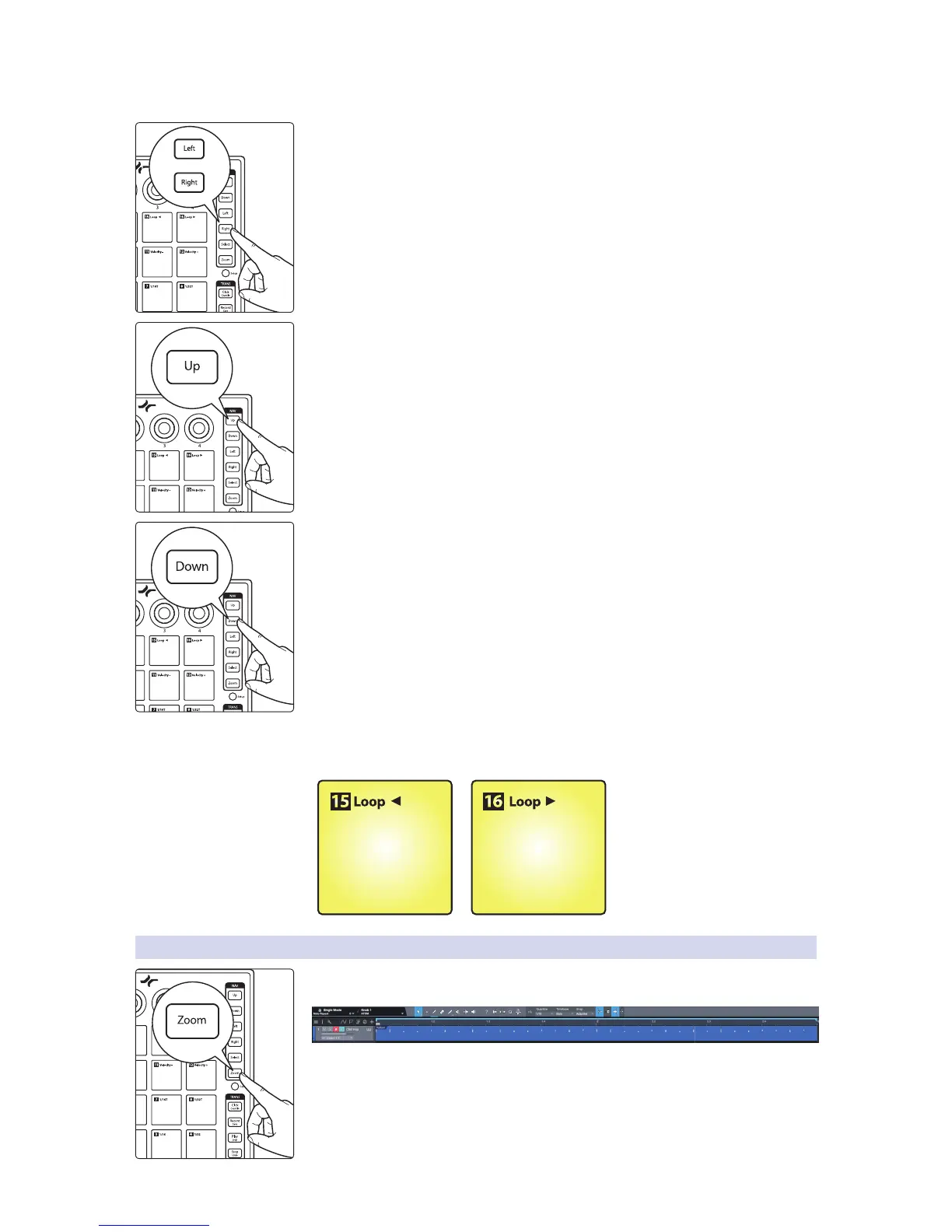
Setting Timeline Loop
While Set Loop is active, use the right and left buttons to move forward and
backward on the timeline.
Press the Up button to set the loop start point.
Press the Down button to set the loop end point.
To adjust the loop’s position in the timeline without
changing its length, press Pads 15 and 16.
Backward Forward
3.2.1 Zooming
ATOM lets you quickly focus on your loop to make fast, detailed edits. While Set Loop
is active, press the Zoom button to focus your session on the loop area.


 To Next Page