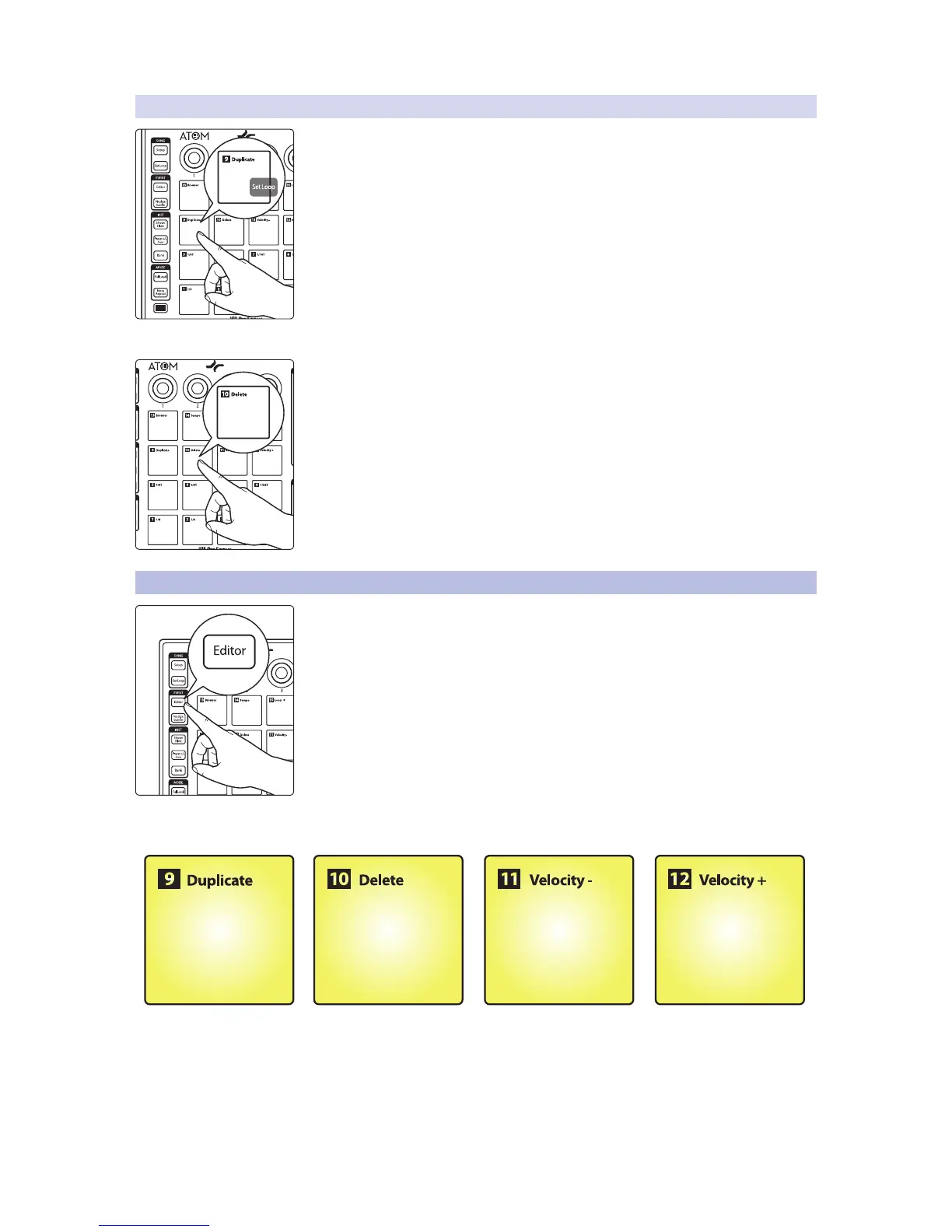
3.2.2 Insert Pattern
To insert a Pattern part for the current track, press Pad 9 (Duplicate). For more
information on Pattern Editor control, see Section 3.5.
Power User Tip: Pressing the Shift and Set Loop buttons simultaneously will create a loop
from your current selection. To enable loop, press Shift and Play.
Delete Pattern
To delete a pattern, press Pad 10.
3.3 Event Editor
Pressing the Editor button will open the Music Editor view in Studio One. For the best
experience, PreSonus recommends closing the Instrument Browser first.
While Editor control is active, Pads 9-12 will control the following functions:
• Duplicate. Press Pad 9 to duplicate a note or event according to the set grid.
• Delete. Press Pad 10 to delete a note or event.
• Velocity -. Press to lower the note velocity by 10.
• Velocity +. Press to increase the note velocity by 10.


 To Next Page