3.3.2 Nudging
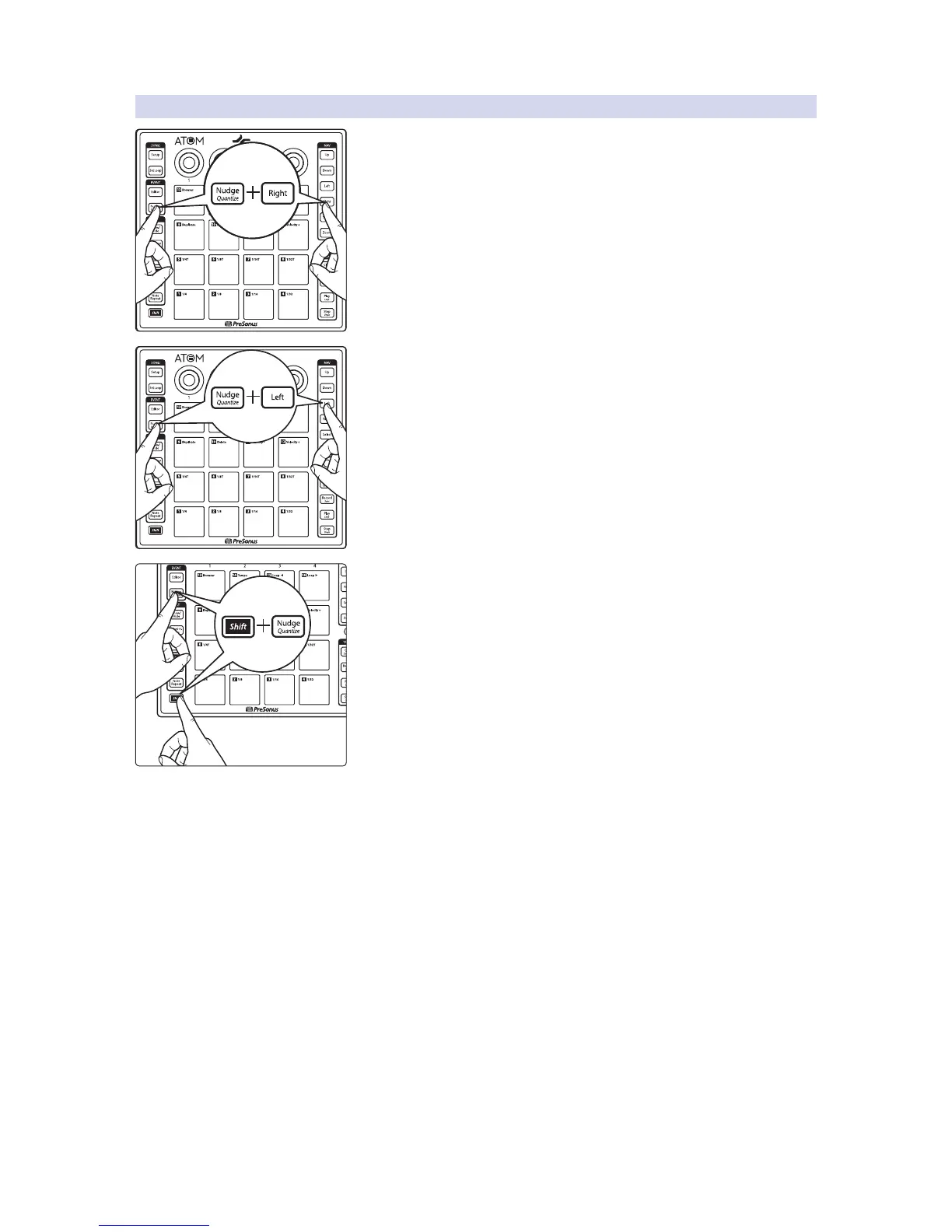
Holding the Nudge button while pressing the Right button, moves the
selected event or note forward in the timeline according to the current grid
settings.
Holding the Nudge button will pressing the Left button, moves the selected
event or note backward in the timeline according to the current grid
settings.
Press Shift and Nudge simultaneously to quantize the current note or event
according to the quantization settings.
Note: Because the pads are always active for sound control when the Pattern
Editor is active, Music Editor controls are disabled when viewing the Pattern
Editor in Studio One.


 To Next Page