1 Overview
1.1 Introduction
Thank you for purchasing the PreSonus® ATOM production and performance
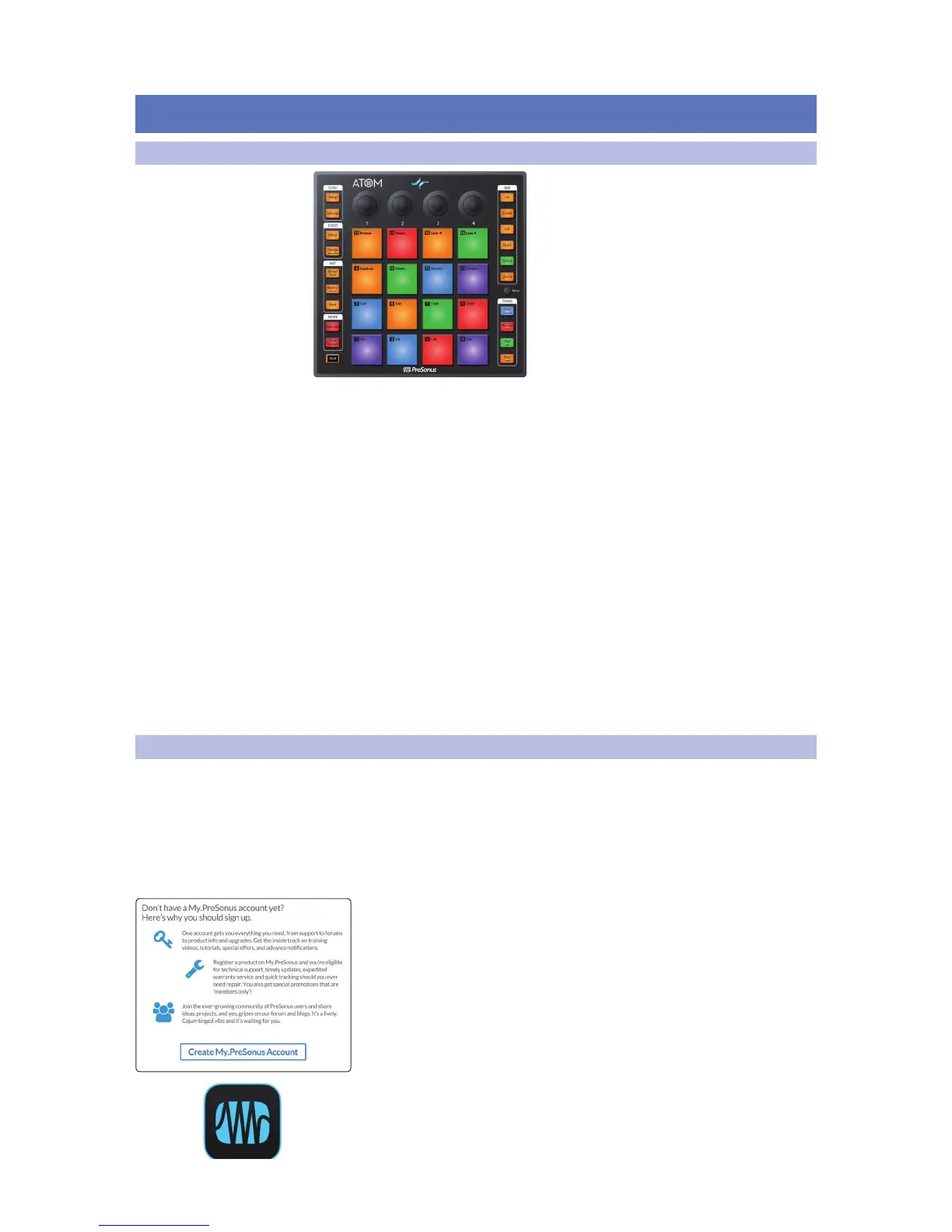
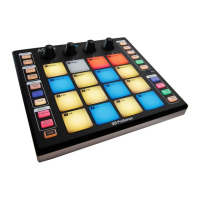
pad controller. With 16 full-size, velocity- and pressure-sensitive RGB pads and 8
assignable pad banks, ATOM lets you produce beats, play virtual instruments, and
trigger samples and loops with unsurpassed expressiveness and flexibility. More
than a compact, dynamic performance controller, when combined with Studio
One®, ATOM becomes a tightly integrated production environment. You’ll love
how ATOM’s expressive pads, flexible controls, and tight integration with Studio
One will open up your production environment and speed up your workflow.
PreSonus Audio Electronics is committed to constant product improvement,
and we highly value your suggestions. We believe the best way to achieve our
goal of constant product improvement is by listening to the real experts: our
valued customers. We appreciate the support you have shown us through the
purchase of this product and are confident that you will enjoy your ATOM!
About this manual: We suggest that you use this manual to familiarize yourself with
the features, applications, and workflows for your ATOM before trying to connect it
to your computer. This will help you to get better performances and faster results.
Throughout this manual, you will find Power User Tips that can quickly make
you an ATOM expert and help you get the most out of your investment.
1.2 Product Registration
PreSonus is committed to delivering the best experience for our
customers. My PreSonus is a one-stop portal for all our registered
customers’ needs. From your My PreSonus account, you can view all
your PreSonus hardware and software registrations; download drivers,
installers, and content; contact support; track orders and more.
To register your ATOM
Go to My.PreSonus.com and follow the onscreen instructions.
OR
Download the MyPreSonus app from the Apple App Store or Google Play.


 To Next Page