Selecting a Preset
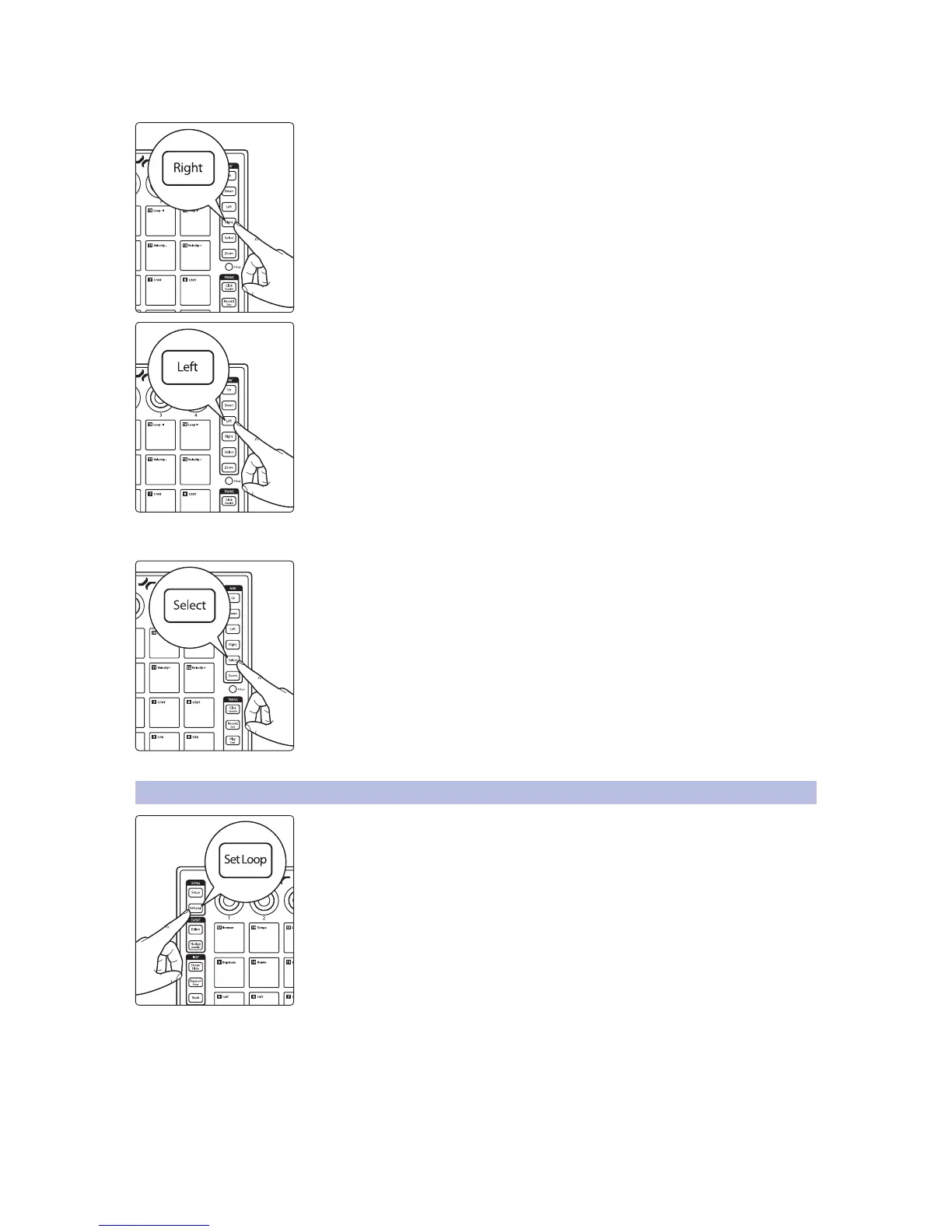
Pressing the Right button will expand the preset list.
Pressing the Left button will collapse the preset list.
Power User Tip: Press the Left button while navigating through the preset list to quickly
return to the top of the folder.
Creating a Track
Pressing Select button will create a track and instantiate the currently selected
preset, or plug-in if no preset is selected, and bring it into focus for instantaneous
control.
Power User Tip: Selecting a preset from the Instrument Brower, rather than just selecting
the instrument plug-in itself, will allow you to work more quickly.
3.2 Set Loop
Pressing the Set Loop button allows you to set the start and end points of a timeline
loop as well as position it within your session and focus on the loop area to quickly
zoom in to make edits.


 To Next Page