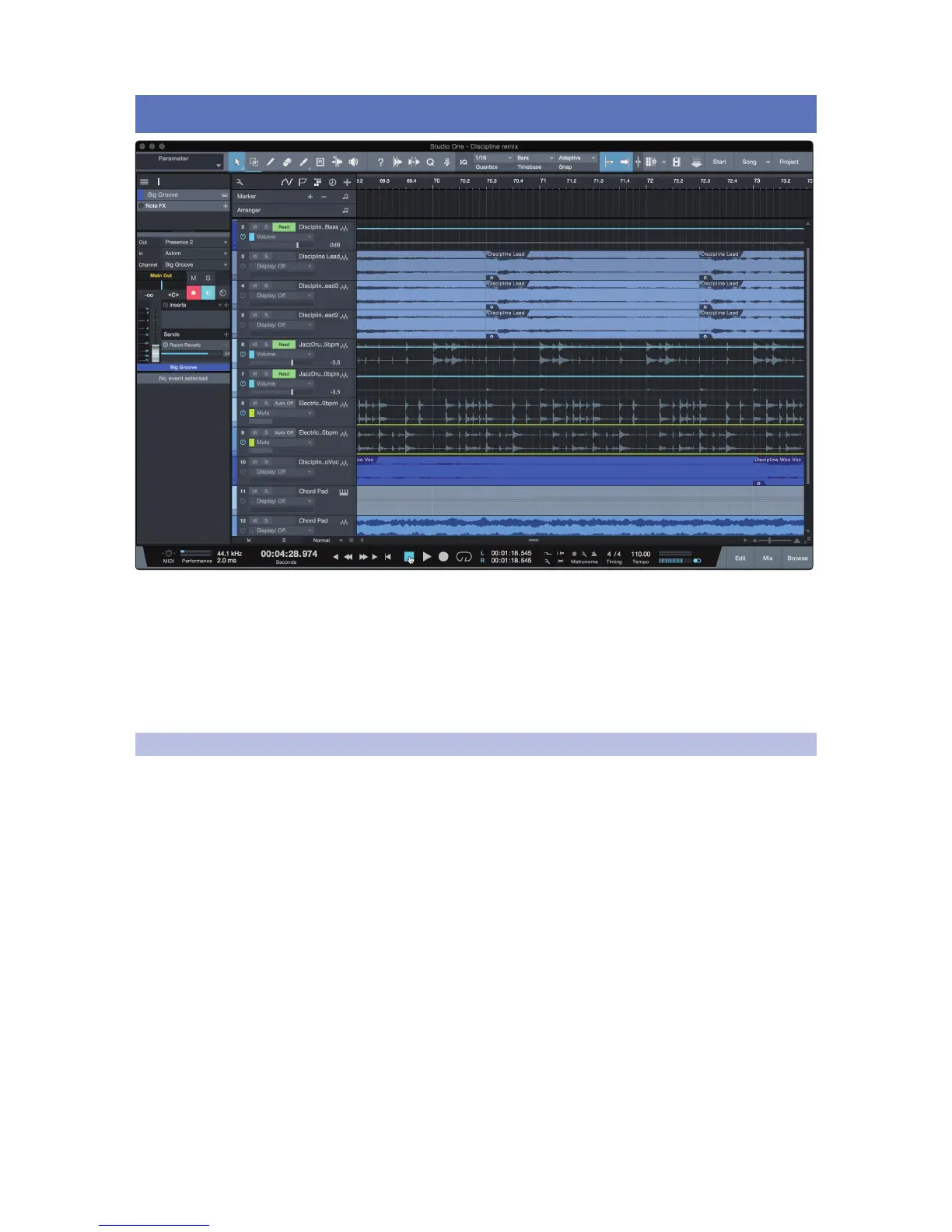
4 Studio One Artist Quick Start
All registered ATOM users receive Studio One Artist recording and
production software. Whether you are about to record your first
album or your fiftieth, Studio One Artist provides you with all of the
tools necessary to capture and mix a great performance.
Power User Tip: As a valued PreSonus customer, you are eligible for a discount upgrade
to Studio One Professional. For more details on the Studio One upgrade program for
PreSonus customers, please visit https://shop.presonus.com/products/software/studio-
one-prods.
4.1 Installation and Authorization
Once you have installed the drivers for your audio interface and connected it
to your computer, you can use the included PreSonus Studio One Artist music-
production software to begin recording, mixing, and producing your music. To
install Studio One Artist, log into your My PreSonus account and register your
ATOM. Your product key for Studio One Artist will automatically be registered
to your My PreSonus account, along with your hardware registration.


 To Next Page