5.4.5 Turn Pad Note On/Off
By default, the 16 pads on your ATOM send Note On/Off messages on every bank.
Using Advanced Setup mode, you can configure any of the pads on Bank 1 to only
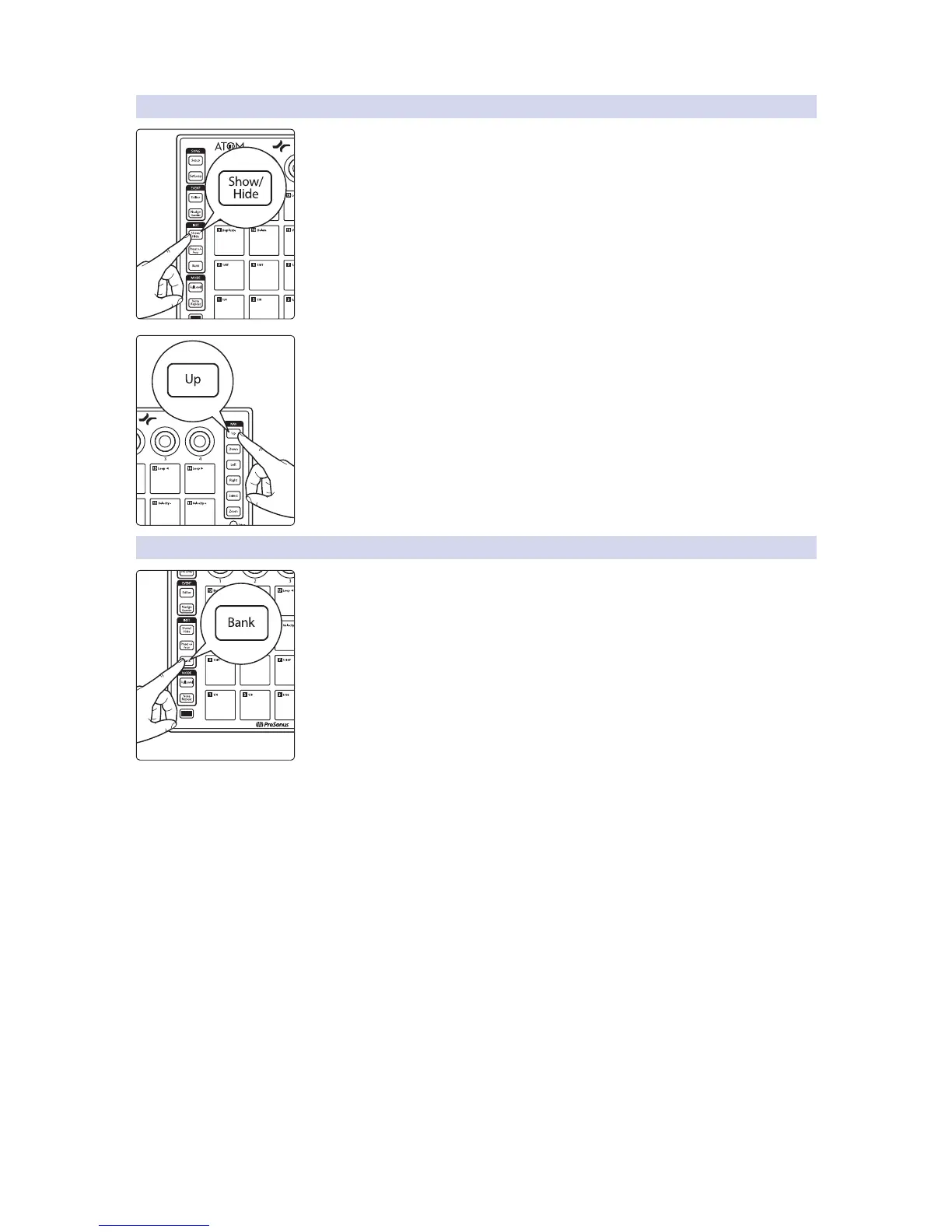
send CC messages. To disable Note On/Off for any pad, press the Show/Hide button
while Advanced Setup Mode is active. Pads that are illuminated have Note On/Off
enabled. Pads that are not illuminated will send CC messages only.
Note: You must be on Bank 1 when you enter Advanced Setup mode for this option to be
available.
To reset to default, press the Up button.
5.4.6 Adjusting Brightness
To adjust the brightness of the LEDs on your ATOM, press the Bank button while
Advanced Setup mode is active. This will allows you to advance through the three
brightness options available.


 To Next Page