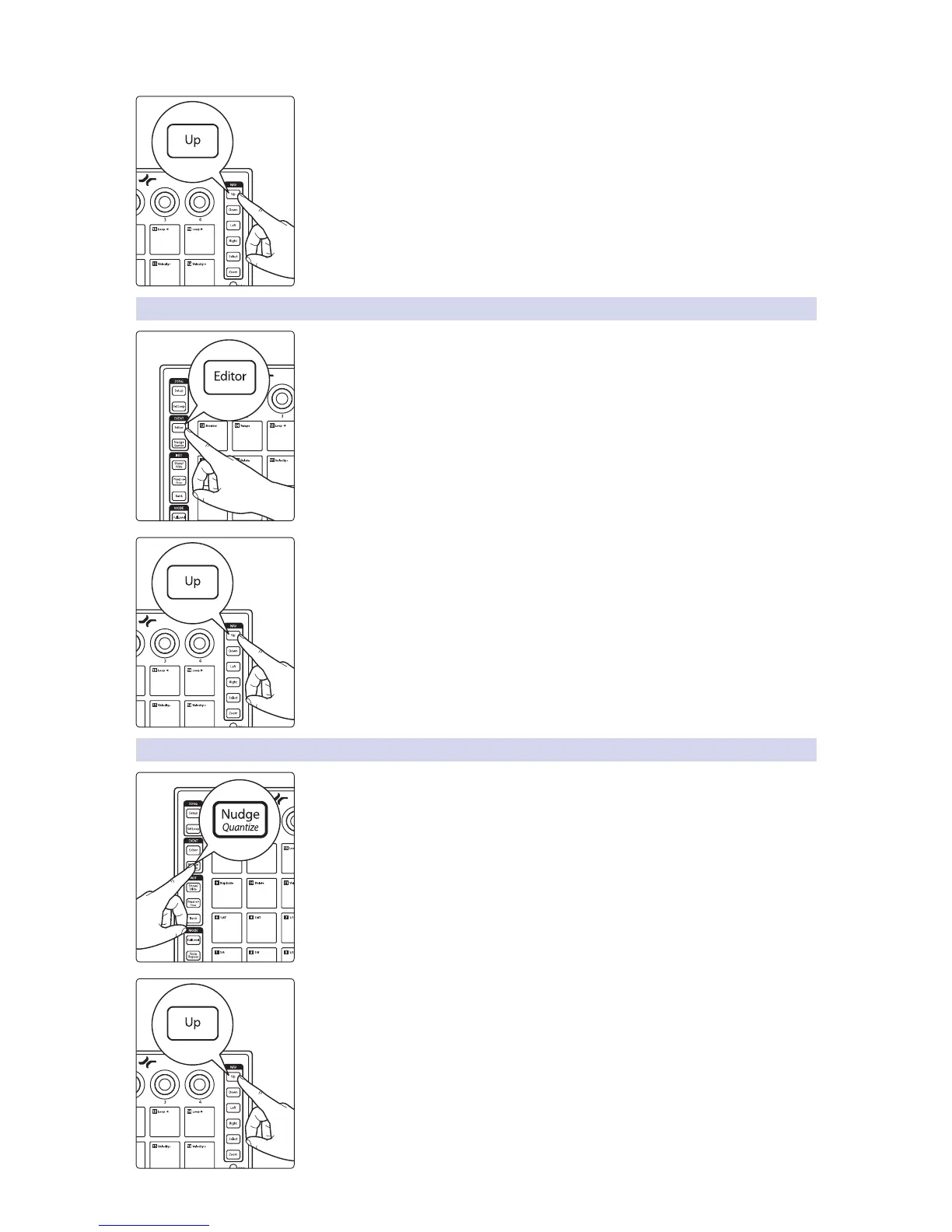
To reset the MIDI Channel to default (MIDI Channel 1), press the Up button.
5.4.3 Select Button MIDI Channel
By default, the 22 button functions listed in Section 5.3 send their MIDI messages on
MIDI Channel 1. Pressing the Editor button while Advanced Setup Mode is active will
allow you to change the MIDI channel for the buttons on your ATOM.
Press the number of the pad for the desired MIDI channel. For example, to changed
the MIDI channel to Channel 3, press Pad 3.
To reset the MIDI Channel to default (MIDI Channel 1), press the Up button.
5.4.4 Select Pressure MIDI Channel
By default, the 16 pads send their MIDI Pressure messages on MIDI Channel 10.
Pressing the Nudge button while Advanced Setup Mode is active will allow you to
change the MIDI channel on which the 16 pads will send Pressure messages.
Press the number of the pad for the desired MIDI channel. For example, to changed
the MIDI channel to Channel 3, press Pad 3.
To reset the MIDI Channel to default (MIDI Channel 10), press the Up button.


 To Next Page