Chapter 2: Installation and Registration 8
Chapter 2: Installation and Registration
Installing Pro Tools | MTRX II involves the following:
1 Unpacking MTRX II
2 Registering your MTRX II
3 Downloading and installing software
4 Authorizing Pro Tools DigiLink I/O License with iLok License Manager
5 Installing Expansion cards
6 Installing Option modules
7 Rack mounting MTRX II (optional)
8 Connecting cables
9 Configuring network settings
Unpacking MTRX II
Before you get started installing Pro Tools | MTRX II, unpack the box, which contains the following:
• MTRX II chassis
• 1 IEC power cable
• Welcome card with redemption code and serial number
Keep the Welcome card on hand to register your MTRX II and access software downloads and firmware updates. Set the power ca-
ble aside until you are ready to start connecting cables. Remove the MTRX II from the box and packaging, and place it on a hard
and dry surface.
Register Pro Tools | MTRX II and Activate your Avid Master Account
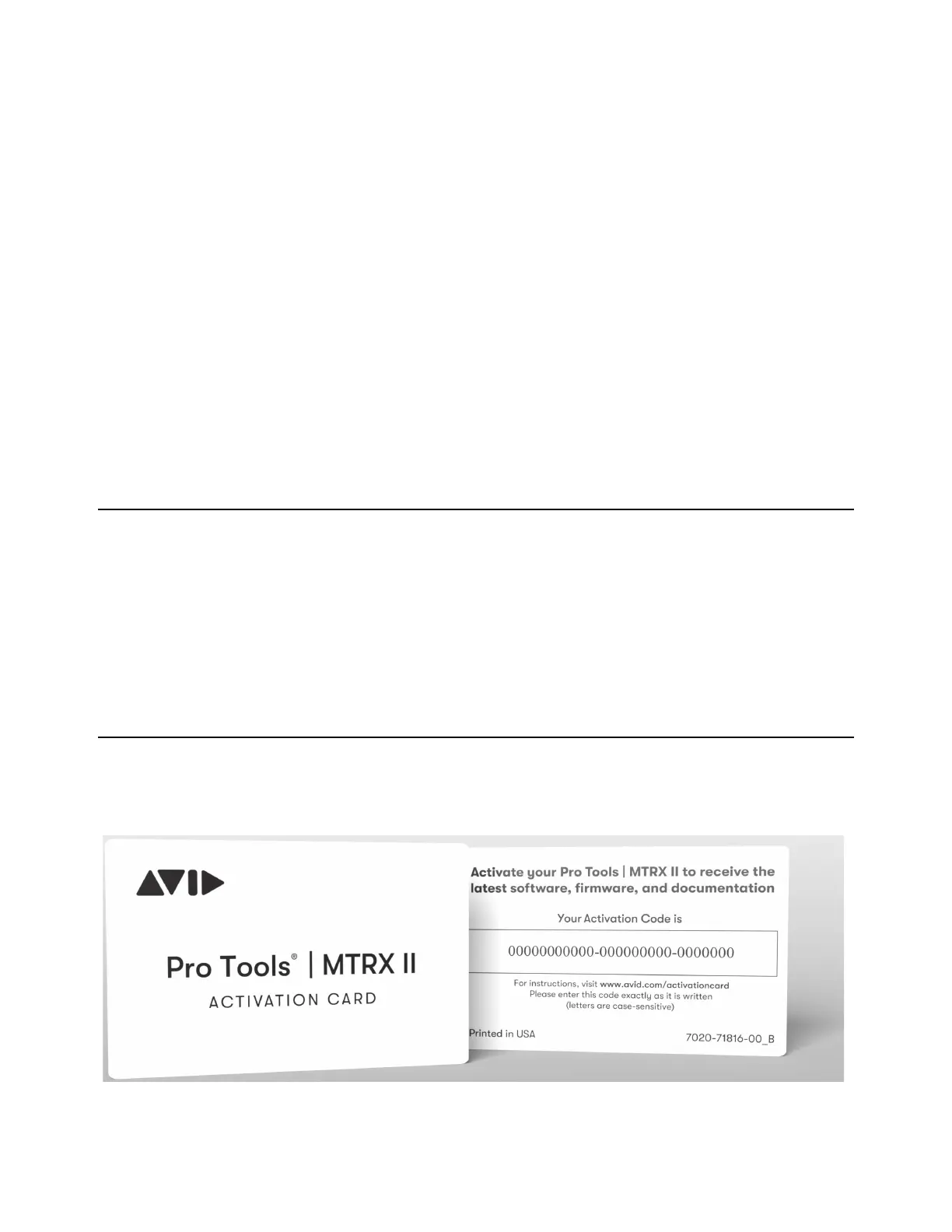
Your Pro Tools | MTRX II includes an Activation card with a code that lets you register the unit, and access software, firmware,
and documentation downloads.



 To Next Page