Chapter 7: Monitor Profiles
49
Fold-down and Speaker Match
DADman lets you define a summing matrix (fold-down), mainly to play back a higher channel count signal as source on a speaker set
with fewer channels, such as 5.1 to stereo or stereo to mono. You can match between any of the formats. Also, speaker up-match lets
you play back lower channel immersive formats on more speakers in a higher channel count speaker set-up.
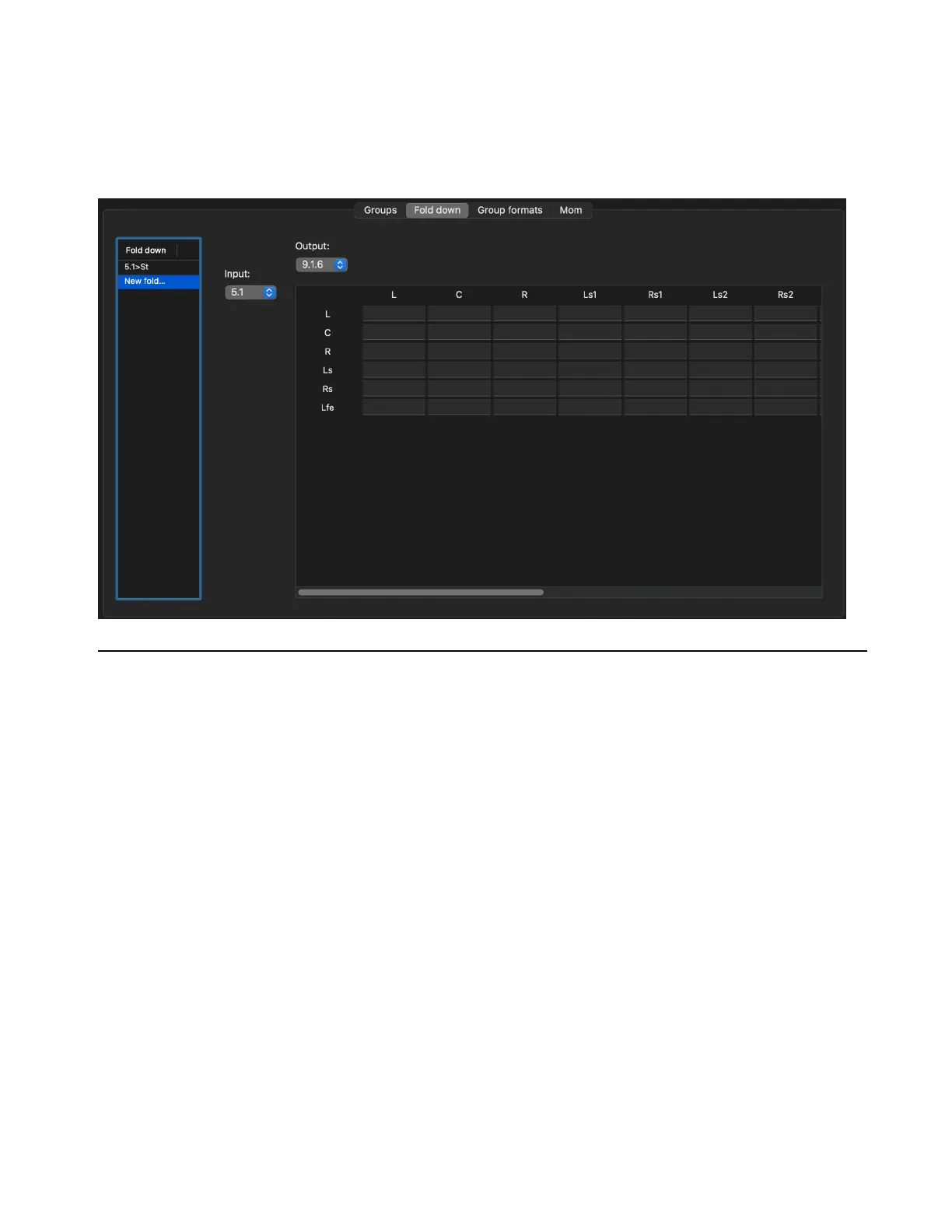
The following figure shows the fold-down and speaker match configuration window.
Group Formats
The available Custom group formats are referred to by name, such as “51 ch. Immersive.” Formats are available in the Custom format
list when loaded. There is no allocation of I/O signal or SPQ parameters attached to the group format setting.
Group Type
This list has 3 categories: Source set, Output set, and Fold-down.
Source Set
This defines a group format related to sources. It includes allocated physical inputs as well as gain adjust settings.
Output Set
This defines a group format related to speaker outputs. It includes the allocated physical outputs as well as gain adjust set-
tings and SPQ filter parameters. This provides an easy way to manage different EQ settings for the speaker system.
Fold-down
This defines fold-down and speaker match summing matrices. When loaded, the fold-down is available in the fold-down
list.



 To Next Page