Chapter 3: Connecting Pro Tools | MTRX II to a Pro Tools | HDX or HD Native System
13
Connecting Pro Tools | MTRX II to Pro Tools | HDX
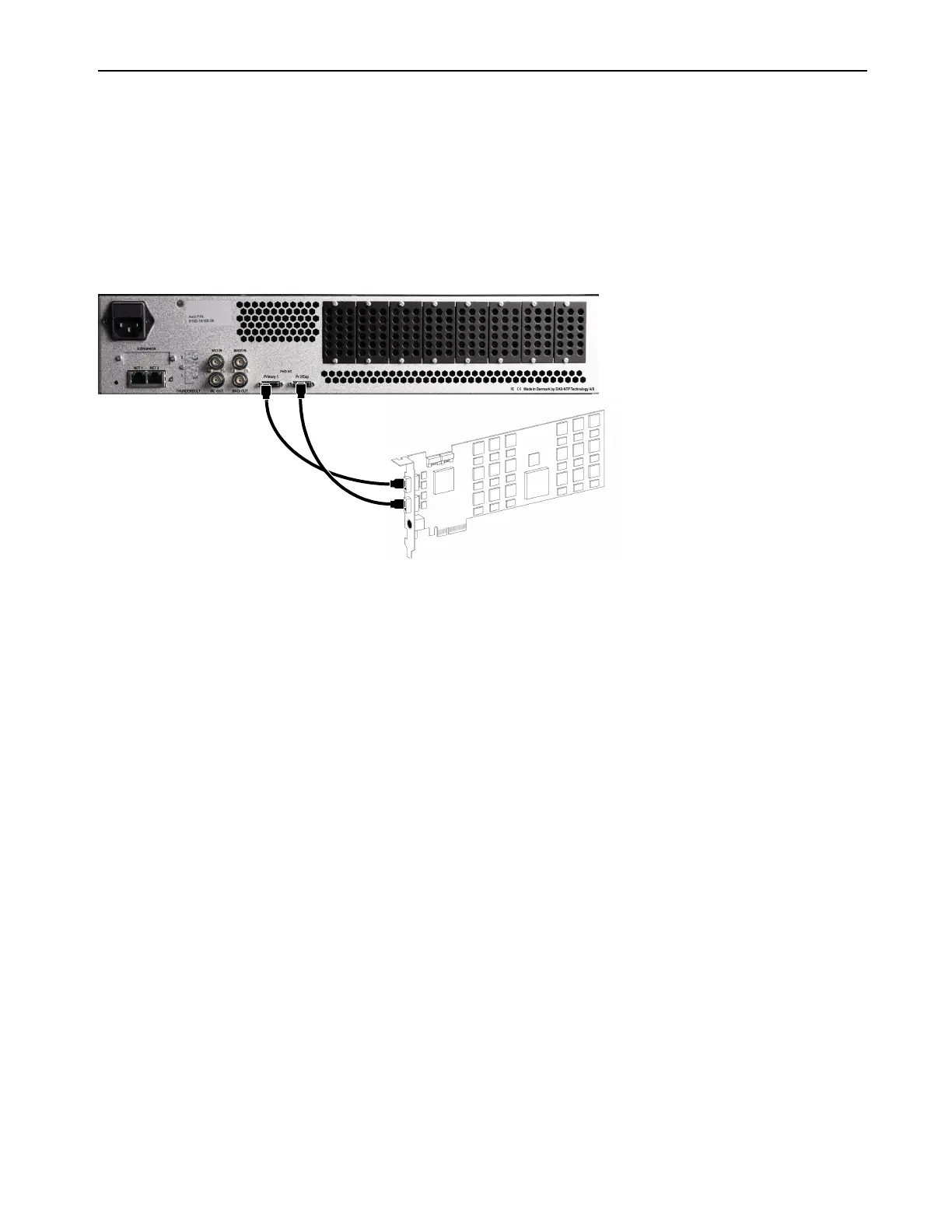
You can use up to 64 channels of analog and digital I/O with MTRX II connected to an HDX card using two DigiLink Mini cables (not
included).
To connect MTRX to an HDX card:
1 Required: Connect the first MTRX II DigiLink Mini Port to DigiLink Mini Port 1 on the HDX card using a DigiLink Mini cable (not
included).
2 Optional: Connect the second MTRX II DigiLink Mini Port to DigiLink Mini Port 2 on the HDX card using a second DigiLink Mini
cable (not included).
+
Figure 1. MTRX II connected to both DigiLink Mini ports on an HDX card



 To Next Page