Chapter 6: DADman Software
26
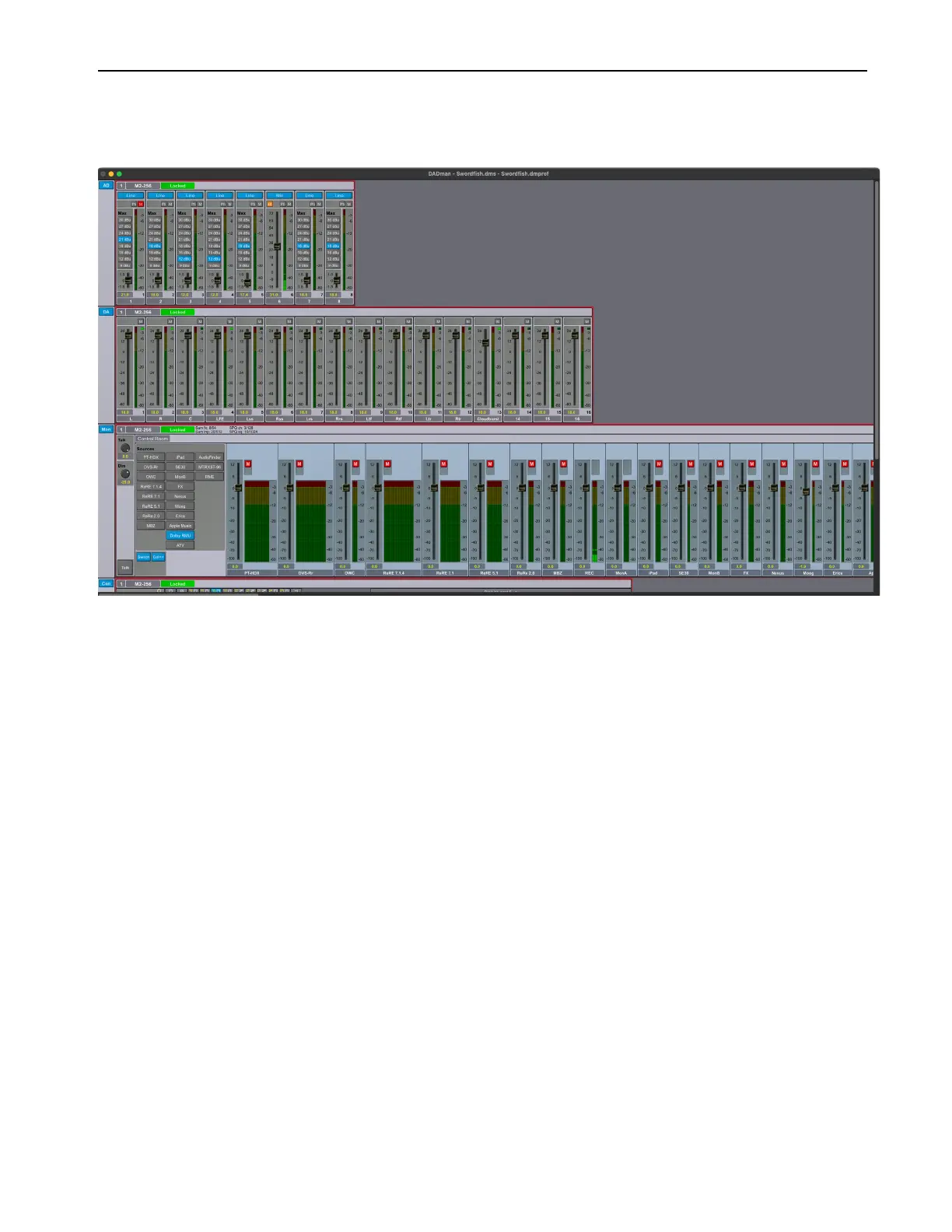
DADman Window
The DADman window is separated into the five sections: AD, DA, Monitoring (if configured), Connections, and Configuration. Each
subsection can be shown or hidden by clicking on the corresponding button in the leftmost column.
Note that the order from left to right in which DADman shows the units is defined by the Unit ID number stored in each unit. The ID
number for any unit can be changed by editing the Unit ID field in the Device List window (
Settings > Device List). You can name each
MTRX II unit separately in the DADman window (just to the right of the Unit ID number at the top of each section). This name is stored
in the unit, and can be seen in the MTRX II display. Names can also be assigned for each analog input and output channel. However,
these channel names are only stored in MTRX II Configuration files, not in the MTRX II unit itself.
DADman Window



 To Next Page