Chapter 6: DADman Software
27
AD Section
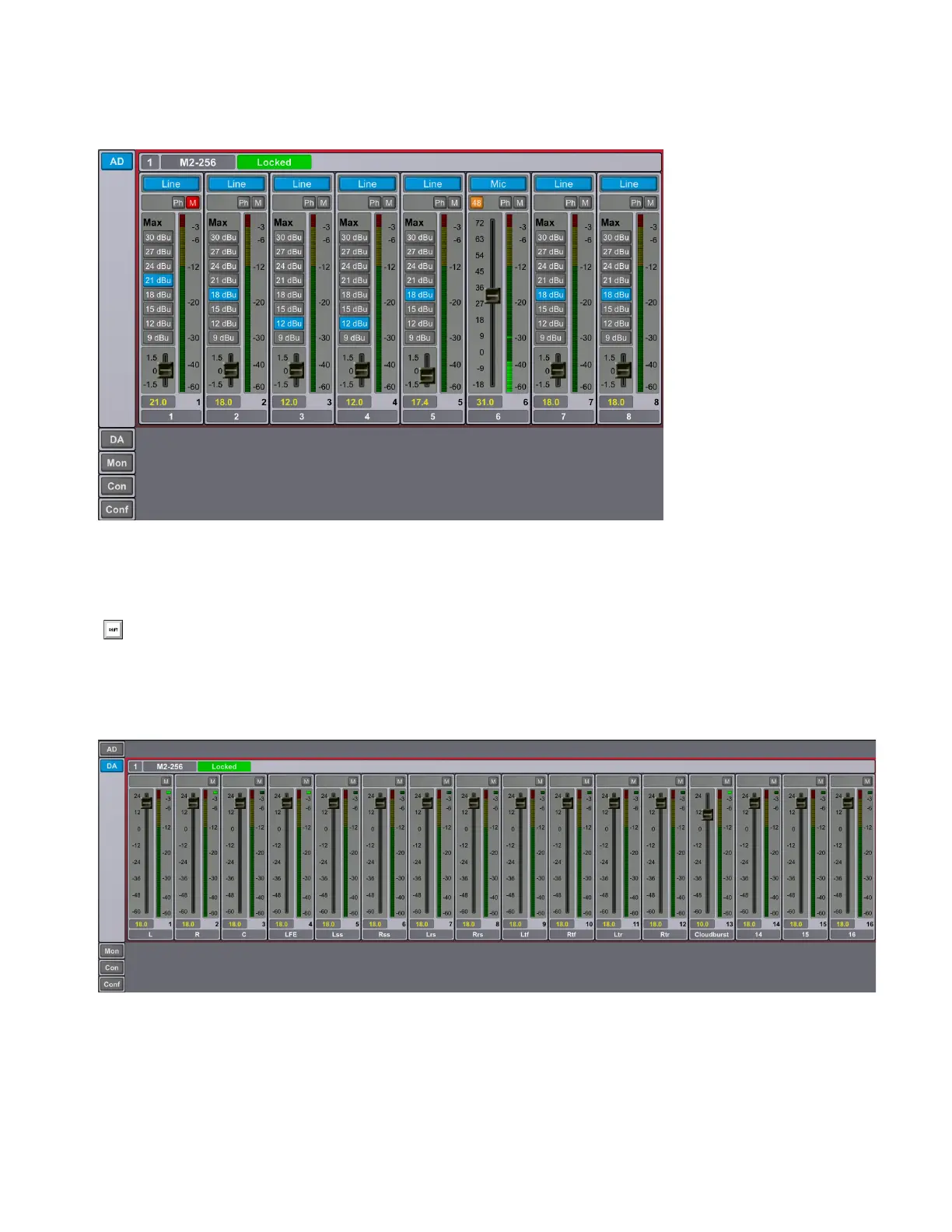
The AD section controls any Mic/Line AD and Line AD cards in the MTRX II. If there are no AD cards in the MTRX II, the AD section
for that MTRX II is empty.
The sliders for MIC gain can be adjusted with the mouse, the mouse scroll wheel, or with the Up and Down Arrows on your computer
keyboard. Note that using the mouse adjusts the gain by 0.1 dB increments, but the Up and Down Arrow keys adjusts the gain by 1.0 dB
increments.
DA Section
The DA section controls any DA cards in the MTRX II. If there are no DA cards in the MTRX II, the DA section for that MTRX II is
empty.
AD section
Command-click (Mac) or Control-click (Windows) any fader to set it to 0.
DA section



 To Next Page