Chapter 7: Monitor Profiles
48
Repeat this step to add more fold down options for monitoring.
To rename a fold down matrix:
1 In the Fold down column on the left side of the Fold down page, right-click the fold down matrix you want to rename and choose Re-
name
, or double-click it.
2 Type a new name and press Return (Mac) or Enter (Windows).
To remove a fold down matrix:
In the Fold down column on the left side of the Fold down page, right-click the fold down matrix you want to remove and choose
Remove matrix.
To add a custom fold down:
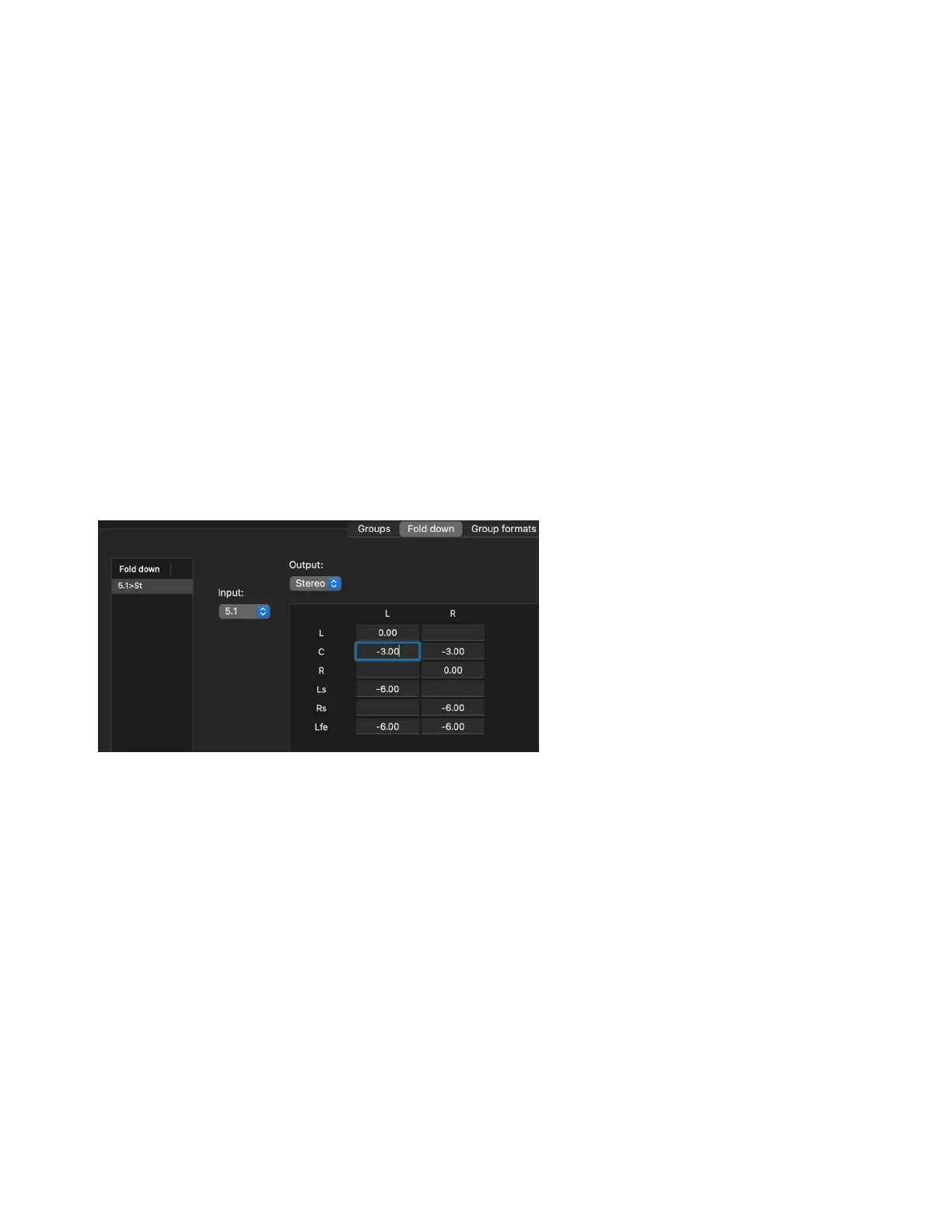
1 In the Monitor Profile Configuration window, click the Fold down tab.
2 In the Fold down column on the left side of the Fold down page, right-click and choose Add new matrix.
3 Right-click New fold down and choose Rename, or double-click it and type a descriptive name (like St>M for stereo to mono).
4 Click to select the new fold down.
5 Select the input channel format from the Input selector (such as Stereo).
6 Select the output channel format from the Output selector (such as Mono).
7 In the resulting matrix (L/R to C), type any desired gain adjustment for the input channels (such as –3.00 dB for L and R).
Attenuating input gain of L and R source channels



 To Next Page