N93-572-88 Issue 12 NH Page 26 of 52 © Protec Fire Detection plc 2020
7.8 Fire Link Operation
Normal Operation
The fire link output activates within one second of the panel entering the alarm state ( if a Fire Link
delay has not been programmed ).
The following 6100 activation’s will not activate the Fire Link:
• Activation from a device programmed as Silence, Reset, IReset, Sound Alarms, Accept or
Invisible Switch class
• Activation from a device in a zone that is programmed in walk test mode
• Activation from the Remote Alarm or Class Change inputs
Delayed Operation and Search Time
Using the Windows commissioning software the fire link activation can be programmed to be
delayed by a fixed time. Upon a device activation the fire link delay timeout will begin, the fire link
output then activates upon expiration of the delay. The maximum fire link delay time is 10 minutes.
A ‘search time’ of 0 to 10 minutes may also be programmed which is instigated by pressing the Mute
Buzzer button at access levels 2 or 3 during the fire link delay. This gives an extra timeout before
activation of the Fire Link occurs ( search time can only be performed once until reset ).
Note that the total Fire Link delay timeout is limited to 10 minutes, even if the Fire Link delay plus the
search time exceeds 10 minutes.
An activation of a device programmed as manual class will override any Fire Link delay currently
running.
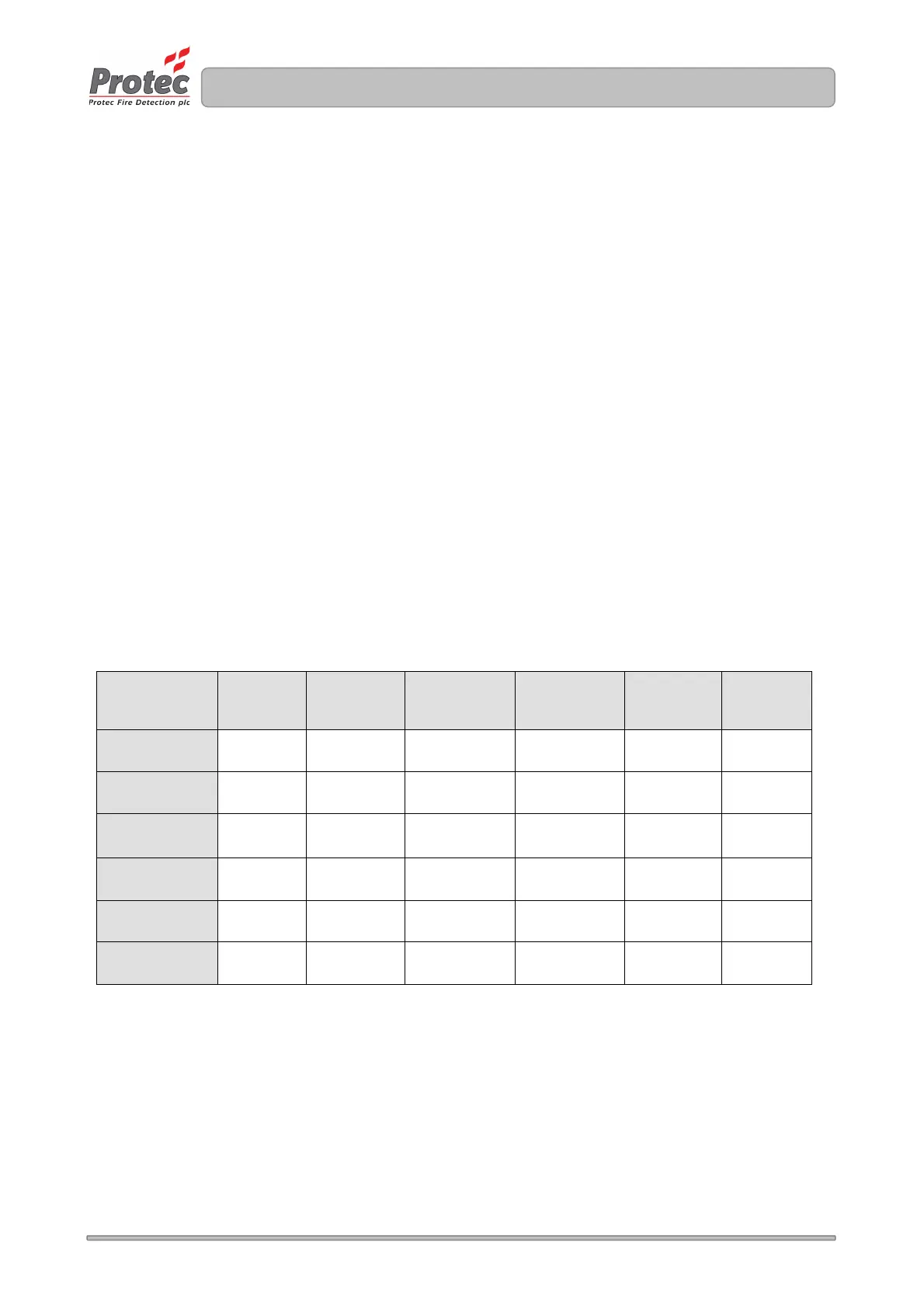
Table 7.3 Effects of Panel Programming on Fire Link Operation
Activation from
a Non latching
Device
Activation from
a device in
walk test zone
2
nd
knock
coincidence
and Manual
Class
Activates after
delay time
Activates after
delay timeout
Activation from a
Non latching
Device
Activates after
delay time
Activation from a
device in walk
test zone
2
nd
knock
coincidence and
Manual class
Note 1:
The first activation to trigger the Fire Link takes precedence. For example, if an non-coincidence
activation begins a Fire Link delay of 5 minutes, a first knock coincidence activation with a delay of 3
minutes will not override the original timeout.
Note 2:
The Fire Link will activate immediately if this feature has been enabled during commissioning. If the
feature has not been enabled, then the current Fire Link delay time will apply.



 To Next Page