N93-572-88 Issue 12 NH Page 7 of 52 © Protec Fire Detection plc 2020
1.0 Items Supplied with the 6100
• User manual
• Installation and Commissioning Manual (this manual)
• Loop Commissioning Booklet (used to affix loop device barcode labels at the relevant addresses)
• 6100 Spares kit
2.0 Items and Information Required Prior to Commissioning
2.1 Site information required to commission the 6100
To ensure rapid and trouble-free commissioning the following information should be supplied to the
commissioning engineer in advance of the proposed commissioning date.
• Loop device text (20 characters maximum per device)
• Zone text (20 characters maximum per zone)
• Panel text (2 lines of 20 characters maximum)
• Cause and effect programming, including;
Zone information
Matrix information
Delays to outputs
Fire Link Delay
Coincidence operation
2.2 Items required to commission the 6100 using the windows software
• Suitable PC with a USB port ( please consult the 6100 programming manual for details of the
recommended PC specification )
• 6100 commissioning software Windows program ( and associated dongle if the system is
managed )
• 6100 Programming Manual ( available upon request, or from the Protec website )
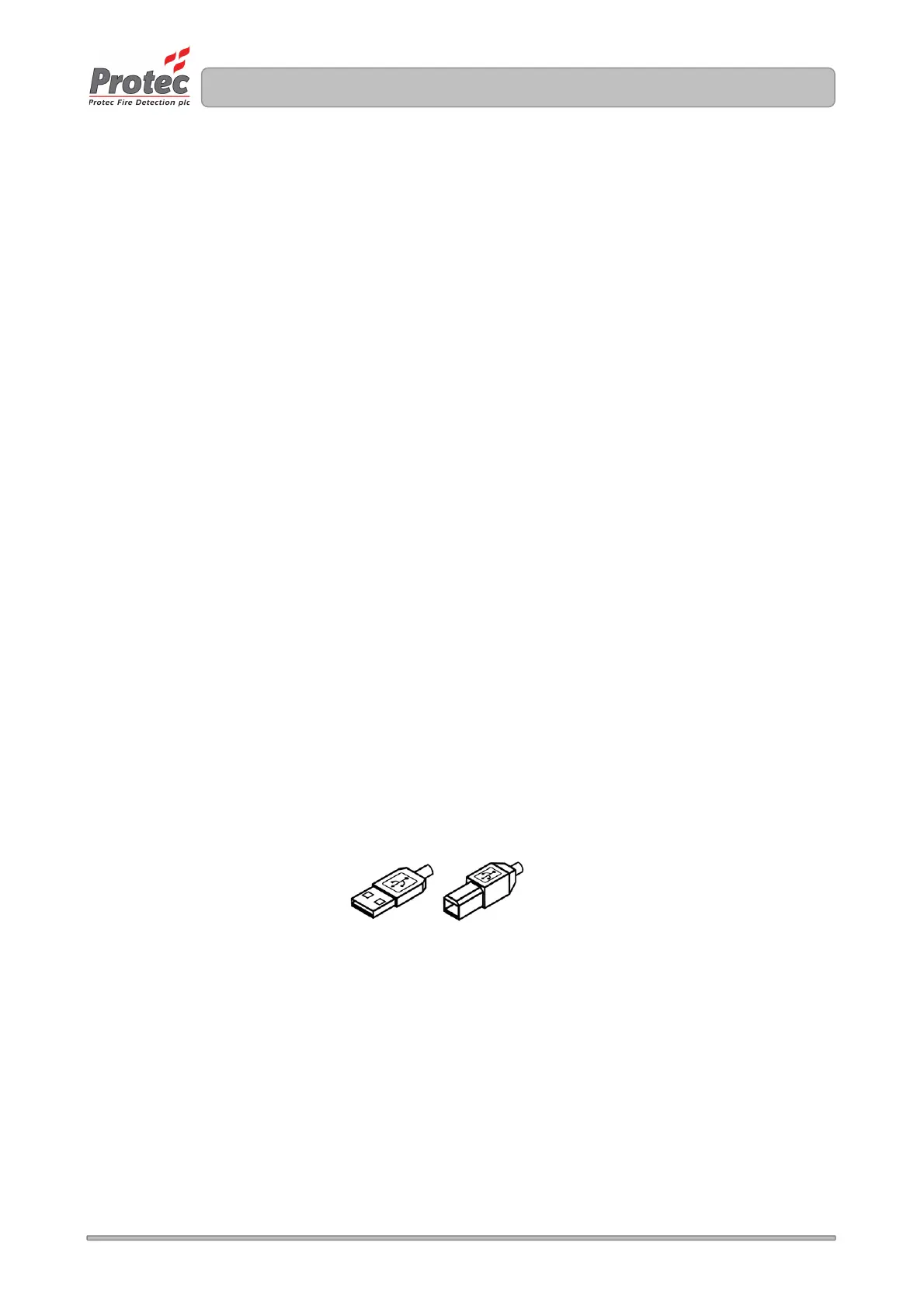
• USB 2.0 Lead ( Type A male to Type B male 2 metre maximum length ), as illustrated below
.



 To Next Page