N93-572-88 Issue 12 NH Page 35 of 52 © Protec Fire Detection plc 2020
7.20 Disabling / Enabling a Loop Device
1. Enter the engineer code supplied with the system and press the ¿ key to access the menus.
2. Scroll to the DISABLE A DEVICE menu and press the
¿
key. See Figure 7.10.
3. Using the ◄ and ► keys select the device address to be disabled / enabled.
The current disablement state of the address is displayed next to the address number, and any
programmed address text is displayed on row 3 of the LCD.
4. Press the '▲' key to disable the address, or the '▼' key to enable the address.
Zone disablements take precedence over device disablements. A device that is in a disabled
zone cannot be individually enabled. The whole zone must be enabled.
If a device is being taken out of disablement, but is in the alarm state, then the 6100 will
display a warning screen and then automatically perform a system reset. This is done to
avoid the 6100 immediately entering the alarm state when the device is normalised.
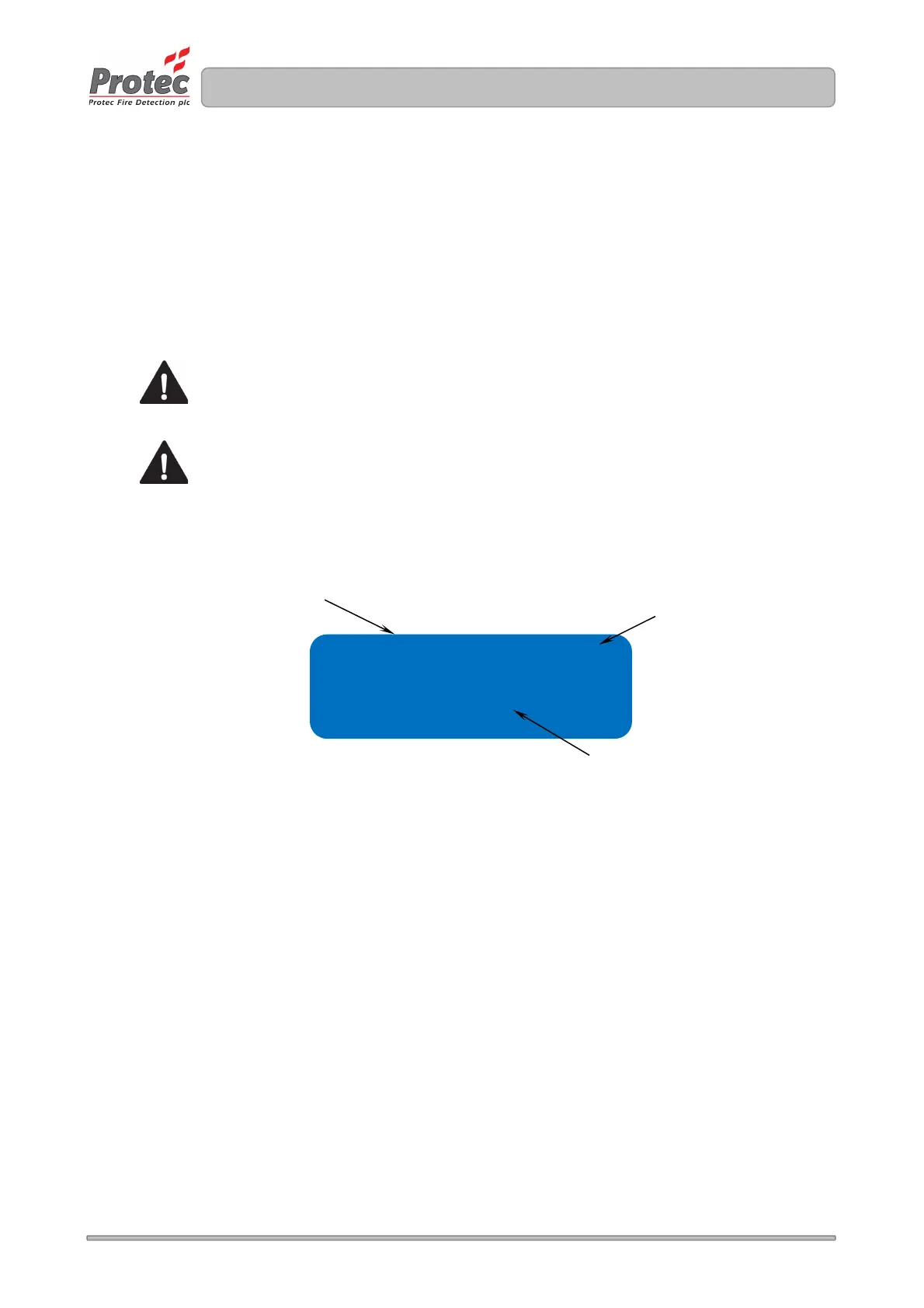
Figure 7.10 Device Disablement Screens
ADDRESS 001 DISABLED
DEVICE TEXT HERE XXX
Indicates if the device is
currently Enabled or
Disabled



 To Next Page