N93-572-88 Issue 12 NH Page 39 of 52 © Protec Fire Detection plc 2020
7.26 Displaying Loop Device Data
The DISPLAY LOOP DEVICE DATA menu allows the engineer to view data relating to any loop device
logged onto the 6100. During the commissioning phase this feature may be useful to determine the
state of each loop device, the reply values for each channel and any missed replies.
Press the
¿
key at the DISPLAY LOOP DEVICE DATA menu option. The first screen is then
displayed.
Using the ◄ or ► keys locate the address of the device to be viewed.
Press the ▲ key to scroll through the data screens for the device.
Press the
¿
key at any time to return to the main menu.
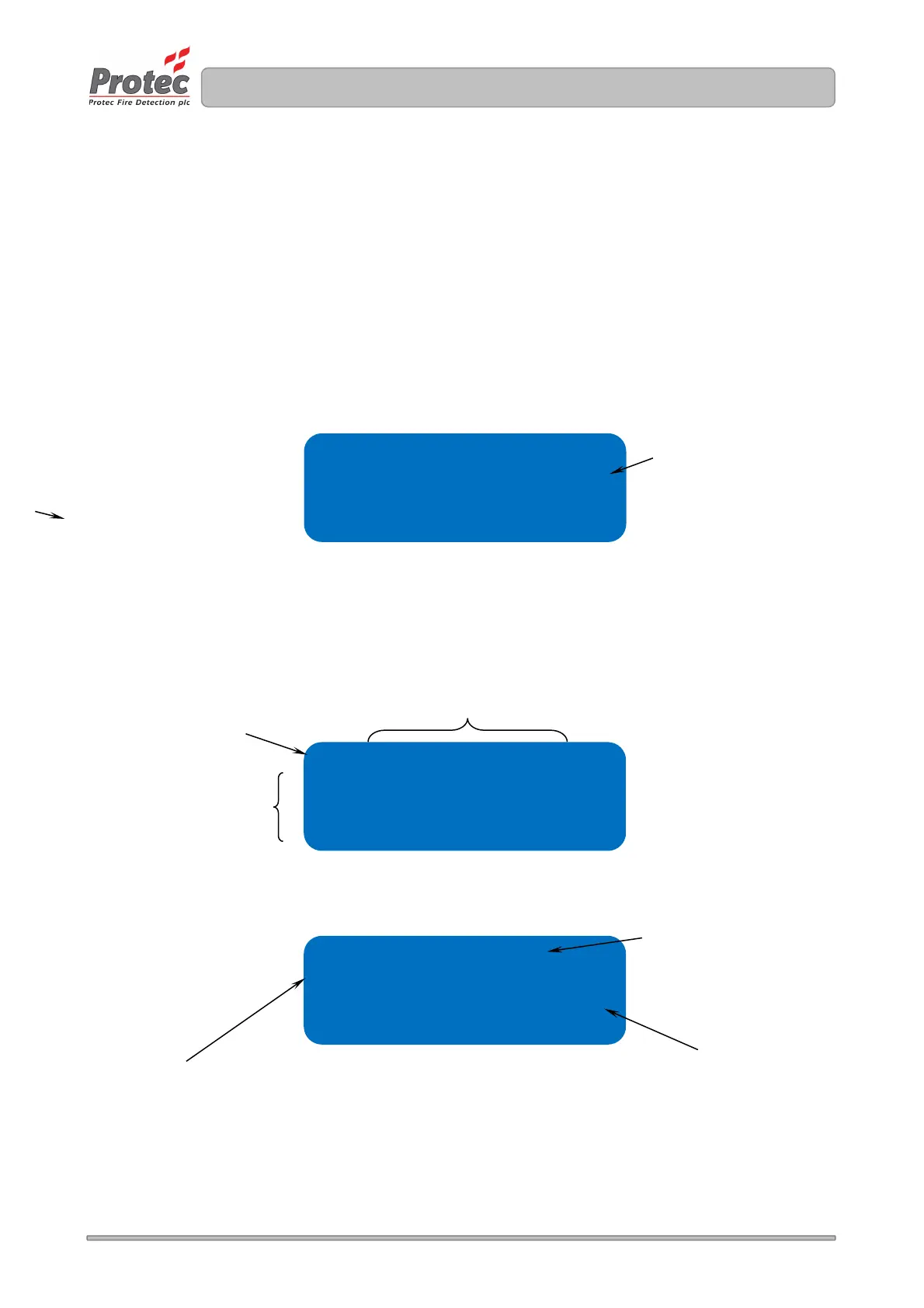
Figure 7.18 Display loop device data screen 1
Screen 2 displays the current and the time averaged analogue values for the device.
Rows 2, 3 and 4 of the screen display return values for channel 1, 2 and 3 of the device. If the device
does not use all channels the unused channels appear as 000.
Figure 7.19 Display loop device data screen 2
Figure 7.20 Display loop device data screen 3
DEVICE STATE
NORMAL the device has no faults
FAULT the device is in fault
FAILED SETUP the device has failed
initialisation
Address 001 opt ht
Snum E00461 ( sht )
Zone 01
State normal
T0 T1 T2 T3 Th
058 058 058 058 058
122 122 122 122 122
000 000 000 000 000
Missed scans 01
Co cell ok 060
Eeprom prog passed
ADDRESSING MODE
SHT means short addressed
MED means medium addressed
LNG means long addressed
Displays how many reply scans have
been missed since the counter was last
reset. Pressing the ▼ key will reset the
counter.
PASSED – the device received and
stored its output data successfully
FAILED – the device failed to store its
output data
If the device has a Carbon Monoxide
detection channel this value is used to
determine the operational state of the
cell.



 To Next Page