N93-572-88 Issue 12 NH Page 32 of 52 © Protec Fire Detection plc 2020
7.18 Programming Loop Device Address Data
If new loop devices are to be allocated the loop must be logged and mapped before
entering this menu.
The loop devices temporarily stored during logging and mapping must be allocated certain
operational parameters before the 6100 can process data from them. The PROGRAM ADDRESS
DATA menu is used to achieve this.
At the PROGRAM ADDRESS DATA menu option press the
¿
key. A flashing cursor indicates which
parameter is currently being edited. Note that choices are spread over multiple screens.
Also note that not all parameters apply to all device types ( for example sensitivity setting is
meaningless for a loop sounder, and volume is meaningless for a heat detector ) non applicable device
parameters can be still be set up but are not processed by the 6100.
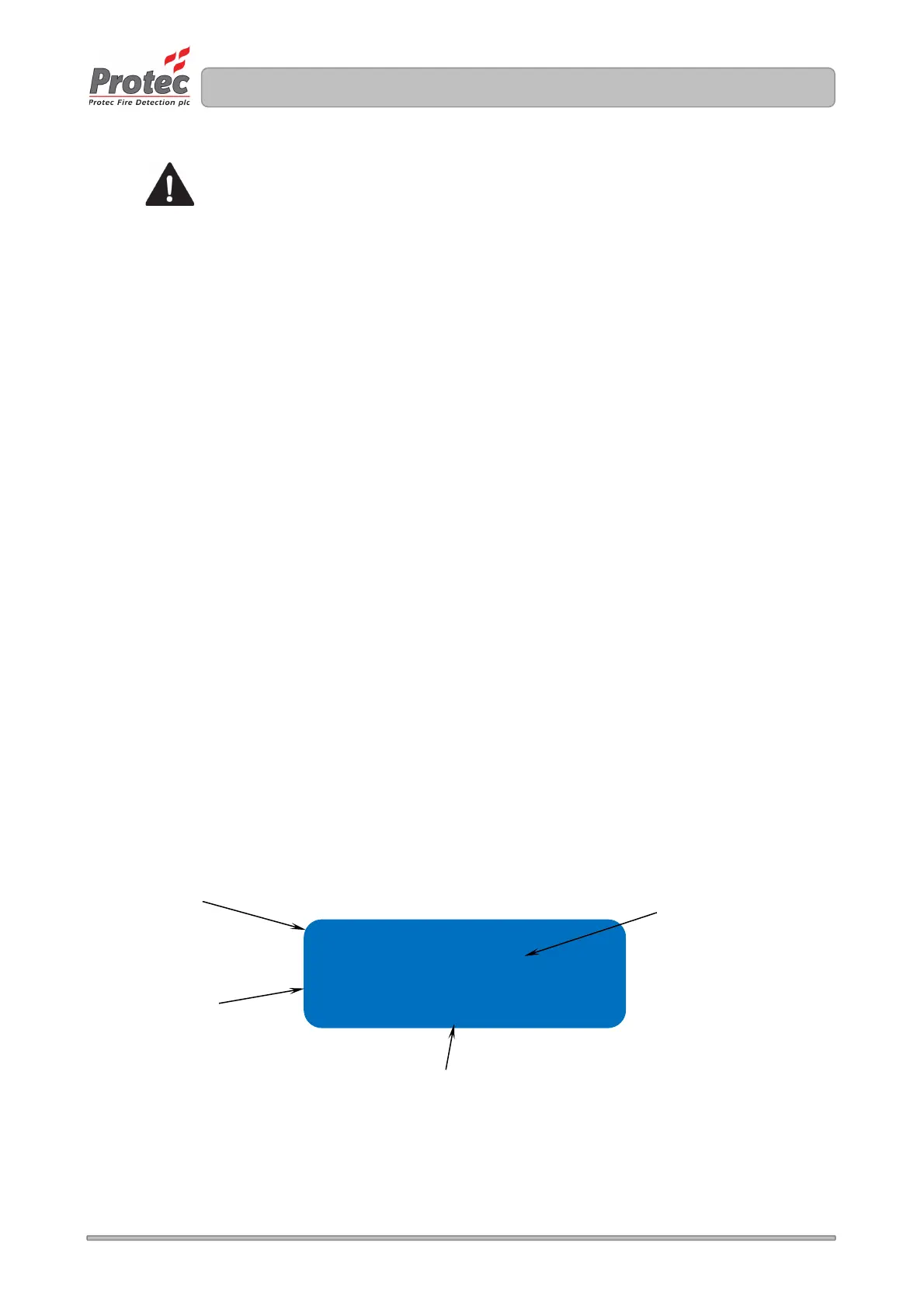
With reference to figure 7.3
Selecting a loop address to edit its parameters
Using the ◄ or ► keys choose the loop ADDRESS to be edited.
To allocate a loop device serial number to the address
Use the ▲ and ▼ keys to select SNUM field.
Using the ◄ or ► keys link a currently unallocated loop devices to this address.
To de-allocate a device from this address select a SNUM of 000000, this then makes the loop device
free to swap to another address or it can be left de-allocated ( the 6100 will not process a de-allocated
device ).
To set the zone number for the address
Use the ▲ and ▼ keys to select ZONE field.
Use the ◄ or ► keys to set the zone number for the address, valid zone numbers are 1 to 32 inclusive.
To set address to be latching or non-latching
Use the ▲ and ▼ keys to select STATE field.
Use the ◄ or ► keys to toggle the state between LATCHING and NON LATCHING as required.
Figure 7.3 Program address screen 1
Address 001 Opt Ht
Snum e00461+
Zone 01
State Latching
The loop address
being programmed
The zone number
of the loop address
The loop device serial number currently
allocated the address.
• Nothing here means the device is
already stored in the memory
• A + means the device is not
currently stored in the memory
• A – means the device is stored in
the 6100 memory but has not been
logged
Set-up latching or
non-latching here



 To Next Page